38
ZY120 6-20kVA (11) User Manual EN rev.04.doc
Annex A. Rated Parameters Set on LCD
1. Power on LCD
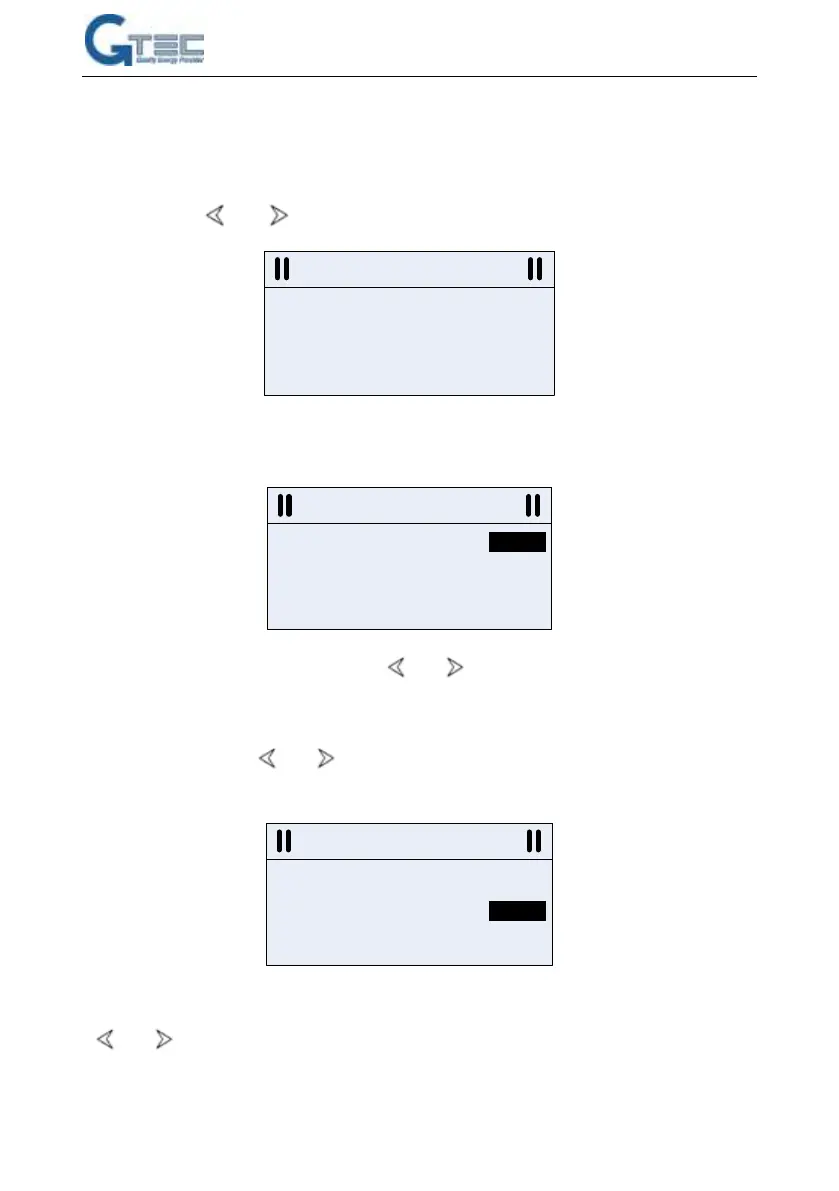
2. Press button together for 3 seconds, enters in rated setting menu as below
3. Press button “ENTER” to activate setting function as below. Shadow means the current
parameter can be set now.
4. Input voltage setting is activated. Press to select the rated input voltage. The
voltages are available for customer such as: 110V, 120V, 127V, 200V, 208V, 220V, 230V, 240V.
5. Press “ENTER” button to confirm input voltage selection and activate output voltage setting
menu as below. Press to select the rated output voltage. Output voltages are
available for customer such as: 110V, 120V, 127V, 200V, 208V, 220V, 230V, 240V.
6. Press “ENTER” button to confirm output voltage selection and activate frequency setting. Press
to select the rated frequency. 50Hz and 60Hz are available for selection.



 To Next Page