80%
Deep Clean
125
80%
Standard Clean
85
100%
Charging
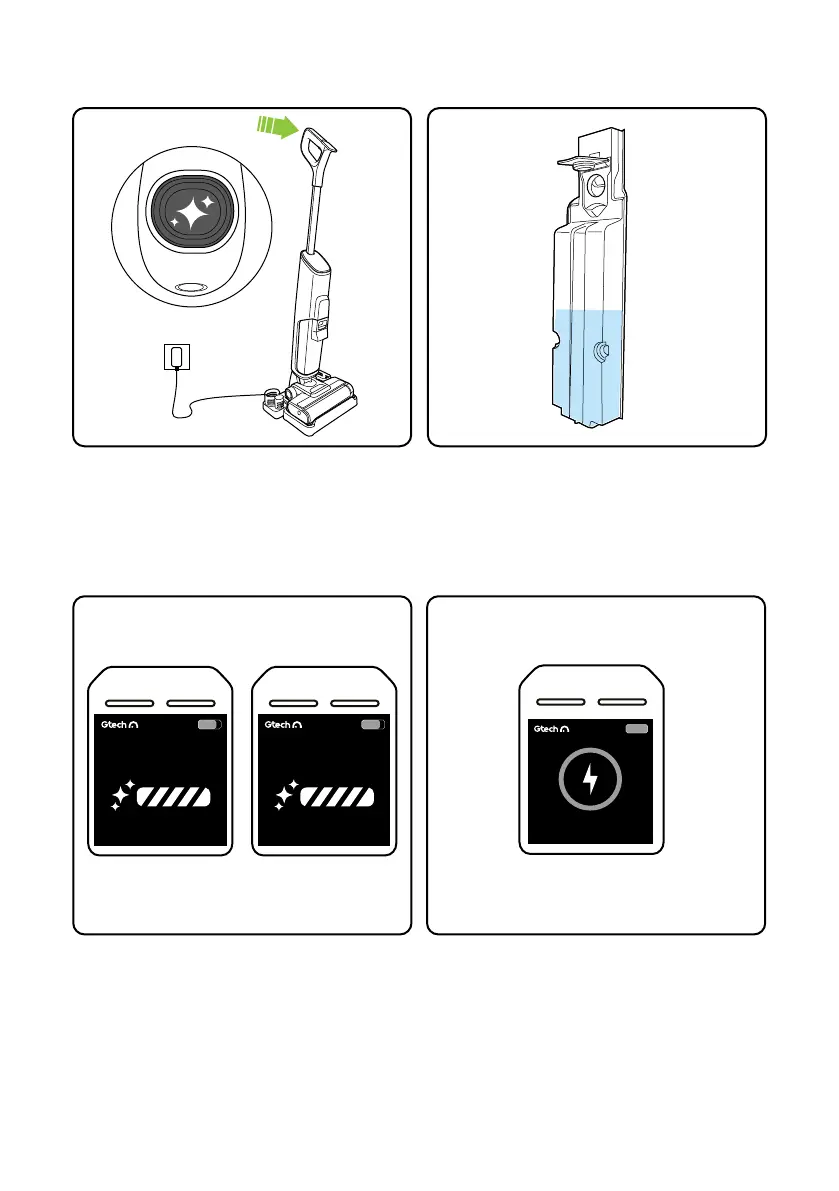
Self-cleaning mode
Use the buttons on the screen to choose from
Standard Clean and Deep Clean. A countdown
will display for seconds remaining.
When the self-clean routine completed the
charging symbol will appear on the screen.
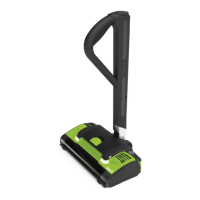
Remove and empty the waste water tank as
shown on page 9.
To clean the product aer use, place the Orca
into the stand and press the button at the top
of the handle.
The clean water tank must be at least half full
of water.
11


 To Next Page