Operation
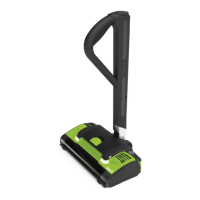
The power on/off button is located underneath
the screen on the upper handle. Press and hold
the power button until the Orca starts and
the LCD display comes on. Once started the
button can be released.
To switch off press and hold the power button
until the Orca stops and the LCD display goes
off. A single blue light will be displayed
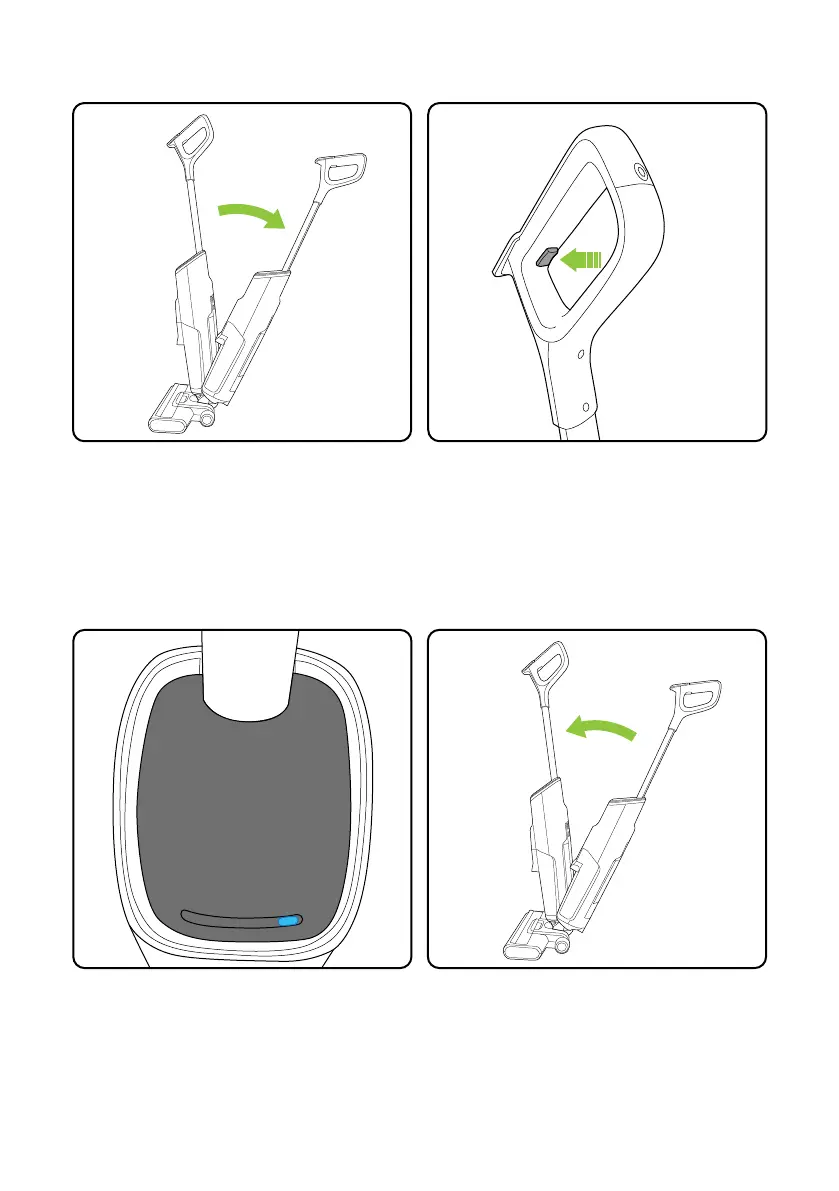
The Orca will not start in the upright position.
To use put your foot on the head and pull the
handle back.
If the Orca is put into the upright position
during use it will automatically power off.
To re-start follow the actions above.
Off
Operate
Operate
Off
7


 To Next Page