Operation
helpline 01905 345891 email support@greytechnology.co.uk web www.gtechonline.co.uk
7
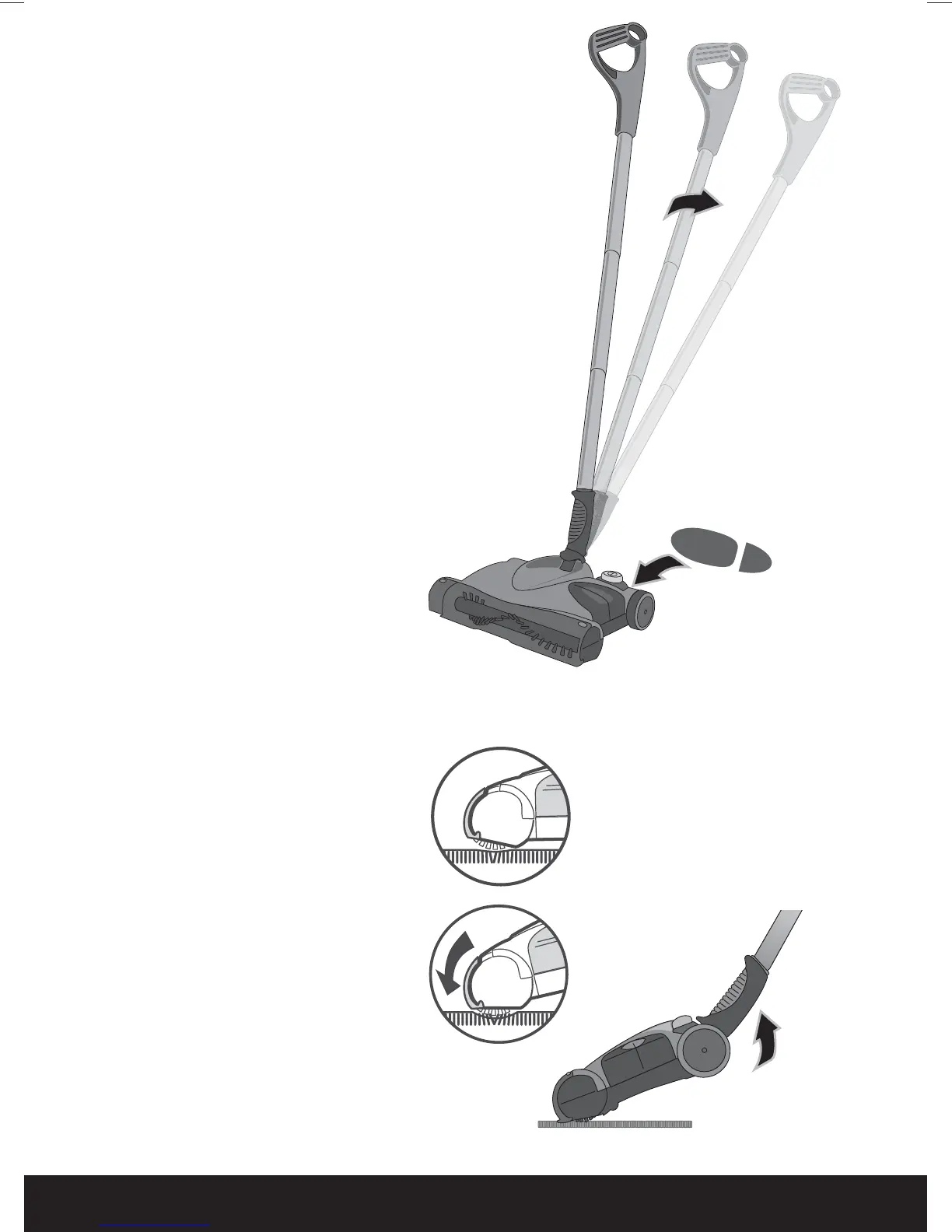
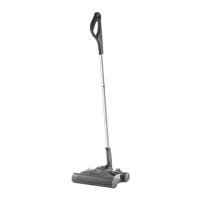
Parking & Release
of Main Handle
1 The Handles and Tubes
park upright for storage.
2 To release for use, press
on the top of the sweeper
with your foot while
pulling back on the Handle.
3 Push the ON/OFF button
to operate the unit. The
LED will light green. To
turn the sweeper off, push
the ON/OFF button again.
Floor Cleaning
1 For normal cleaning push
the sweeper flat over the floor.
2 For deeper cleaning and
carpet grooming, lift the
Handle to lower the brush
bar into the carpet.
6:0DQXDOLQGG


 To Next Page