1
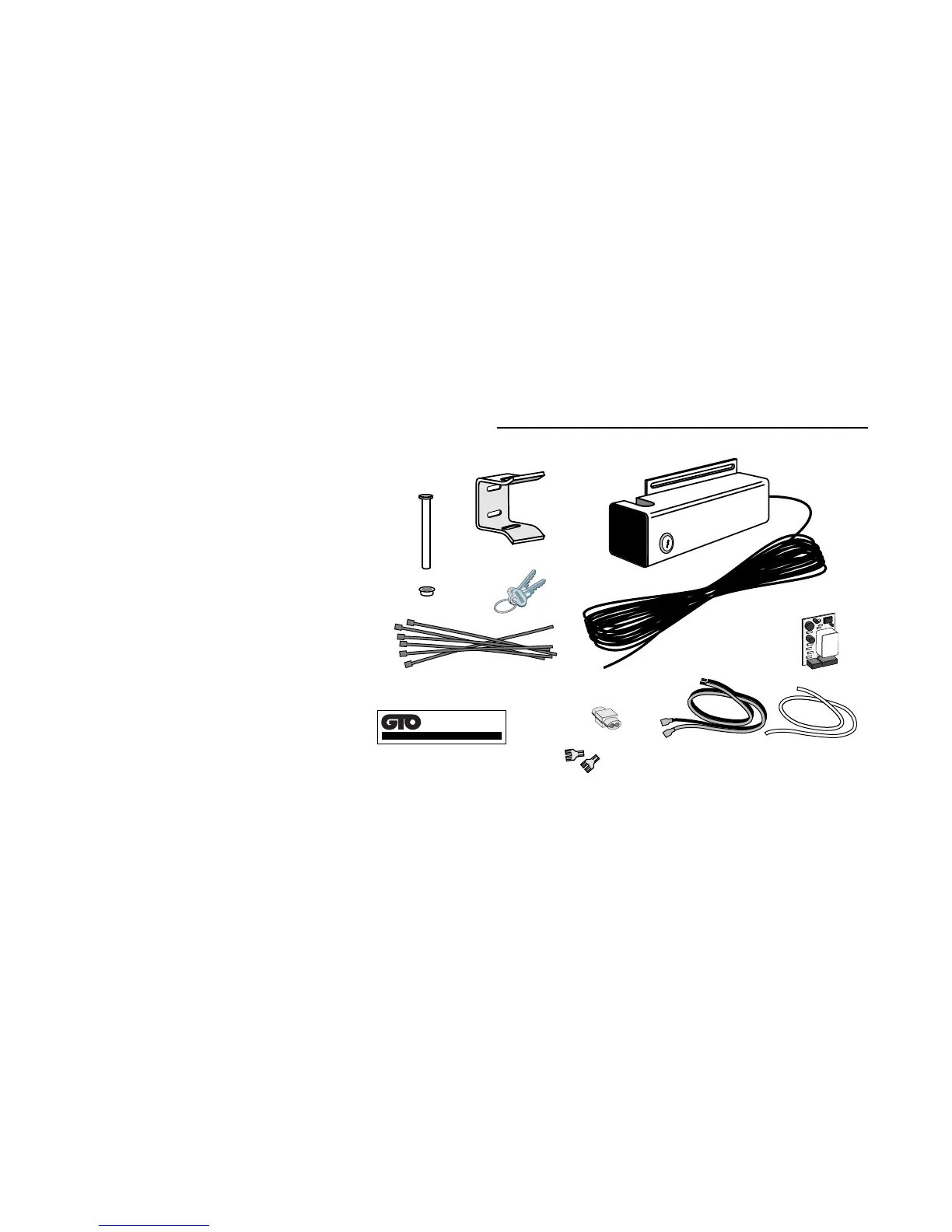
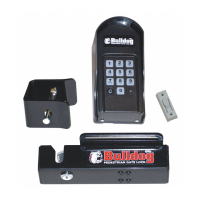
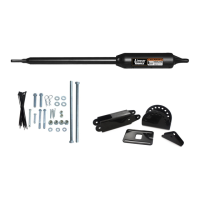
Be sure you have all the parts:
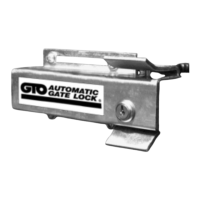
A - Lock with 20' of low voltage wire
B - Lock Receiver
C - Clevis Pin
D - Locking Cap
E - Lock Board Battery Lead Wires
F - White Wire
(motor lead to lock board)
G - Lock Control Board
H - 2 Double Spade Tongue terminals
I - 6 nylon cable ties
J - 3M
®
Scotch Loc
K - Lock Keys (for manual release)
L - Lock Decal
What else do you need?
Mounting hardware is not included. Read these instructions completely and review the installation examples to
determine the mounting hardware required for your application.
NOTE: The GTO Lock is designed to use mounting hardware up to
5
/16" in diameter. For a more secure installation,
use lock washers and lock nuts on all mounting hardware.
For most IRON or ALUMINUM TUBE gates you will need:
Bolts, washers, and nuts for the lock and receiver. (see Illustration B, page 3)
For most CHAIN LINK gates you will need:
U-Bolts, saddles or bolts, washers and nuts for the lock.
Bolts, washers, and nuts for the receiver. (see Illustration C, page 3)
The installation has two parts:
(1) Mounting The Lock
(2) Connecting the Control Boards
Once you have the necessary mounting hardware, you can begin the installation.
Before You Start...
For the GTO Automatic Gate Lock work properly, the gate must close firmly and engage the lock catch against
the lock receiver. Achieving optimal closure may require slight adjustments to the gate opener settings.
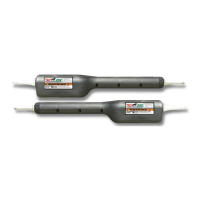
Installing the lock with the Mighty Mule E-Z Gate Opener
®
may require slight movement of the stroke
adjustment knob
(and changes to the obstruction sensitivity–on Generation 2000 Control Boards ONLY). See Setting
the Gate Closed Position in your Mighty Mule Installation Manual for information on these adjustments.
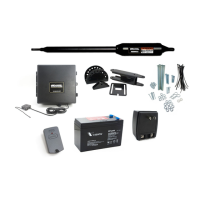
Installing the lock with a GTO/PRO gate opener may require slight movement of the stroke adjustment knob
and changes to the obstruction sensitivity (see your GTO/PRO Installation Manual for information on these
adjustments).
If you are installing the lock on a Push-to-Open gate (gate opens out), the lock must be installed on the
outside of the gate. Depending upon the installation, the gate post may need to be "pocketed" to accommodate
the lock receiver. Contact the GTO Service Department at (850) 575-0176 for assistance.
AUTOMATIC
GATE LOCK
®
B
A
C
D
E
F
G
H
I
J
K
L


 To Next Page