PX/QX/RX Version 4.20 User Manual – Issue B
- 20
-
User
Code-07
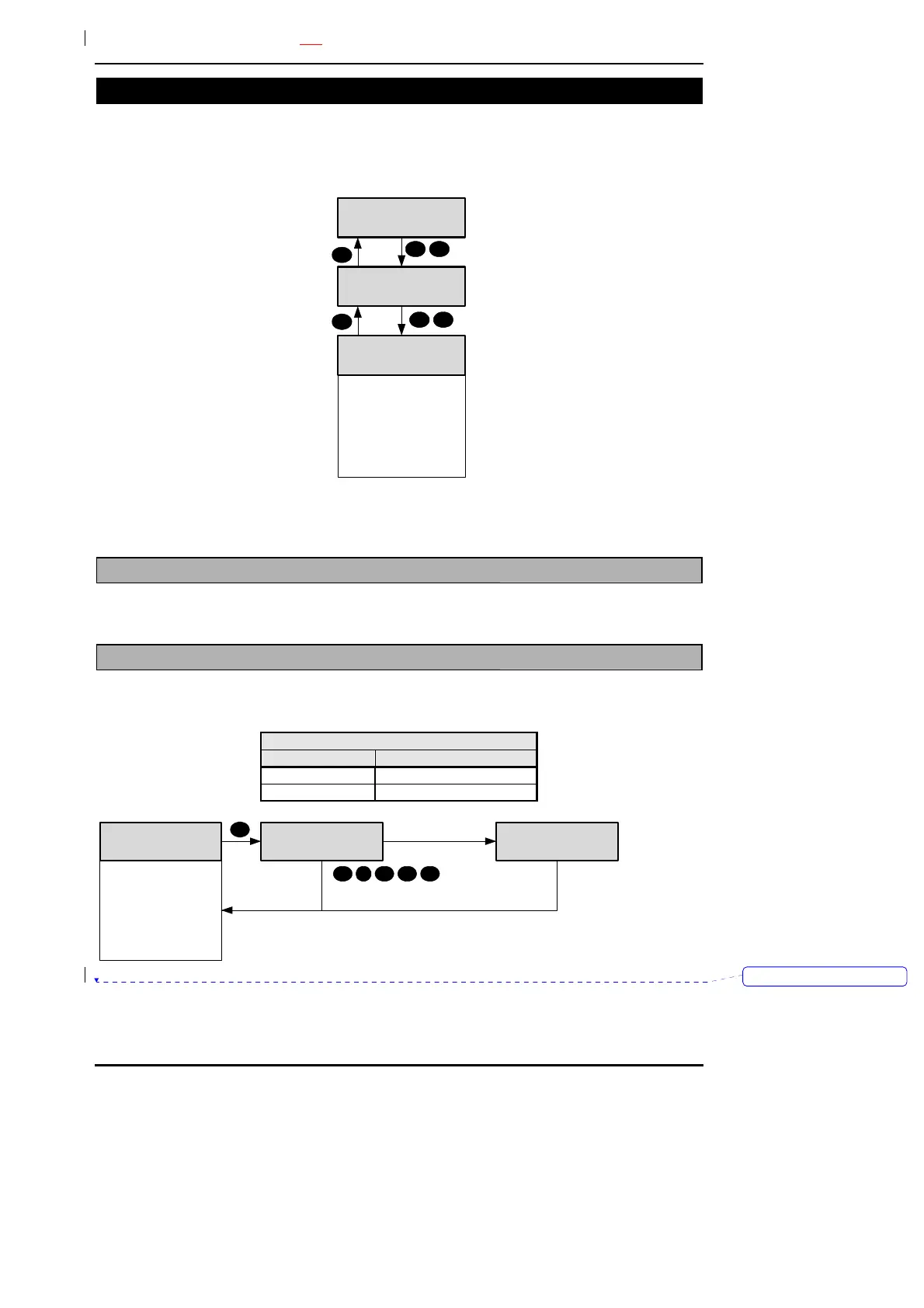
Any master user can change the name, user code and authority for any user except the engineer. To
modify a user’s details enter the user number in the range 2-max users. In the programming example
user 3 is used.
07=User
User
Number ____
0 7
3=Card
4=Authority
5=ACM Authority
6=Schedule
7=Lockout
8=Expiry Date
1=Name
2=PIN
3
The user 2 configuration may only be changed by user 1 or user 2. Access system users can be
added quickly using the “Add User” menu option (50), rather than programming them individually.
User Menu
Name
Code-1
When the name option is selected the current user descriptor will be displayed and can be edited.
Refer to appendix B for details. User names can be up to 10 characters long.
User Menu
PIN
Code-2
For details of changing a code refer to the main menu code change option. The default user codes are
shown in the table. The maximum PIN code length is 6 digits.
Default Codes
User Number PIN
2 0202
3-last user Off
New PIN
Not Available
New PIN
1234
3=Card
4=Authority
5=ACM Authority
6=Schedule
7=Lockout
8=Expiry Date
1=Name
2=PIN
2
PIN OK
2 1 3 4
PIN not unique
Verwijderd: 



 To Next Page