PX/QX/RX Version 4.20 User Manual – Issue B
- 28 -
Shunt
Code-33
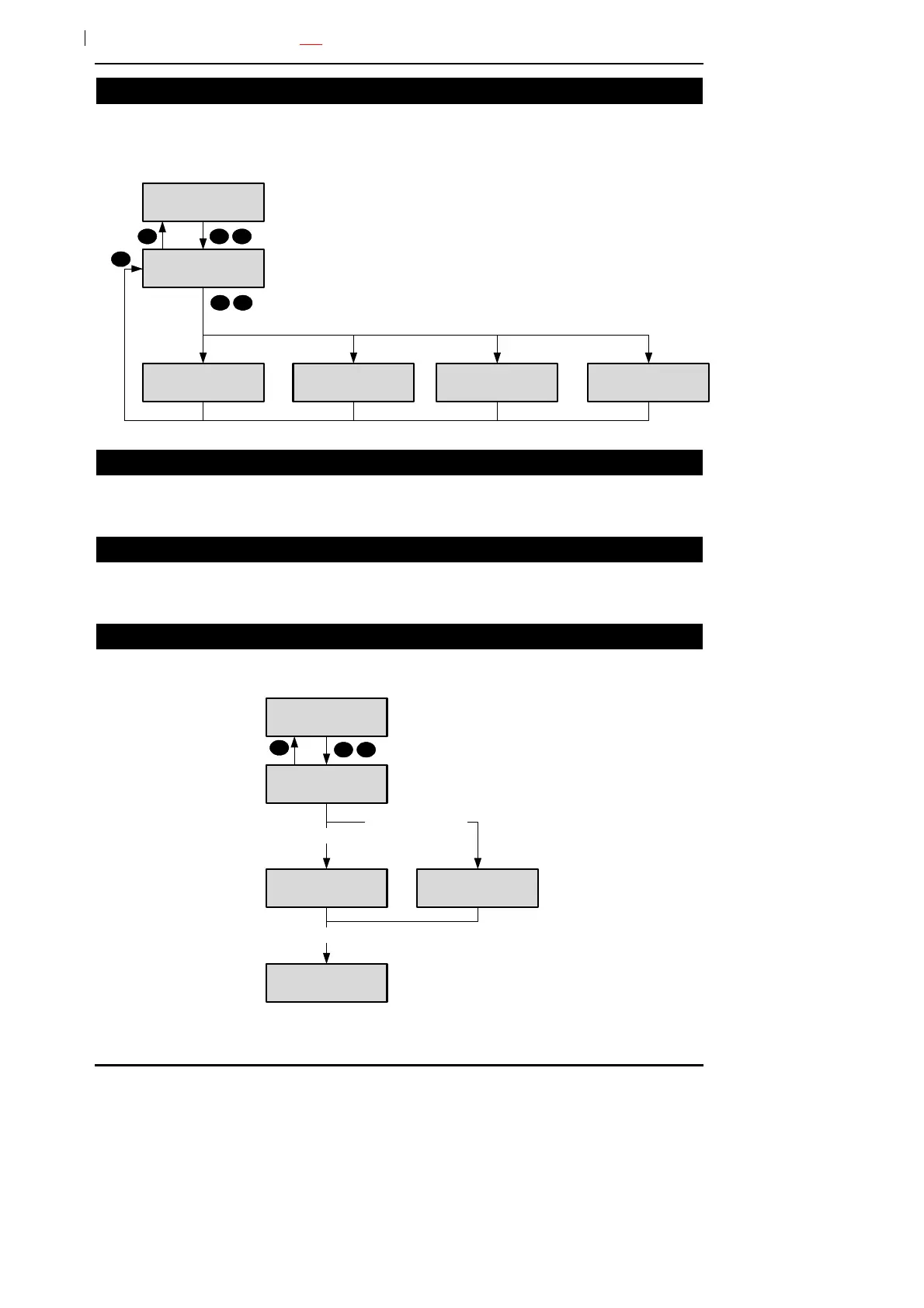
A manager or ordinary user can be programmed with the shunt option. The shunt option will only be
displayed if there are shuntable circuits in the user authorised areas. Shunted circuits may be viewed
at any time using option 89 (Cct Status). All shunt actions are logged.
33=Shunt
Circuit
Number ___
Enter circuit
number
Cct-01
Shunt On
10
Cct-01
Shunt Off
Not Available
Not Programmed
Circuit was
not shunted
Circuit was
shunted
Circuit cannot
be shunted
Not Available
Shunt Limit
Max. Number of
circuits already
shunted
3 3
Print Text
Code-40
This option will only be available if a printer is connected to the system. The print text option will print
all text descriptors.
Print Hols.
Code-42
This option will only be available if a printer is connected to the system. The print holiday option will
print all holiday periods.
Identify User
Code-52
This option allows a user to be identified by presenting the card/fob.
52=Identify User
Present Card/Fob
5 2
Code Not Used User 3
J Smith
User 3 fob presented
Unused card/fob presented
User 20
J Black
User 20 fob presented



 To Next Page