PX/QX/RX Version 4.20 User Manual – Issue B
- 31 -
Delete User
Code-51
This option will only be available if at least one ACM is fitted to the system. In the example shown user
3 is deleted from the system.
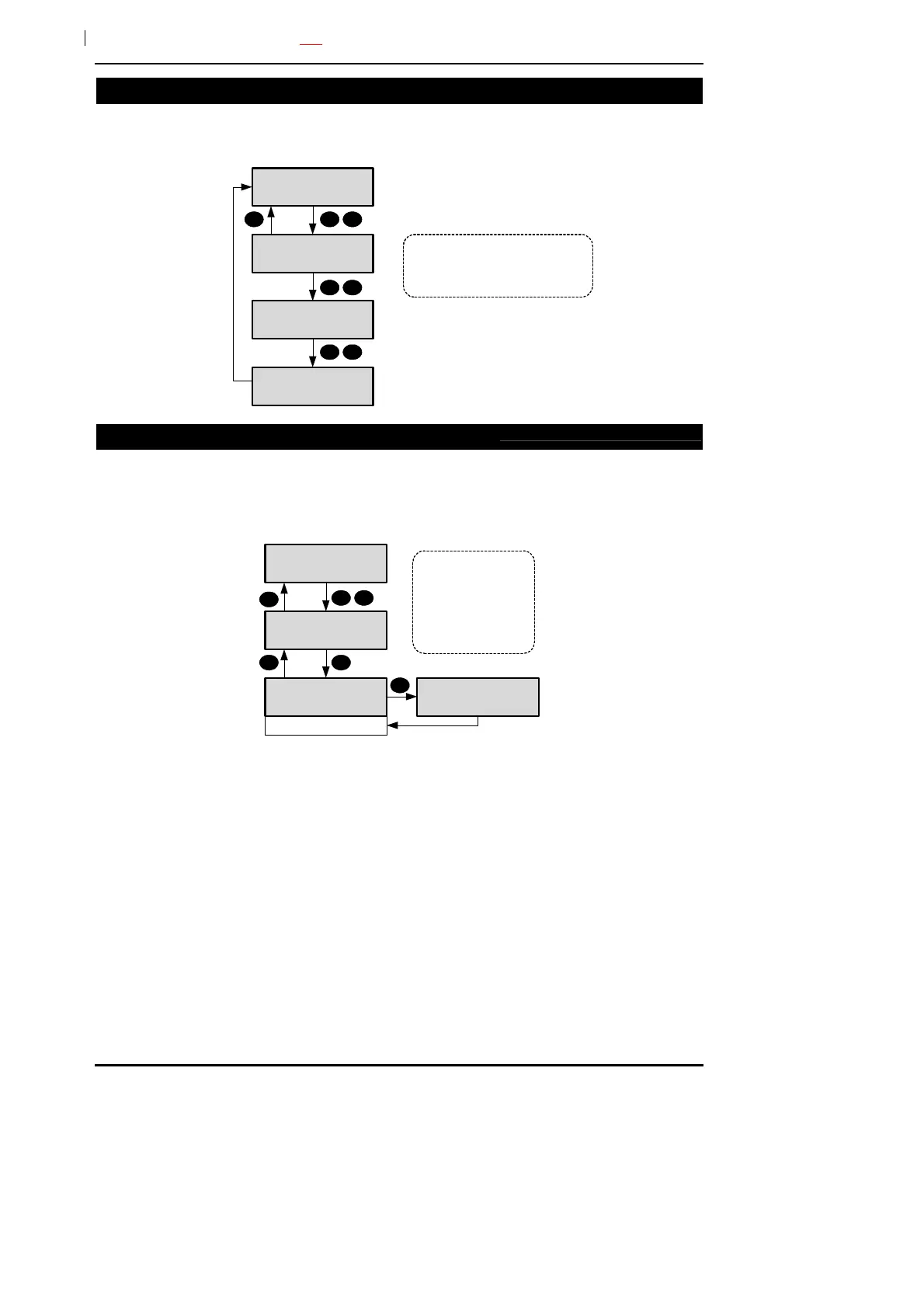
51=Delete Users
Delete Users
____-____
5 1
Enter the range of users to delete.
To delete a single user, enter the
user number twice. User numbers
can be entered without leading zeros.
Delete Users
3___-____
3
Delete Users
3___-3___
3
Door Unlock
Code-53
This option will only be available if at least one ACM is fitted to the system. An ACM door can be
manually locked/unlocked from a keypad. An optional unlock time of up to 255 minutes can be
programmed. If a time of zero is programmed the door will remain unlocked until the unlock option is
turned off. While a door is locked it can still be opened by presenting a valid user card.
53=Door Unlock
Door
Number _
5 3
1
Unlock Time-000
Door 1
Door Unlock-On
1
Door 1
Door Unlock-Off
The system can be
programmed by the
engineer to allow the
manual door lock/
unlock option to
override the schedule
control.



 To Next Page