PX/QX/RX Version 4.20 User Manual – Issue B
- 41
-
Appendix F – Audio Commands
This section only applies to systems that are fitted with an audio bus or a speech module. The speech
and audio functions of the system by using a DTMF telephone handset. To use an audio or speech
function:
1. Dial the control panel telephone number
2. Log on using your PIN code and terminate with the # button
3. Enter the required function code
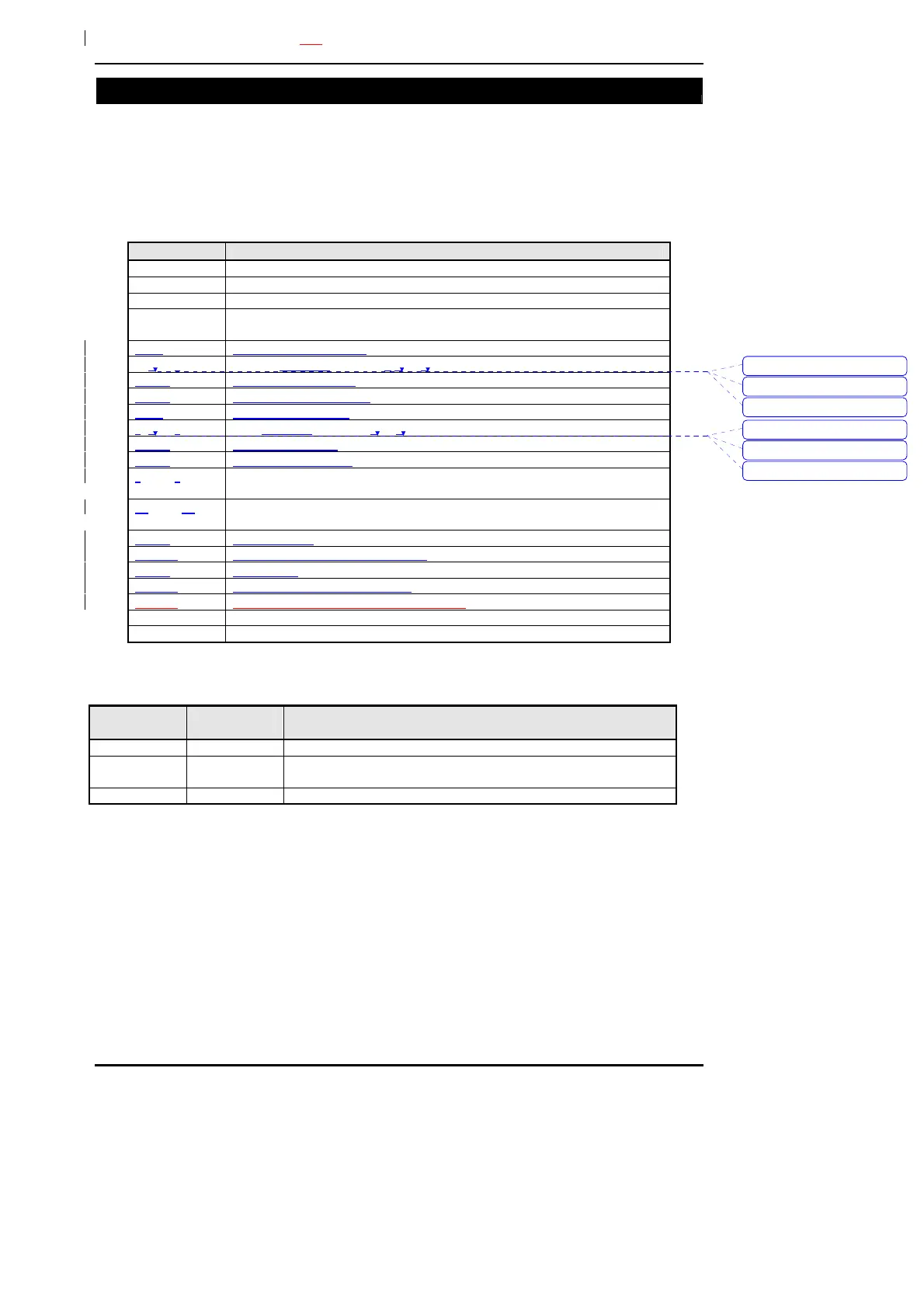
Code Meaning
*01# - *32# Activate TalkBack modules 1 to 32
*00# Activate all TalkBack modules
# Toggle between listen and talk modes
*59# Replay stored audio (the system must be fitted with an audio interface
with the speech record option)
*40# Record main message
*41# - *49# Record channel messages 1 to 8
*410# Record set message
*411# Record unset message
*50# Play main message
*51# - *59# Play channel message 1 to 8
*510# Play set message
*511# Play unset message
*61# - *68# Turn on output 1 to 8 (the selected output must be programmed by the
engineer)
*171# - *178# Turn off output 1 to 8 (the selected output must be programmed by the
engineer)
*010# Unset system
*01nn# Unset group n, where n = 1 to 32
*020# Set system
*02nn# Set group n, where n = 1 to 32
*03nn# Status of set group n, where n = 1 to 32
* Cancel command
*# shut down call
Note that all commands except toggle are preceded with a “*” and you must wait for the confirm tone
after the “*” before pressing “#”.
Message Length
(seconds)
Function
0 8 Main message sent with all speech format alarm reports
1-8 4 Channel messages sent when the corresponding channel is
active
9 6 Memo message or stored audio message
Verwijderd:
Verwijderd:
0
Verwijderd:
0
Verwijderd:
0
9



 To Next Page