26
© Guldmann GB/US-12/2018 • # 550383_9.00
© Guldmann GB/US-12/2018 • # 550383_9.00
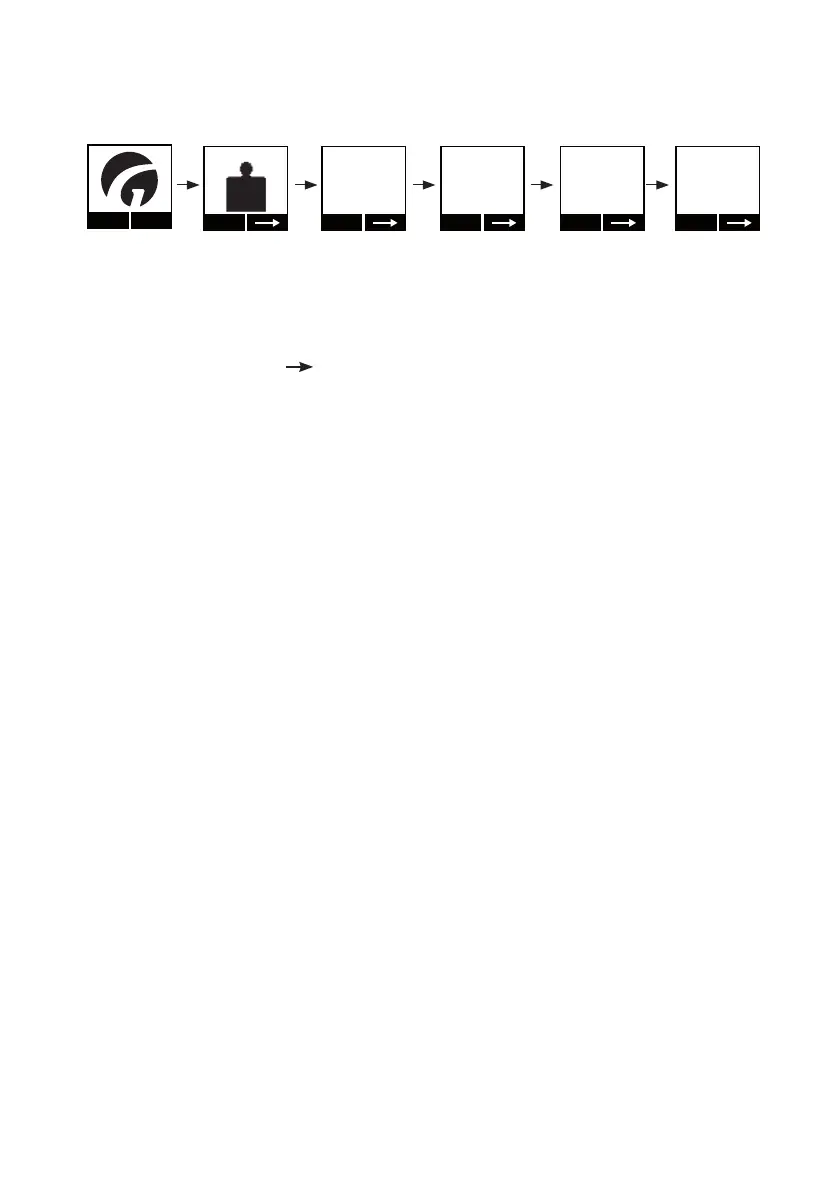
Resetting (tare) of the Class III scale
Menu
Start
III
Scale
Ta r e
Scale
- - -
Ta r e
Scale
0.0 kg
►0◄
Ta r e
Scale
7.6 kg
Ta r e
Scale
0.0 kg
NET
1. Press any key on the hand control to activate the hoist.
Guldmann logo “G” appears in the display.
Select “Menu” using the function key located immediately below the display.
2. Then select until the “Scale” menu appears in the display.
Then select “Start”.
3. - - - ashes until the scale nds its zero point.
4. When the zero point has been detected, the display will read 0.0 automati-
cally.
5. Mount the lifting hanger with sling onto the lifting strap. The weight of the
hanger and strap will be displayed on the scale. Select ”tare” to reset. It is
only possible to tare when ”kg” is shown in the display. Do not pull the hand
control while taring and weighing, as doing so will affect the result.
6. ”00” is shown once again in the display, and ”net” appears under the ”kg” sign.
The scale is now ready for weighing.


 To Next Page