PLANEBOOK
TM
OWNER’S MANUAL
PlaneBook™ Owner’s Manual 34 © Gulfstream 2008
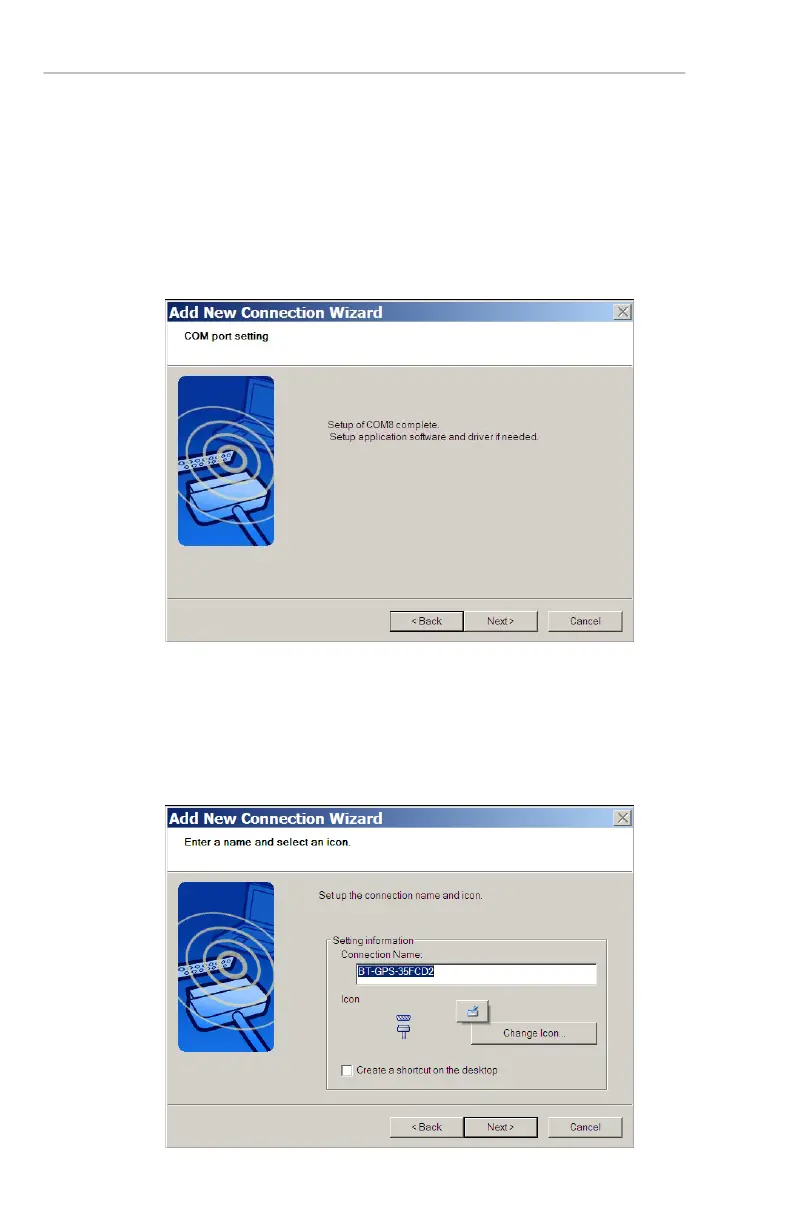
8. Once Step 7 is complete, the following dialog box
will appear. The setup of application software will
be covered in Section 3, PlaneBook™ Bluetooth™
Recognition of the GPS Unit and Setup. The
drivers have been pre-installed prior to shipment,
making the GPS a “plug-and-play” device. Select
Next to continue.
9. (Optional) At this point in the wizard you may
rename your GPS, change its icon or create a
shortcut to it on your Windows
™ desktop. Once
selections (if any) are made, select Next to
complete the wizard.


 To Next Page
 Loading...