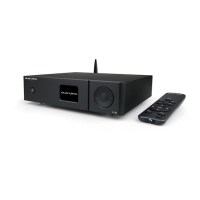
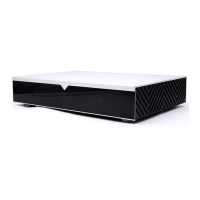
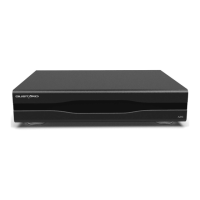
Infrared remote control
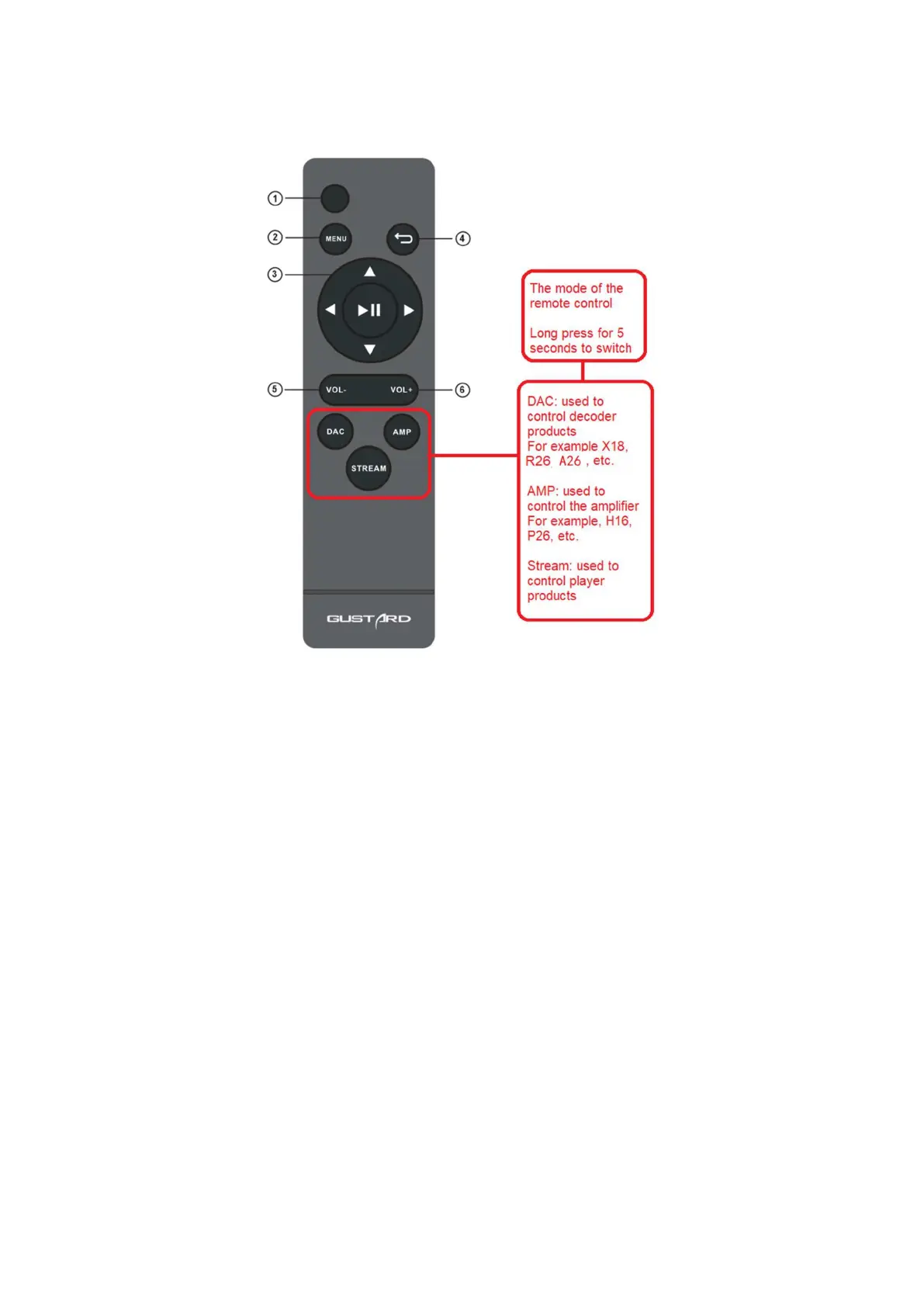
* When used to operate DAC products, please press and hold the DAC button for more than 3
seconds to enter the DAC operation mode. AMP and STREAM modes are used to control other
types of GOSTE products
① Ready/use button: In the ready state, press this button to light up the screen of
A26 and enter the use state; when the A26 is in use , press this button to enter the ready
state.
② Menu button: Press this button to enter the function setting menu of A26 .
③ Four-dimensional direction button: When entering the menu of A26 , use the up/down of the
four-dimensional direction key to switch the function to be adjusted, and use the left
/ Right to adjust options.
Press the middle to enter or unmute.
④ Back button: Return to the main screen display state.
⑤ Volume down button: When the A26 is displayed on the main screen, press this button to
reduce the output volume.
⑥ Volume plus button: When the A26 is displayed on the main screen, press this button to


 To Next Page