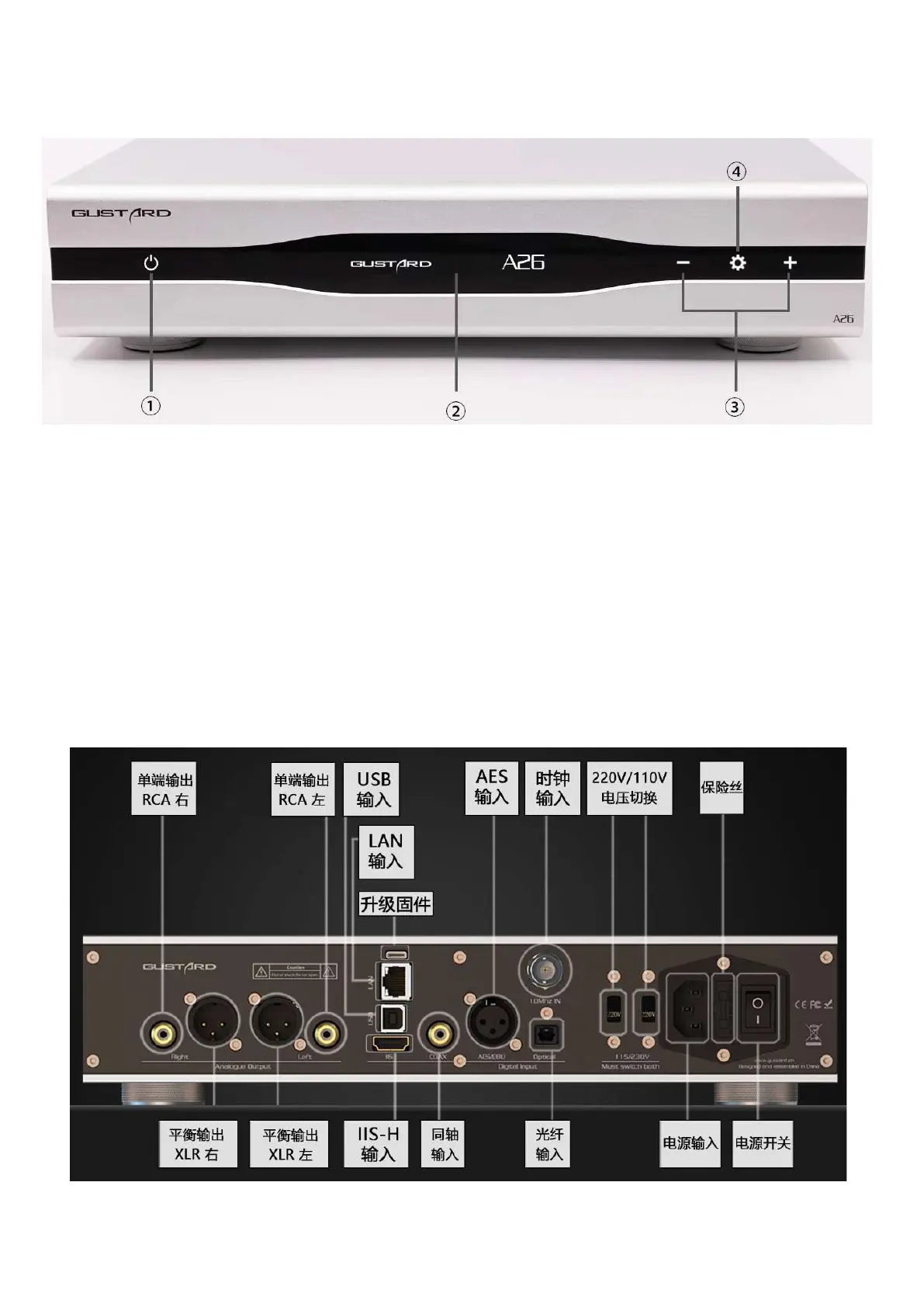
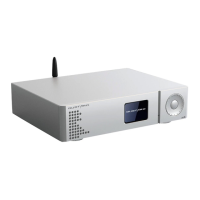
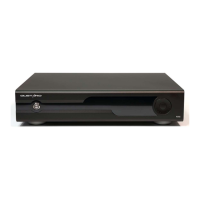
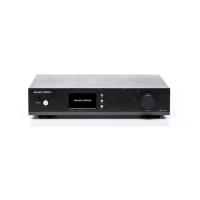
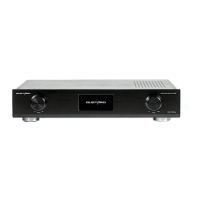
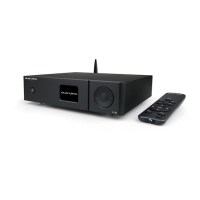
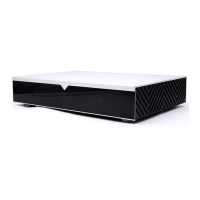
front panel
1. Switch between ready state and use state. A26 turns on the power switch at the rear of
the fuselage and enters the ready state.
2. The display shows the status of the current input channel, encoding format, sampling
rate, volume, etc.
3.
"
+
" "
-
"
The button is usually used to attenuate/increase the volume; in the menu
interface, it is used to switch options .
4. The setting button is used for input selection switching in the normal state; long
press to enter or exit the menu; it can also switch items.
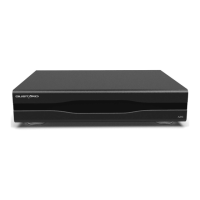
rear panel


 To Next Page