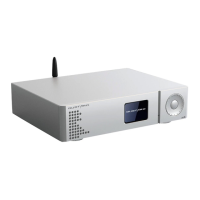
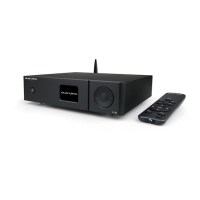
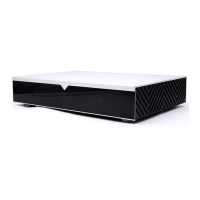
Display and operating menu
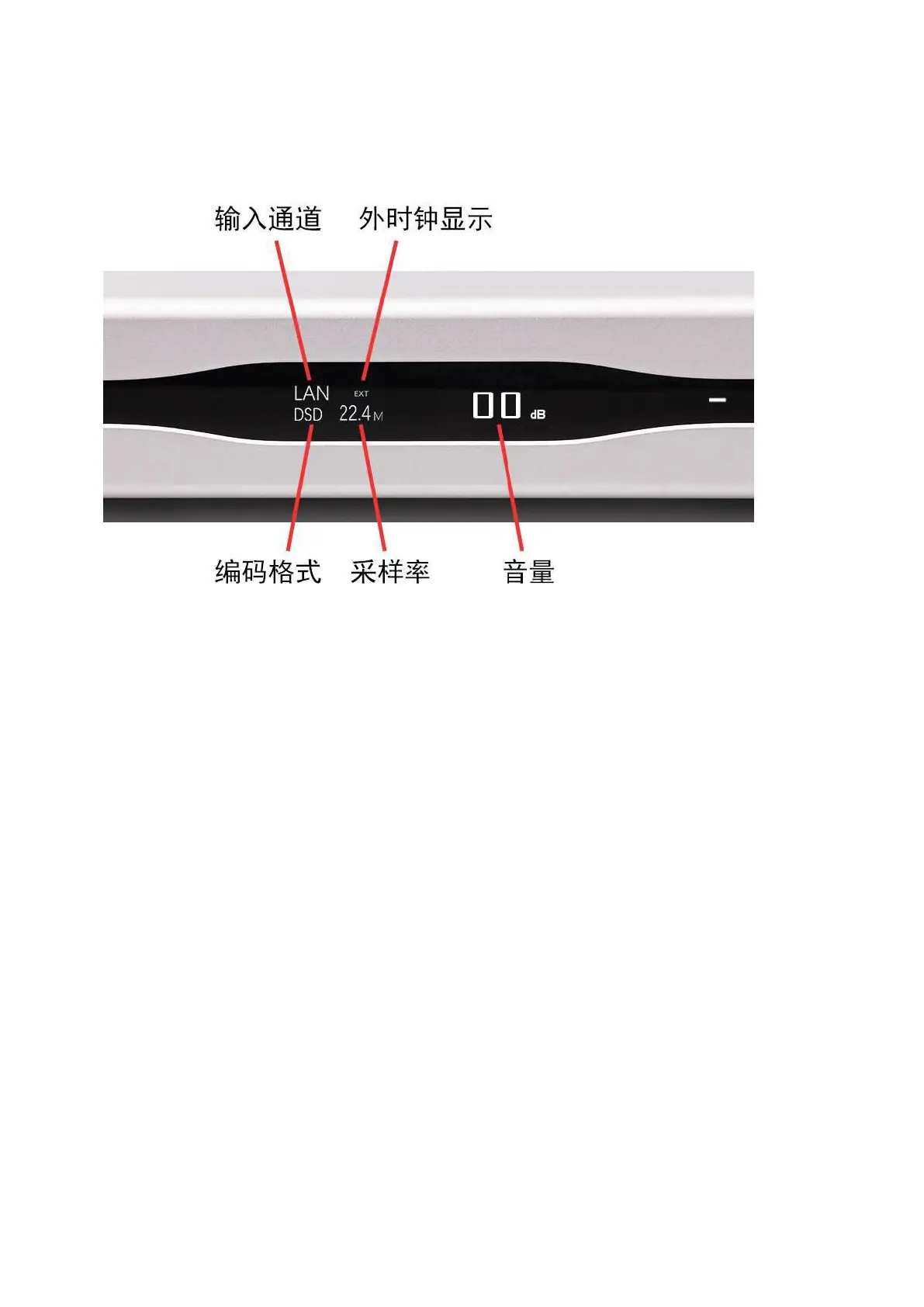
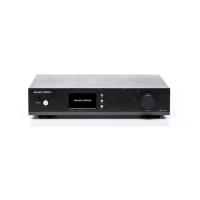
1. A26 uses a large-size OLED display, real-time status display and functional operation. The
following figure shows the display status of the main page of the screen.
2. Input channel selection:
The A26 has a total of 6 input channels. When the main page is displayed, press the switch
button, you can press COAX——AES—— IIS—
—USB——OPT——LAN order to cycle through the current input channel.
3. Volume adjustment ( V O L U M E ) :
When the screen is the home page display screen,
"
+
" "
-
"
Buttons can be
directly adjusted A26 's digital volume attenuation function.
The volume can be
attenuated from 00dB to -90dB , a total of 90 levels of digital volume.
When the volume position is at 00dB , increase the volume to enter the fixed output
mode (volume bypass ) , and the volume position displays FIXED. To decrease the
volume, exit FIXED first, and then adjust the volume.
4. setting menu:
On the home screen, long press the menu button to enter the setting menu. In this
state, the menu key can sequentially switch the menu items to be modified
,
"
+
" "
-
"
It is used to adjust the currently selected menu option. When the screen is
in the setting menu, press and hold the menu button again to return to the main
page.
The menu is switched by the movement of the digital cursor, as follows:
—1). PCM digital filter adjustment
—2).DSD digital filter adjustment
—3).DSD direct mode decoding
—4 ). Clock source selection


 To Next Page