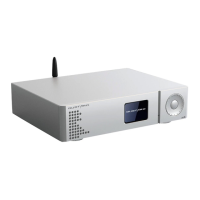
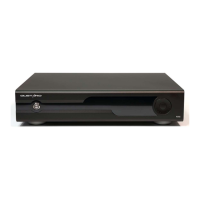
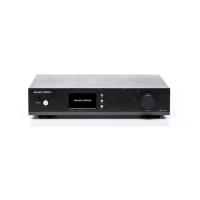
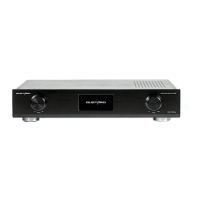
Installation of USB driver under Windows system
* The driver is suitable for all WINDOWS systems.
*MAC The OS system has its own driver, which can be used after plugging in, without
additional driver installation.
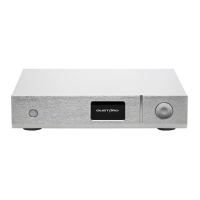
* A CD is included in the accessories of this machine, which contains GUSTARD USB driver.
* Also available from www.gustard.cn Download related drivers, components and manuals from
the website
*This driver supports Windows 7 Requires SP1 and above ; Windows 8; Windows 10; Windows 11
1. who use a desktop computer to connect to the decoder are recommended to use the
native USB 2.0 interface. It is also strongly recommended to use the interface on the
rear of the chassis . Because the interface on the back is directly connected to the
motherboard, and the interface on the front of the chassis has an extra patch cord, it has
a certain negative effect on high-speed signals.
2.
use
USB
line will be Gosta equipment's
USB
After the interface is connected to the
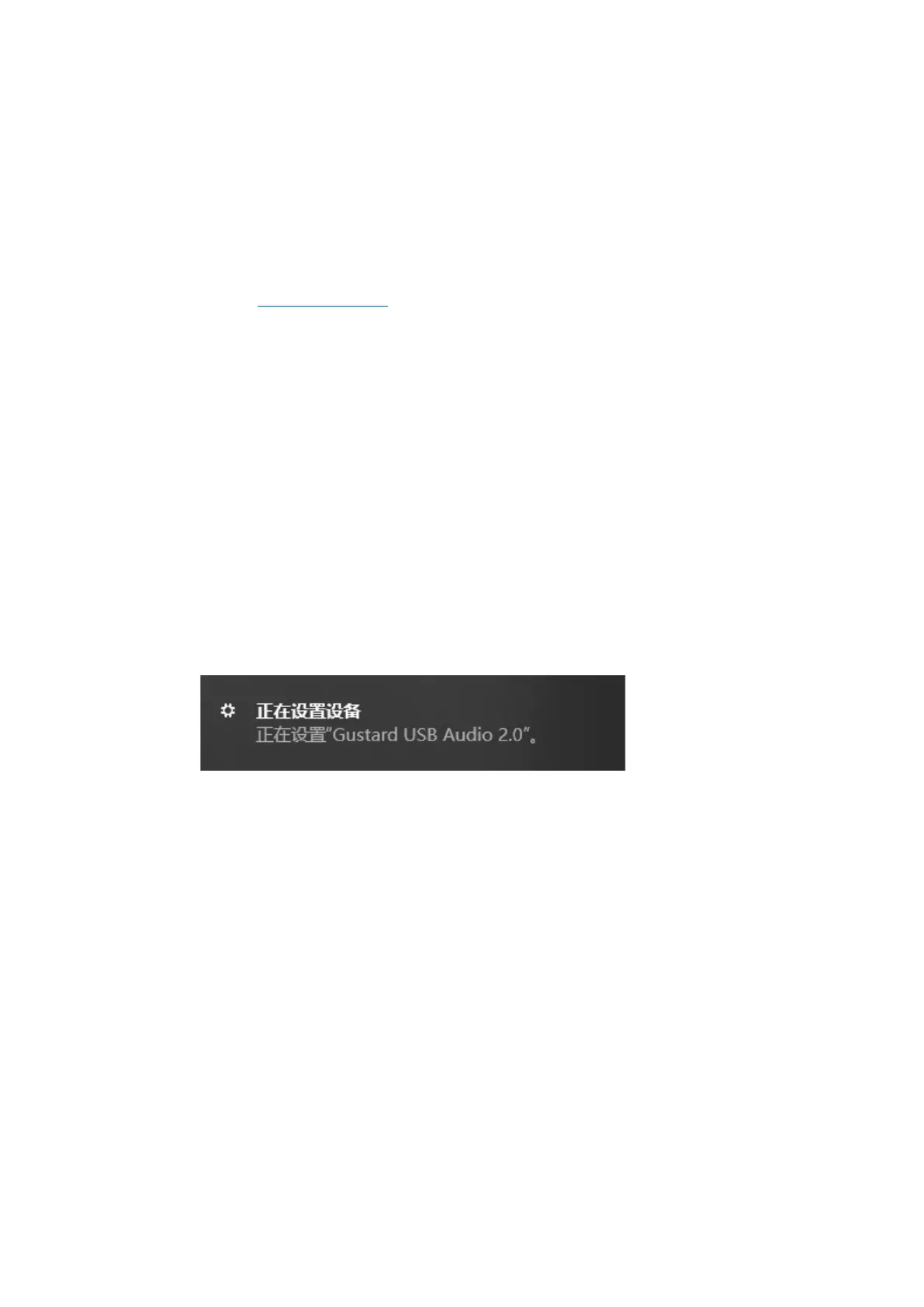
computer, turn on the power of the device. The computer will prompt to find new
hardware
and try to set up the device. If there is no prompt, please try another
USB interface or turn on the Gosta USB interface again.
3. Open the CD, double-click to run the Gustard_UsbAudio_v4.82.0_2020-04-17_setup.exe
program
(or other latest version )


 To Next Page