27
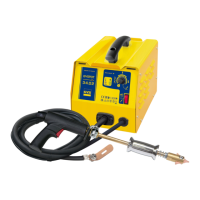
GYSPOT ARCPULL 200
EN
GUN TOOLS
CHANGE THE GUN EARTH RODS
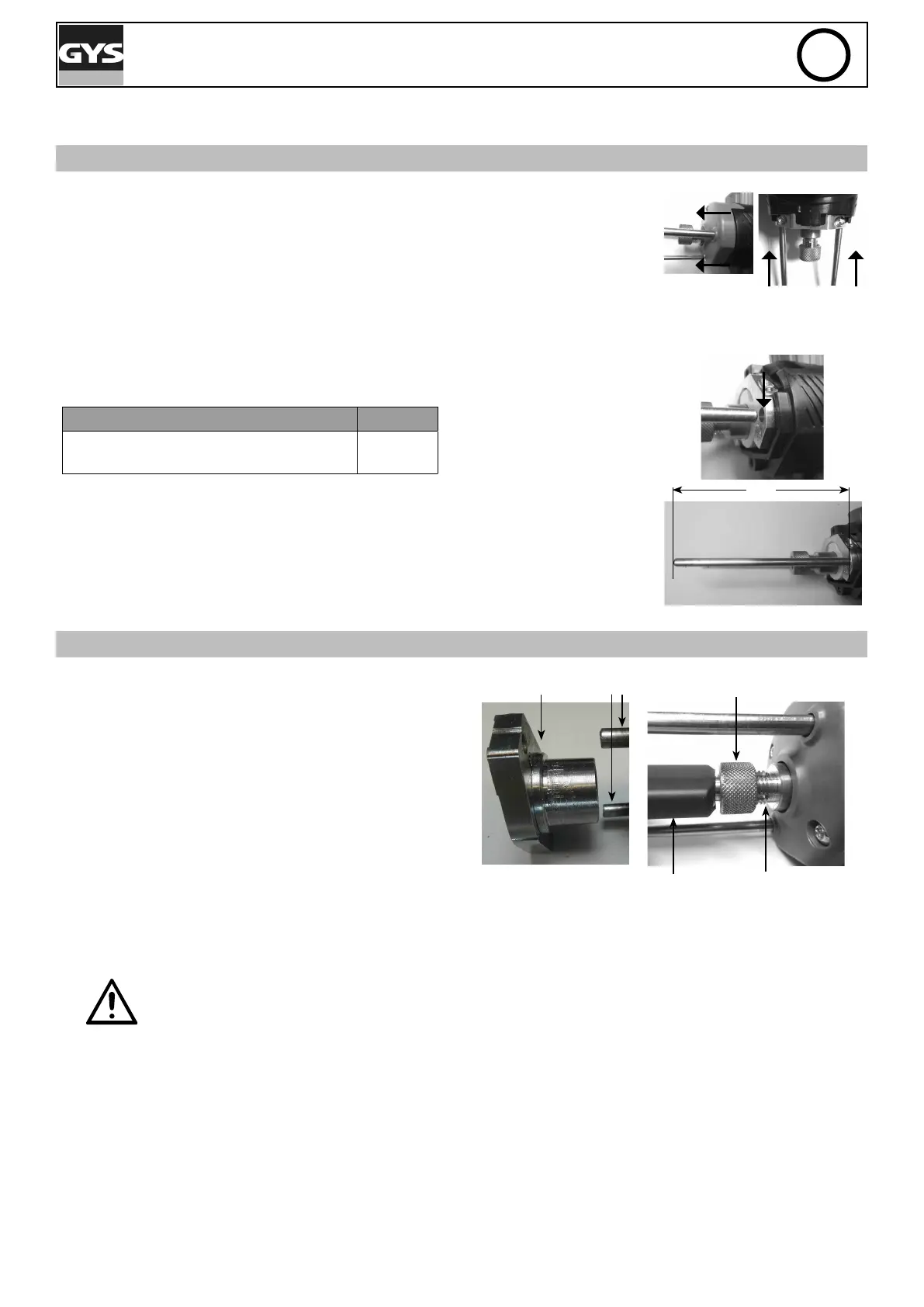
Removal of the rods
• Unscrew the two front screws in order to slightly release the case towards the front
of the gun.
• Slightly unscrew the two screws used to hold the rods.
• Pull the rods up to remove them.
Repositioning of the rods
• Insert the rods into their compartment.
• Adjust the length of the rods between their end and base according to the type of
parts to weld.
Insert to be welded L (mm)
Threaded stud, insulation nail, pulling
ring
120
• Tighten up the two screws holding the rods.
• Reposition the hood
• Screw the front screws back on.
Note : When doing this, it is recommended to remove the electrode holder by loosening
the locking nut.
Front screw: Rod tightening screws:
Earth rod holes:
L cm
CHANGING THE ELECTRODE HOLDER
Removing the electrode holder
• If necessary, remove the pad and the cover of the earth
rods.
• Unscrew and release the locking ring with the ring holder
or threaded stud holder.
Locking nut
Earth rods
Pad and
cover
Ring holder
Barrel
Repositioning of ring holder
• Place the electrode holder in the gun barrel.
• Screw the locking nut back on and check that the ring holder does not move.
The locking nut must be tightened by hand. Do not use a clamp.




 To Next Page