P/N 53063-50, Manual Revision: B Manual Operation
6-3
CONTROLS AND INDICATORS
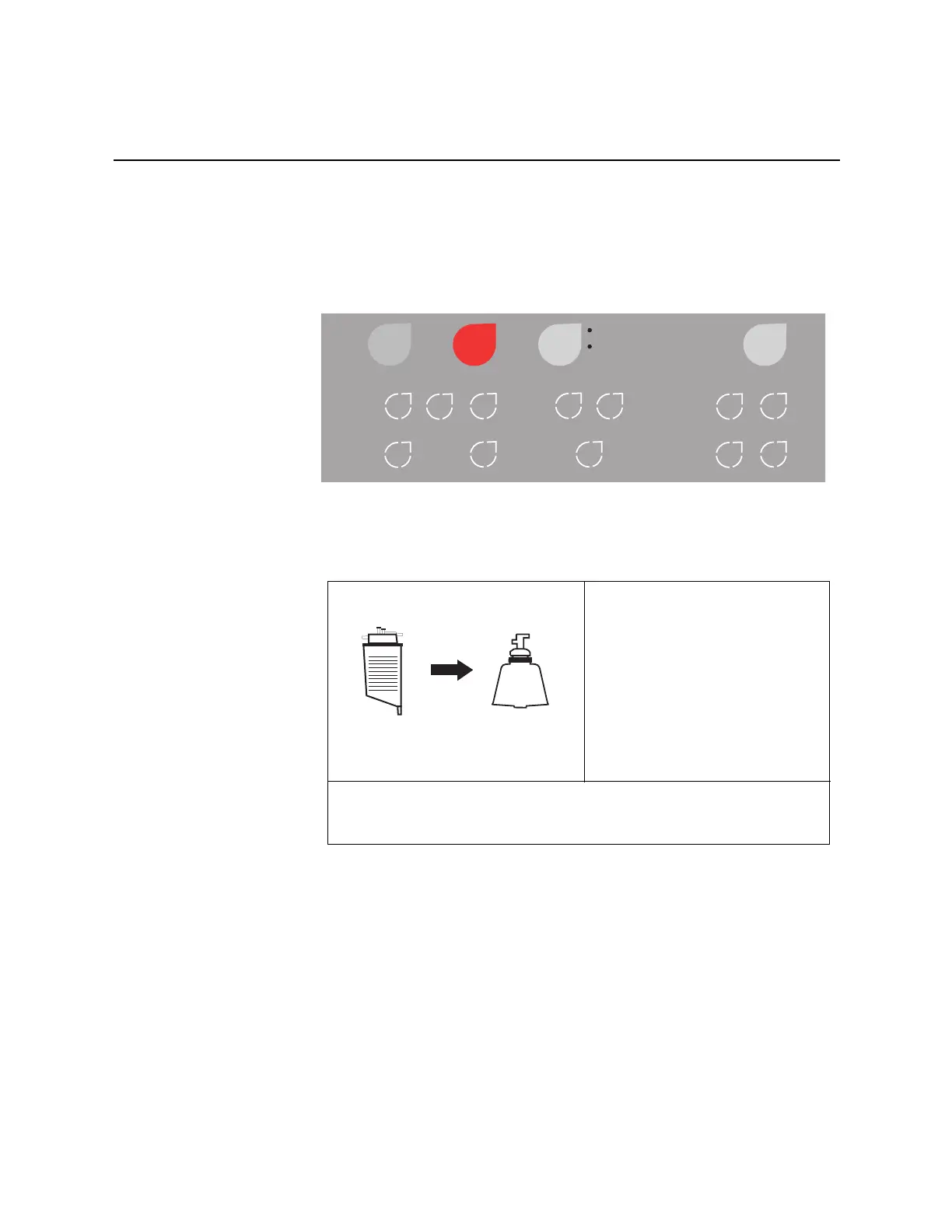
By pressing the MODE key once the machine switches from Automatic operation
to Manual operation. Once MANUAL operation is selected the backlit control
panel lights up and additional control keys become functional as shown in
Figure 6-1.
Figure 6-1: Control panel: MANUAL STANDBY
The display panel will also give you indication of which mode you are in as
shown in the following figure.
The operator can easily move back to AUTO operation by pressing the MODE
key once.
Auto
Manual
Start Stop
Mode
Help
Empty
Return
Fill
Conc
Wash Pump Controls
Pause
Select
No
Modify
Yes
▲
▲▼
▼
FILL BOWL
Processed Vol:
Wash Vol:
Reinfusion Vol:
Bowls Processed:
Pump Rate: 500 ml/min
Press MODE key for AUTOMATIC
Press ARROW keys to change values
MANUAL
2525 ml
2000 ml
450 ml
2



 To Next Page