Manual Operation P/N 53063-50, Manual Revision: B
6-4
MANUAL OPERATION
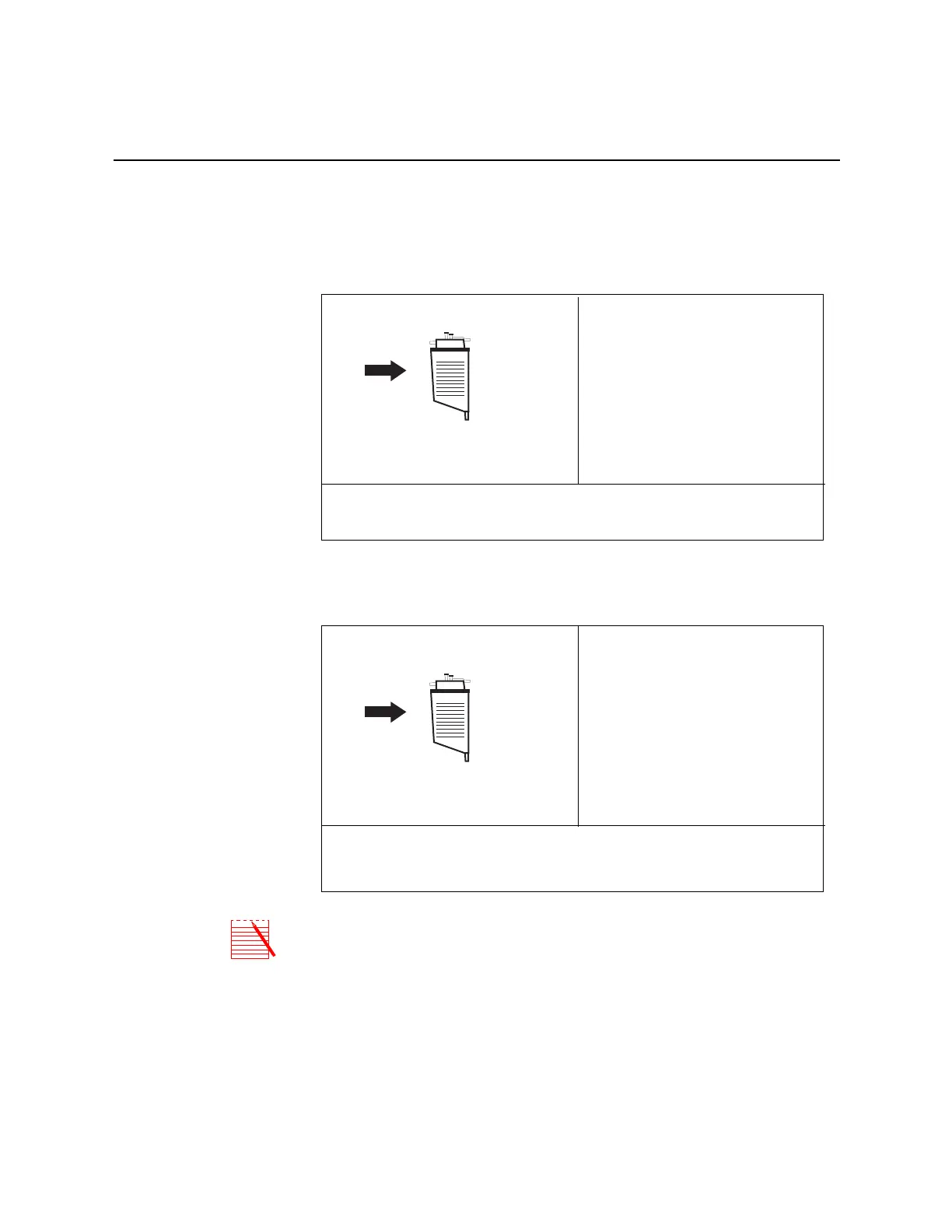
1. Set up the system and disposables as described in Chapter 4. Choose the Cell
Saver Protocol as described in the section, Processing In Automatic Mode in
Chapter 5+, at which time the following display will be shown:
2. When you are ready to start processing, press the MODE key to move into
Manual operation and the following screen will be displayed:
Note: The preset program parameters are still in effect in the manual mode. It is
possible to reprogram parameters such as pump speed for the manual mode; the
reprogramming process is the same for both automatic and manual modes (by
pressing the MODIFY key).
STANDBY
Processed Vol:
Wash Vol:
Reinfusion Vol:
Bowls Processed:
to FILL automatically
Press START to FILL bowl or CONC to concentrate
Press MODIFY to change parameters
AUTOMATIC
0 ml
0 ml
0 ml
0
Need 800 ml in reservoir
STANDBY
Processed Vol:
Wash Vol:
Reinfusion Vol:
Bowls Processed:
Press MODE key for AUTOMATIC
Press MODIFY to change parameters
MANUAL
0 ml
0 ml
0 ml
0
Press START to fill bowl or CONC to concentrate



 To Next Page