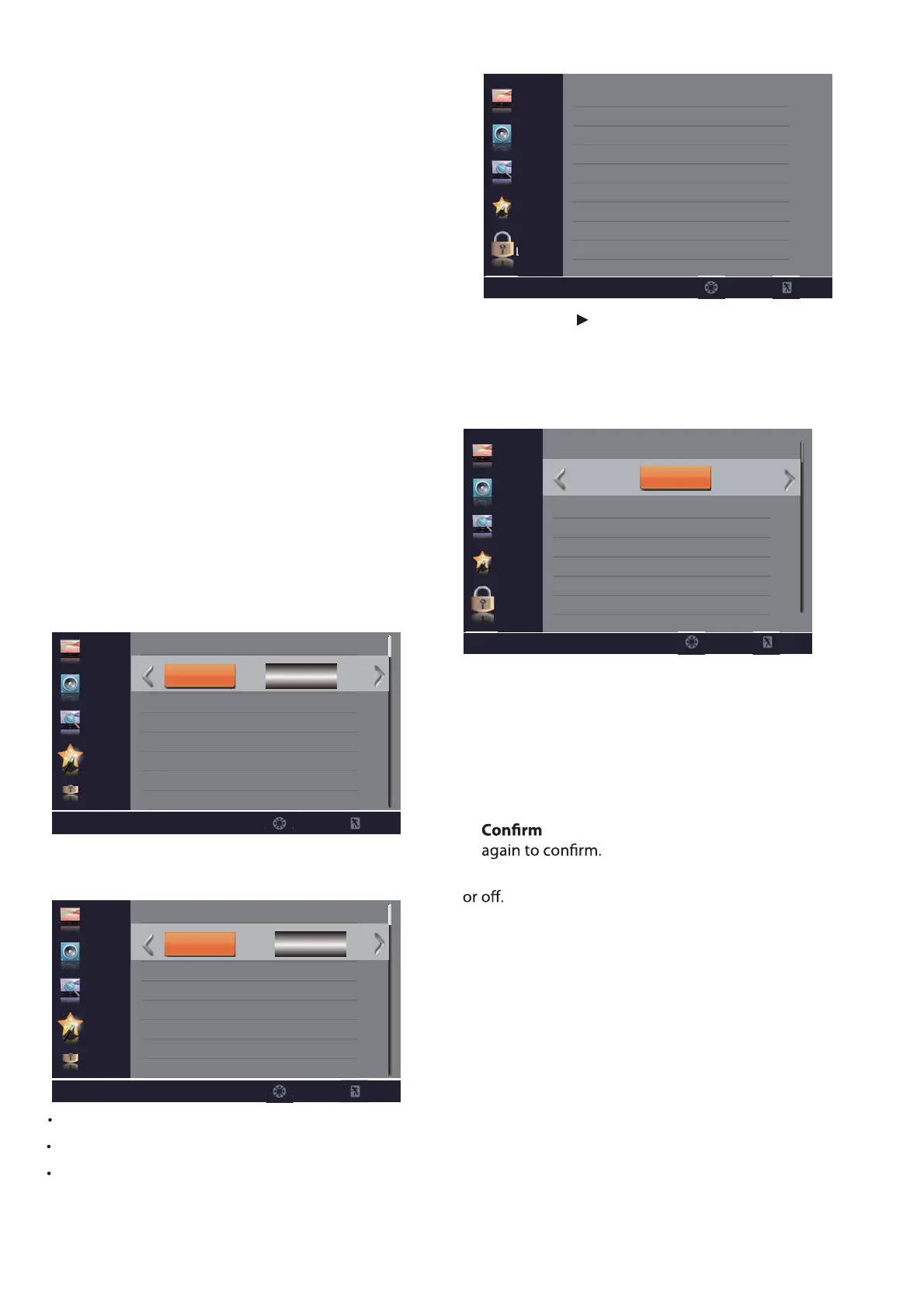
Video Description – Select On or Off.
Voice Gudidance – Press OK button to enter submenu.
Speed – Select Slow/Medium/Fast.
Volume – Select Low/Middle/High.
Pitch – Select Low/Middle/High.
14
Font Size – Select font size. You can select Default/
Normal/Large/Small.
Font Edge Style – Select font edge style. You can
select Default/None/Raised/Depressed/Uniform/
Left Shadow/Right Shadow.
Font Edge Color – Select font edge color. You can
select Default/Black/White/Red/Green/Blue/Yellow/
Magenta/Cyan.
FG Color – Select font color. You can select Default/
White/Black/Red/Green/Blue/Yellow/Magenta/
Cyan.
BG Color – Select background color. You can select
Default/Black/White/Red/Green/Blue/Yellow
Magenta/Cyan.
FG Opacity – Select font opacity. You can select
Default/Solid/Flashing/Translucent/Transparent.
BG Opacity – Select background opacity. You can
select Default/Solid/Flashing/Translucent/
Transparent.
LOCK
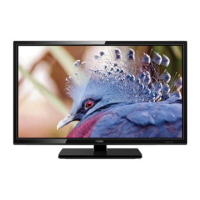
1. Press OK or to enter password.
2. Use the number buttons on the remote control to
enter your 4-digit password. The default password is
“0000”.
3. After the correct password is entered, the Lock sub-
menu screen opens.
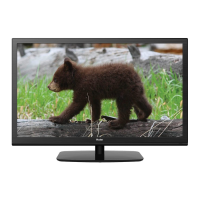
Change Password – Press OK to set a new 4-digit
password.
Picture
Audio
Channel
Setup
Lock
Enter Password
_ _ _ _
Select Exit
Enter Old Password – Enter your old 4-digit
password.
Enter New Password – Enter your new 4-digit
password.
Password – Enter your new 4-digit password
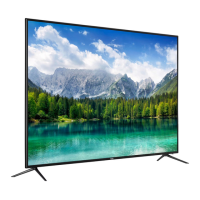
System Lock – Turn the US and Canada rating limits on
Over Scan – Extend part of the display past the visible
area of the screen. The resulting picture will “zoom in”
on the image center.
Restore Default – Reset all settings to the factory
defaults.
CEC
–Press OK button to enter CEC Control submenu.
Picture
Audio
Channel
Setup
Lock
CEC Control
Device Auto Power Off
TV Auto Power On
Audio Receiver
Device Lists
On
On
On
Select Exit
Off
Picture
Audio
Channel
Setup
Lock
Voice Gudidance
Volume
Speed
Pitch
Middle
Middle
Middle
Select Exit
Off
On
On
Picture
Audio
Channel
Setup
Lock
Change Password
System Lock
US Rating
Canada Rating
RRT Setting
Reset RRT
Off
Select Exit
L
OK


 To Next Page