Service Manual
Model No.: LE40D3281
8-3. Software Update
8-3-1. TSUMV59XE software update
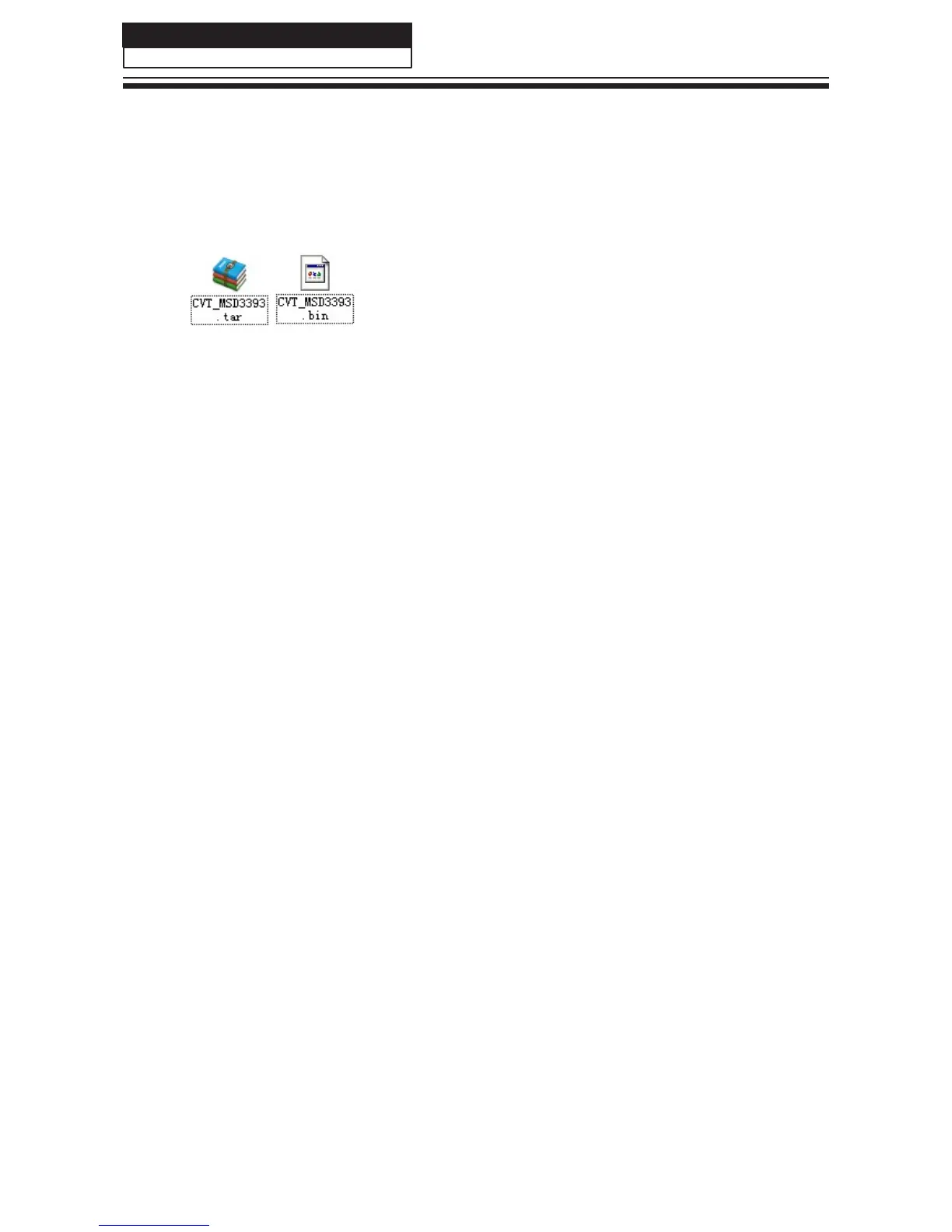
1. Copy the software files to a USB disk on the root directory;
2. Insert the USB disk when the AC power is off;
3. Turn on the AC power in turn to begin;
4. Turn off the AC power until the indicator light fast twinkling;
5. Pull out the USB disk and power on the television.
Note:
Do not turn off the TV while it is updating.
34



 To Next Page