- 41 -
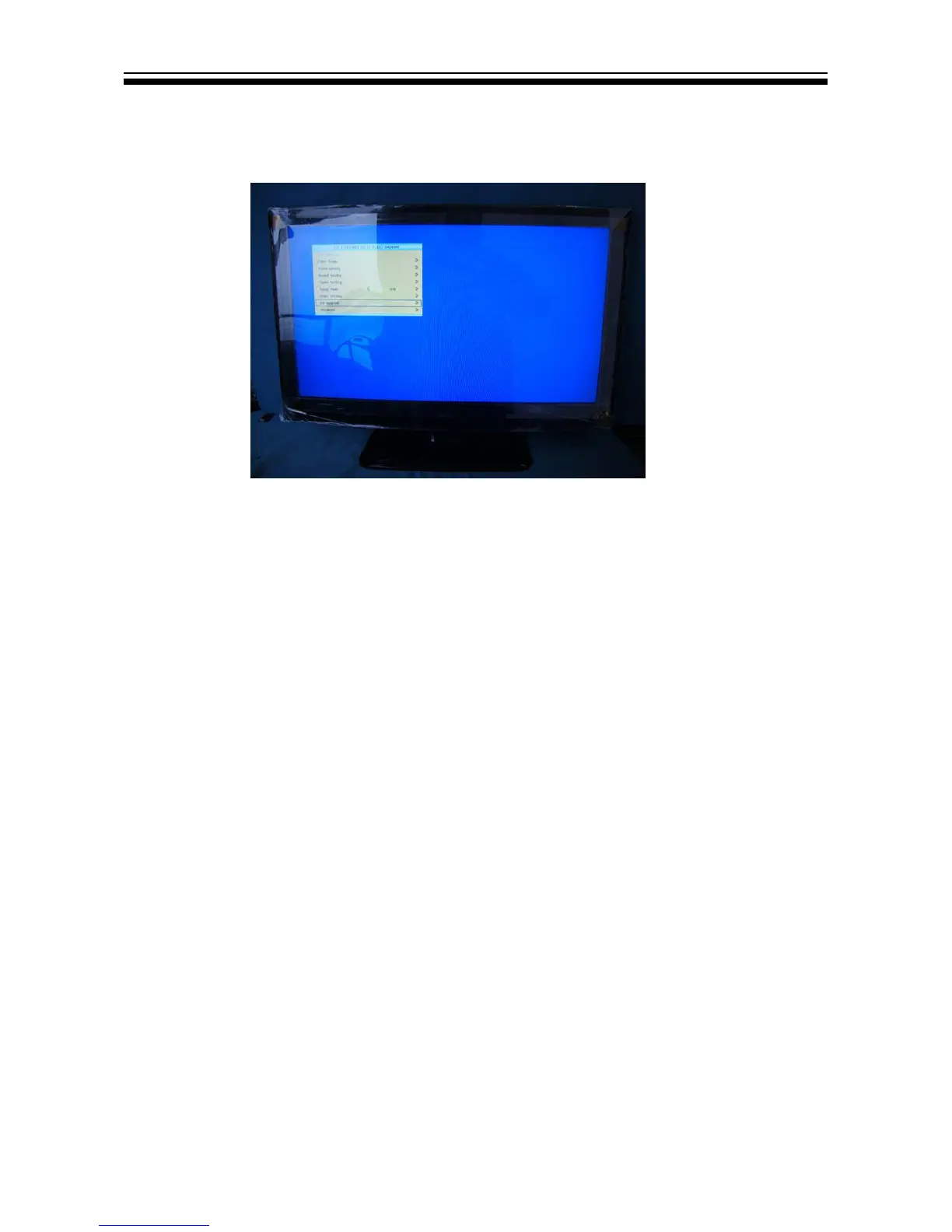
8.1 How to enter into the factory model
1. You can press "source-2-5-8-0" to go into factory setting. Presse the key "exit"
to shut the factory setting.
Content:
1: ADC setting: set ADC value of YUV,VGA. It can also be auto-set. Adopt 100%
color bar to yuv and Checkerboard signal to vga.
2:Color Temp.:
3:Video Quality:
4:Sound Quality:
5:Curve Setting:
6:Aging Mode:
7:Other Setting:
8:SW Upgrade:
9:Shipment:
7KH¿UVWOLQHLV6:9HU1R


 To Next Page