- 42 -
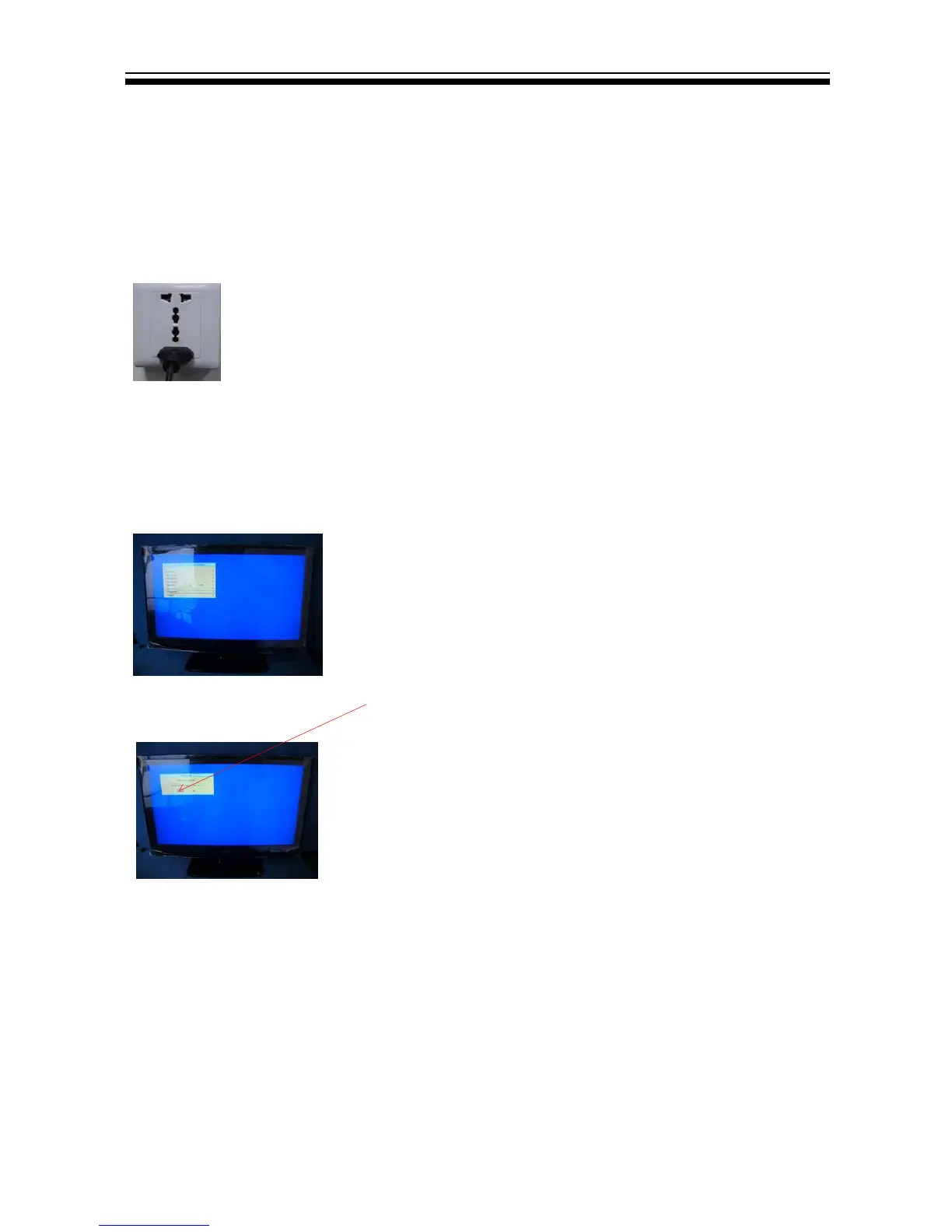
2.2,Then input USB, press POWER.
2.3 Then press "source-2-5-8-0" and choose "SW Upgrade",and then press "ENTER".
2.4,Now you should choose "Yes" and then press "ENTER" TV begin to update.You should
remove the USB memory and reset TV after update.
Note: When Upgrade on the process, please don’t Power-Off!
Haier MSD318QT F/W upgrade with USB SOP
Step 1: Ready for F/W Upgrade
1.1 Prepare a USB memory .
&RS\WKHVRIWZDUH¿OHPHUJHIURP\RXUFRPSXWHUWRWKH86%PHPRU\DQGUHPRYHLW
from computer’s USB port!
Step 2: F/W Upgrade
2.1 AC ON
8.2 How to update software


 To Next Page