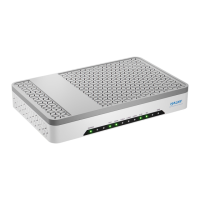
HALNy HL-2BV Quick Installation Guide
7
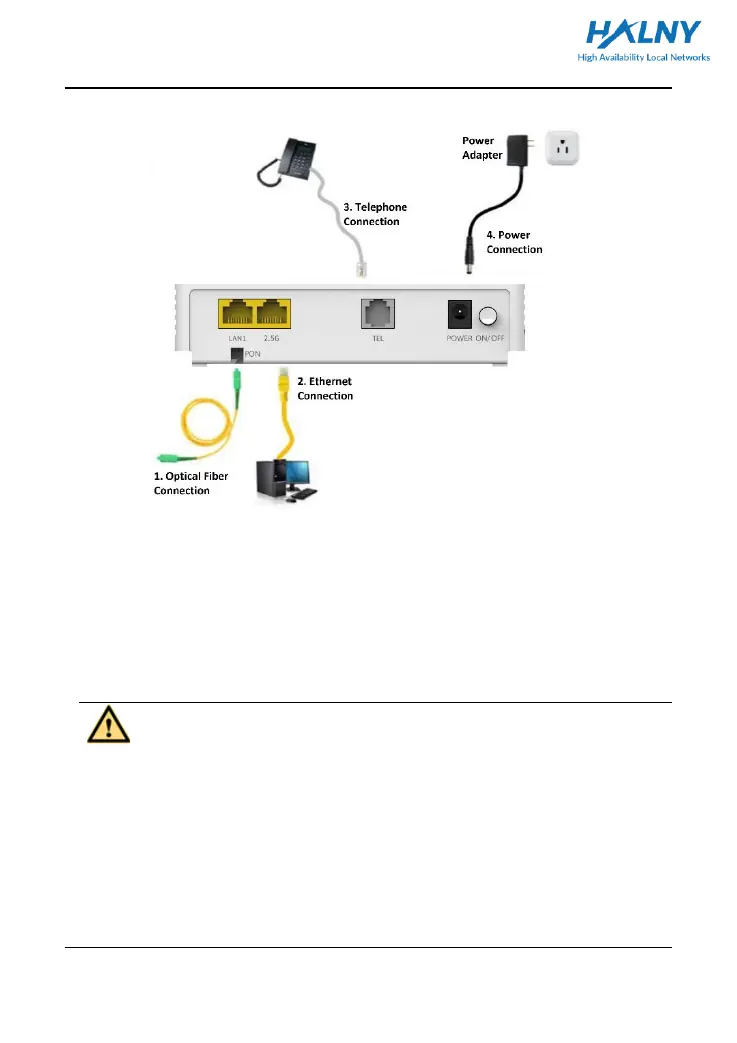
3.3 Connecting ONU
3.3.1 Connecting the Network Cable
Step 1 Use the one end of the network cable to connect the Ethernet interface of
the computer.
Step 2 Use other end of a network cable to connect the Ethernet interface on the
rear panel of the HALNy HL-2BV.
3.3.2 Connecting the Fiber
Caution:
⚫ When a fiber is not in use, ensure to cover the optical interface of the ONU and
the dust cap of the optical fiber. Prevent grease, dust pollution or water
immersion, which may lead to unavailable fiber and optical interface of the
device.
⚫ If fibers need to be fixed or bended during cabling, do not fasten the fibers too
tight. Avoid fiber extrusion, which may lead to increase of fiber material or
unavailable fiber.


 To Next Page