16
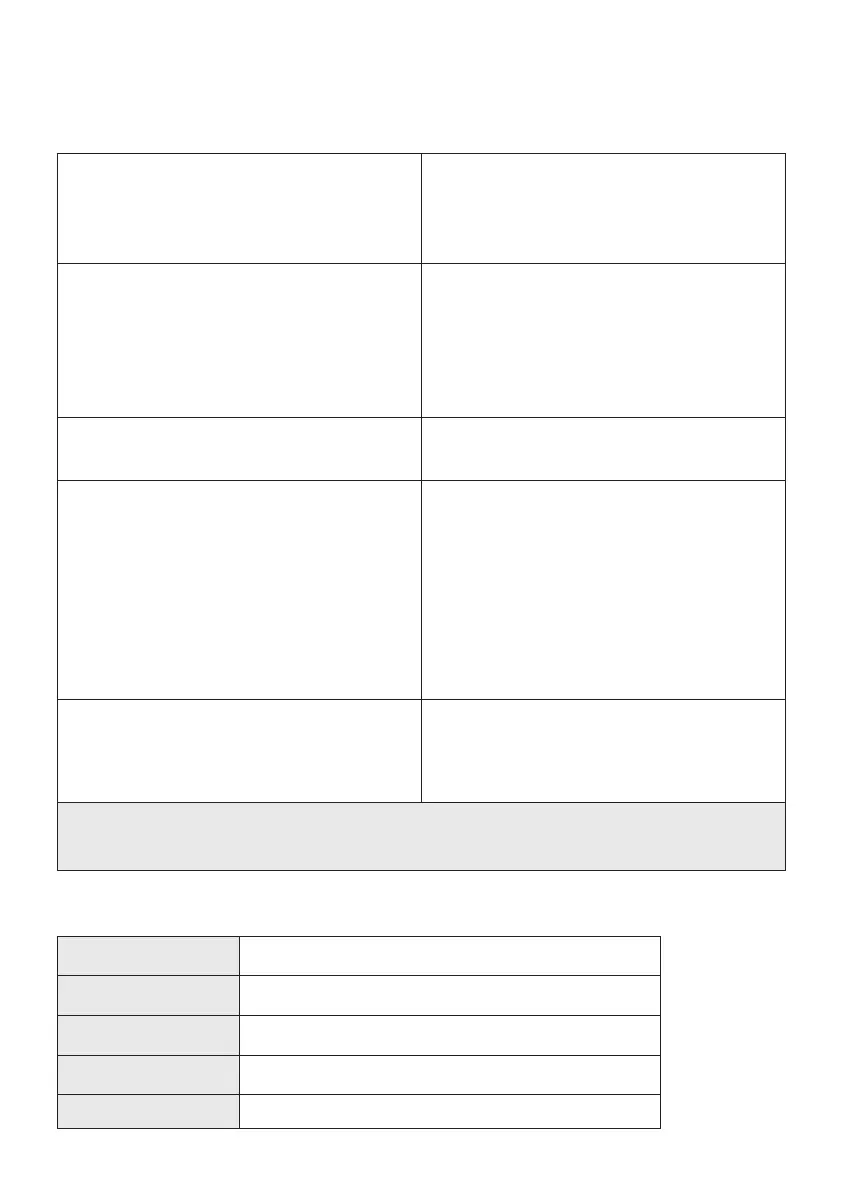
Capsule is not cleaning well 1. Change the Dust Pouch.
2. Check for blockages.
3. Remove hair from the
Motor Brush Head.
Capsule won’t switch on 1. Charge the Battery for at least 2.5
hours
2. Change the Dust Pouch and check
for blockages.
3. Let Capsule X cool for 30 minutes
and try again.
Dirt is falling back out of the Motor
Brush head
1. Change the Dust Pouch
2. Check for blockages
Motor Brush Head light turns red/
orange
1. Remove the brushes. ensure there is
nothing tangled around them.
2. Inspect the floor tool case and piping
for any blockages or damage.
3. Power up the floor tool without
the brushes inserted and check for
function.
4. Reinsert the brushes, ensuring they
click back in fully.
Battery not lasting 1. Leave the charger connected for at
least 2.5 hours
2. Check the correct Halo charger is
being used.
If the above does not work please email our UK based contact centre
hello@capsuleclean.co.uk where we will be happy to help.
Troubleshooting
Voltage 32V
Battery capacity 57.6Wh
Charge time 2 hrs (cool battery) 2.5hrs (hot battery)
Charger 34.2V DC 1A
Weight 2.6Kg
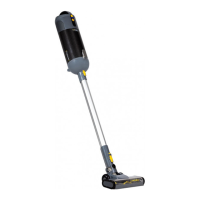
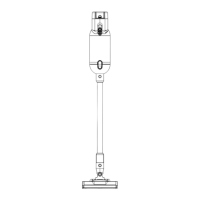
Capsule technical specification


 To Next Page