EasyManua.ls Logo

Halo Compact Bolt - User Manual

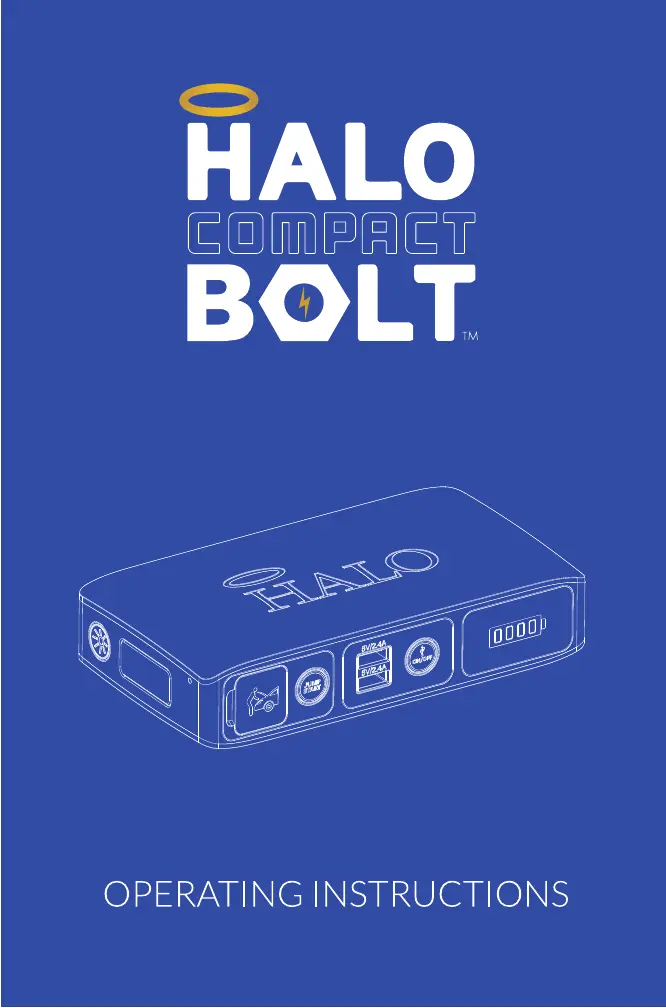
Halo Compact Bolt
17 pages
Print Icon
To Next Page IconTo Next Page
Loading...
PLEASE READ BEFORE OPERATING THIS EQUIPMENT

Questions and Answers

  • C
    Charles SmithJul 28, 2025
    Why does the Halo Compact Bolt Jump Start button shut off unexpectedly?
    • J
      John YatesJul 28, 2025
      The Jump Start button on your Halo BOLT COMPACT might shut off unexpectedly because the device isn't sufficiently charged. Recharge it, ensuring it has more than a 50% charge. Alternatively, it may indicate that your vehicle battery doesn't require a jump start, suggesting another vehicle component might be faulty. In this case, it is recommended that you consult with a certified mechanic.
  • M
    Mr. Logan YuAug 2, 2025
    How to fix a Halo Remote Starter when the Jump Start button flashes red?
    • A
      anthony99Aug 2, 2025
      If the Jump Start button on your Halo BOLT COMPACT is flashing red, it means the jumper cables haven't been properly connected to the vehicle battery. Check the jumper cables and make sure the red clamp is connected to the positive terminal (+) and the black clamp is connected to the negative terminal (-).
  • W
    wtaylorAug 7, 2025
    What to do if the Halo Compact Bolt Jump Start button has been pressed but nothing happens?
    • C
      codywatersAug 7, 2025
      If you've pressed the Jump Start button on your Halo BOLT COMPACT and nothing happens, it might be because the USB ON/OFF Button is on (illuminated blue). The jump start output cannot be used when the USB output is on. Make sure the USB output is off, and then press the jump start button again.
  • H
    heather66Aug 12, 2025
    Why does the Halo Remote Starter Jump Start button flash green continuously?
    • A
      Anthony RiceAug 12, 2025
      If the Jump Start button on your Halo BOLT COMPACT is flashing green continuously, it indicates that the device is waiting to be connected to a battery. Ensure that the jumper cables are properly connected to the battery.
  • J
    Jacob DavisAug 17, 2025
    What to do if the Halo Remote Starter Jump Start and On/Off button flashes red and blue?
    • A
      Ashley FletcherAug 17, 2025
      If the Jump Start and On/Off buttons on your Halo BOLT COMPACT are flashing red and blue, it could be due to attempting to jump start the vehicle while other electrical components like headlights, heater, or radio are on. Turn off these components and try the jump start process again. Alternatively, the vehicle battery may be faulty, and it is recommended that you consult with a certified mechanic.
  • M
    Michael MaynardAug 21, 2025
    What does it mean when the Halo Remote Starter battery indicators flash green?
    • P
      Peter IngramAug 21, 2025
      If the battery indicators on your Halo BOLT COMPACT are flashing green, it means the device has detected a high temperature condition. Disconnect the device and let it cool for several minutes before attempting the jump start process again.

Summary

Introduction to HALO BOLT COMPACT

Included Items and Components

Device Components Overview

Identifies and labels all ports, buttons, and indicators on the HALO BOLT COMPACT.

Charging the HALO BOLT COMPACT

Battery Charge Indicators

Explains how to interpret the LED indicators for battery charge levels.

Jump Starting Your Vehicle

Connect Jumper Cables to Device

Connects the jumper cables to the device's jump start output port.

Attach Battery Clamps to Vehicle Battery

Attaches the red and black clamps to the positive and negative terminals of the car battery.

Start Vehicle and Disconnect Cables

Starts the vehicle after successful connection and safely disconnects the jump start equipment.

Jump Start Troubleshooting

Common Jump Start Issues and Solutions

Addresses common problems encountered during jump starting and provides solutions.

Charging External Devices via USB

USB Charging Procedure

Guides users on connecting devices and activating USB charging.

Smart Charge Technology and Compatibility

Device Compatibility

Lists types of electronic devices compatible with the HALO BOLT COMPACT.

Using the LED Floodlight

Floodlight Operation Modes

Details how to operate the floodlight and its different modes (on, red, SOS).

Product Specifications

Safety Precautions

General Safety Warnings

Provides essential safety guidelines for using and handling the HALO BOLT COMPACT.

FCC Compliance

Limited Warranty Information

Warranty Terms and Conditions

Outlines the terms, conditions, and coverage period of the product warranty.

Technical Support and Contact Information

Halo Compact Bolt Specifications

General IconGeneral
Operating Voltage12V DC
InstallationProfessional installation recommended
RangeUp to 3000 feet
FeaturesRemote start, keyless entry, security system
ConfirmationAudible and visual confirmation
System Type2-Way
Smartphone ControlOptional (requires additional module)
Battery LifeUp to 1 year
TypeRemote Start System

Related product manuals