18
8.4 Favourites (local)
You can save up to 30 of your favourite stations for quick
and direct access.
8.4.1 Save favourites
• Set the station that you would like to save as a favourite
station preset.
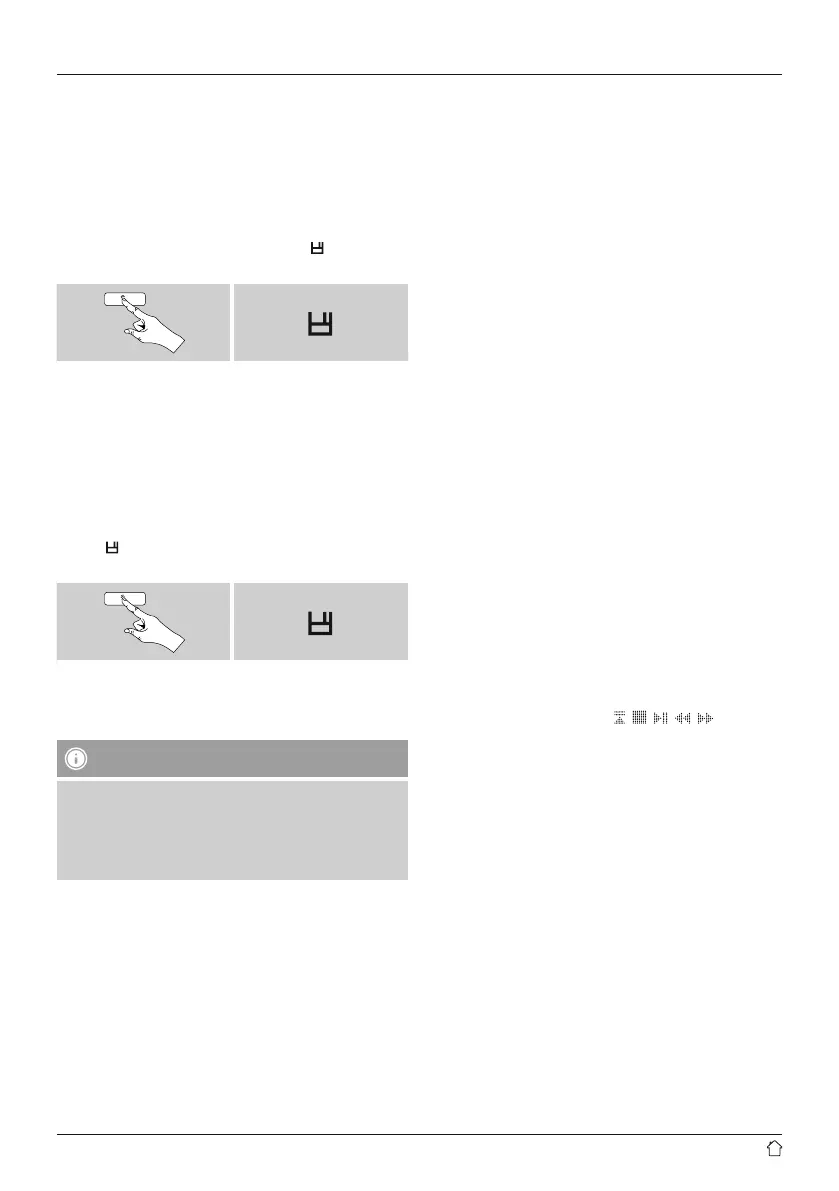
• If the station is received, press and hold [
] / [MEMORY]
on front of the radio.
[ ]
An overview window with the station presets should open
after approx. 2 seconds.
• You can switch between the station presets (1 to 30) by
turning [ENTER/NAVIGATE].
• Press [ENTER/NAVIGATE] to save the station on the
desired station preset.
8.4.2 Access favourites
• Press [
] / [MEMORY] to open the overview window
with the list of saved stations.
[ ]
• Use [ENTER/NAVIGATE] to select one of your
favourites.”
Note
Favourites cannot be deleted.
If all 30 station memory slots are lled and you wish to
save a new station, choose one of the occupied slots.
The station in this slot will be overwritten with the new
station.
8.4.3 Management of favourites with the remote
control
Favourites 1-10
The remote control enclosed has number keys 1-0 (0
≙
10).
A favourite can be assigned to each of these number key.
• To save a favourite, press and hold the corresponding
number key on the remote control (approx. 3 seconds).
• The radio con rmsthat the favourite has been saved by
displaying Preset stored.
• To call up a favourite, briey press the corresponding
number key on the remote control.
Favourites 1-30 (alternative to number keys)
• Press and hold [FAVORITES] approx. 3 seconds to save
a station on one of the 1-30 favourite station presets.
An overview window with the station presets should
open after approx. 2 seconds.
• You can switch between the station presets (1 to 30)
by pressing the favourite keys [+]/[-] (by turning
[ENTER/NAVIGATE]).
• Press [OK] ([ENTER/NAVIGATE]) to save the station
on the desired station preset.
• To call up a favourite, briey press [FAVORITES],
select the desired station preset by pressing the
favourite keys [+]/[-] (by turning [ENTER/
NAVIGATE]) and conrm the selection by pressing
[OK] ([ENTER/NAVIGATE]).
8.4.4 Management of favourites with the remote
control
• The function buttons are explained in detail in section
5.6 Function buttons 1-7,
, , , , .



 To Next Page