UM-365HaD-U H46 TPMS TOOL User Guide
User Guide Hamaton H46 Page 9/38
7. OPERATING INSTRUCTIONS
7.1. TPMS TOOL OVERVIEW
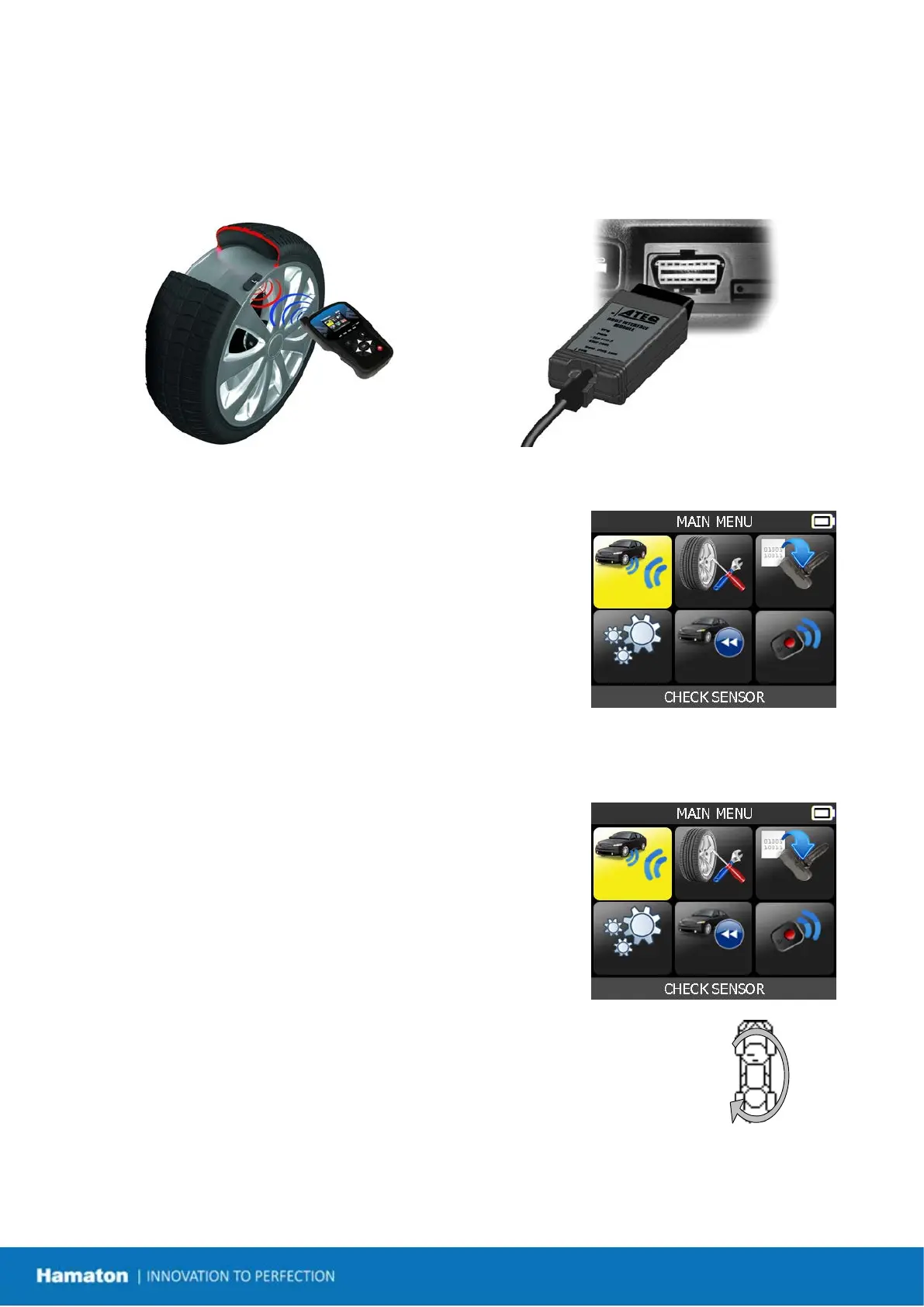
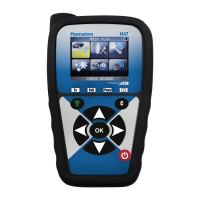
Read and diagnose sensors, OBDII ECU reset and transfer data to ECU.
Note: With most vehicles, if the vehicle is in “learn mode” the vehicle will also confirm that the TPM sensor
has communicated to the ECU with a series of horn beeps.
Service Procedure
Section 1.0: Read Sensor Test
Before servicing the tires/wheels, using your TPMS TOOL, trigger each
of the vehicle's sensors to make sure they are working properly.
This will eliminate the liability associated with replacing previously
damaged or defective sensors. This procedure will not change the
vehicle settings because the vehicle has yet to be put into
learn/retraining mode.
This procedure allows you to quickly identify damaged or defective sensors, because some vehicles do not
report a damaged or defective sensor condition on the instrument cluster for up to 20 minutes.
Note: If the sensors do not trigger, please refer to the Troubleshooting section of this Guide.
Perform tire/wheel service.
For vehicles that require retraining, please see Section 2.0
Section 2.0: Learning the TPM System
With the vehicle in learn mode, begin by triggering the driver's left front
(LF) wheel sensor. Many vehicles will provide an audible beep confirming
that the sensor ID has been learned by the vehicle's on-board computer.
The communication between the sensor and the on-board computer is also
confirmed on LCD display of the TOOL.
The same procedure should be followed on all wheel sensors, in a clockwise
rotation, until all the vehicle sensors have been retrained.
After triggering the driver's rear wheel sensor, some vehicles will beep twice,
indicating that the TPM system has been retrained.
Fig. 4
For vehicles that do not require retraining, we recommend you trigger each wheel sensor, one final time, to make
sure they are working correctly prior to releasing the vehicle to the customer.


 To Next Page