UM-365HaD-U H46 TPMS TOOL User Guide
User Guide Hamaton H46 Page 32/38
2. TROUBLESHOOTING
If the TPMS TOOL is unable to trigger one or more of the sensors, please use the following
troubleshooting guide:
1) The vehicle does not have a sensor even though a metal valve stem is present. Be aware of
rubber style snap-in stems used on TPMS systems.
2) The sensor itself may be damaged or defective.
3) Wrong make, model, year is selected.
4) Your TPMS TOOL may require a software upgrade.
5) Your TPMS TOOL is damaged or defective.
Please contact your tool supplier for further assistance.
3. TOOL UPDATE
Upgrading your TPMS TOOL
When new vehicles and sensors become available, it is necessary to upgrade your tool. Please
follow the steps below:
IMPORTANT: Temporarily turn off all anti-virus and spam blocking software on your computer.
This is necessary to ensure a successful upgrade.
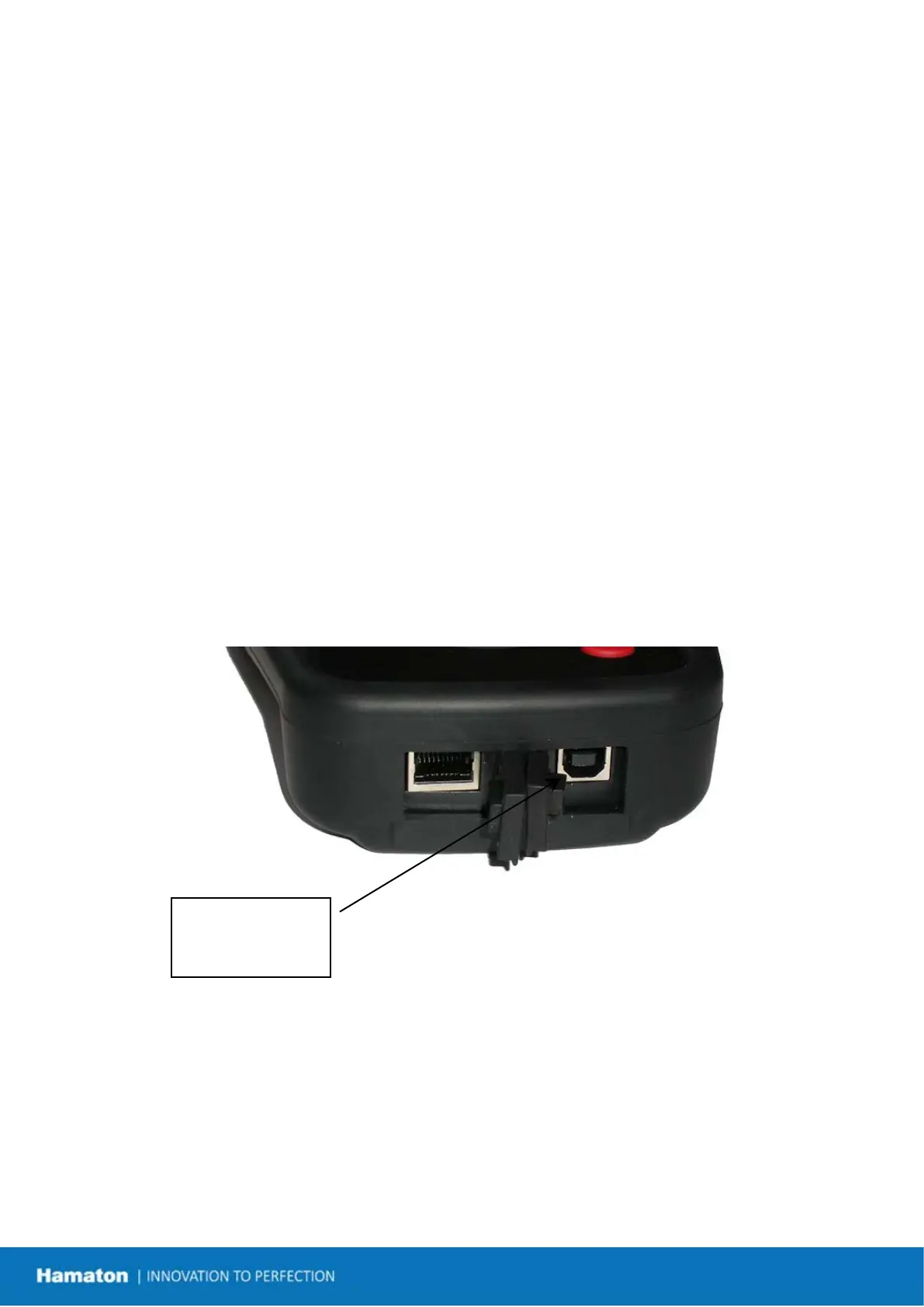
Fig. 6
for Internet


 To Next Page