EasyManua.ls Logo

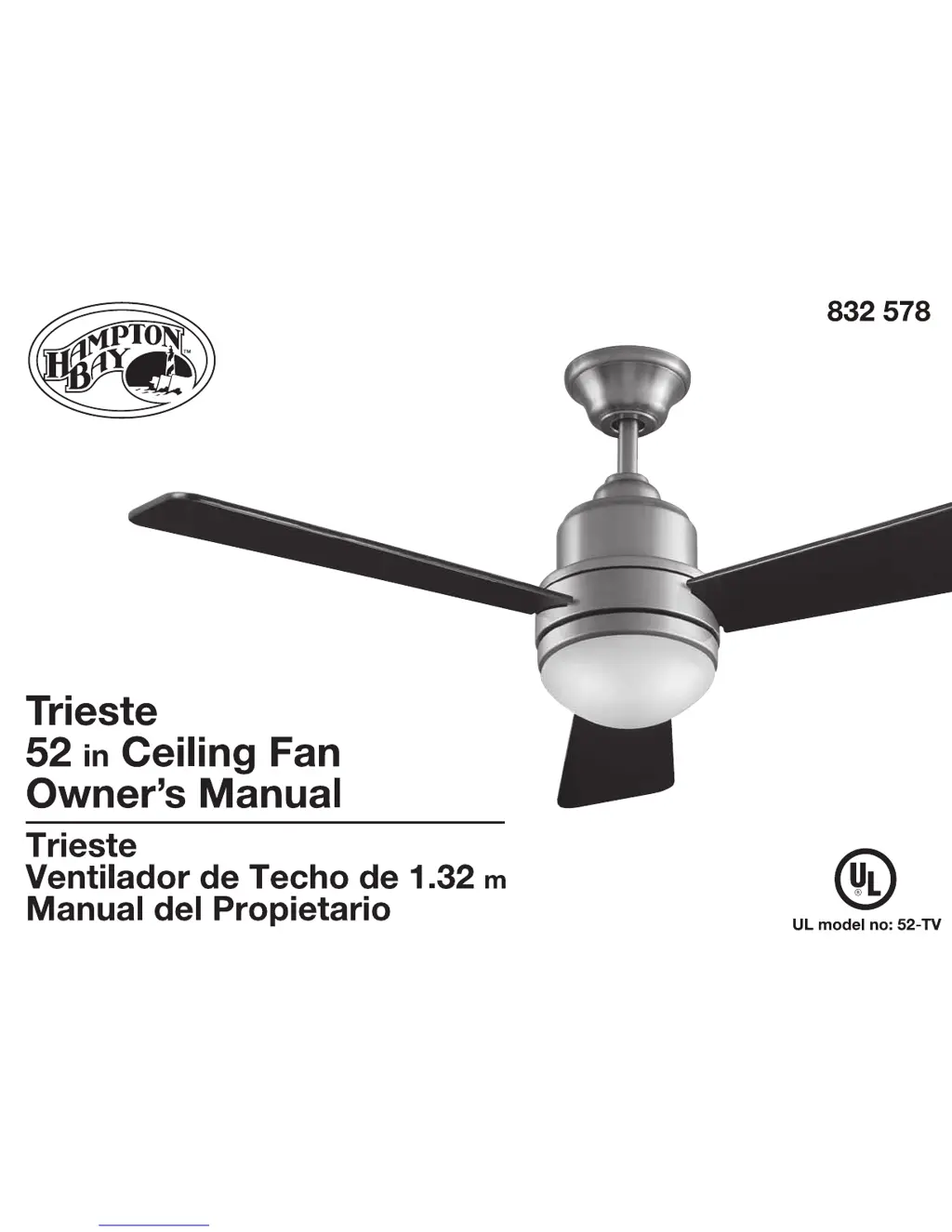
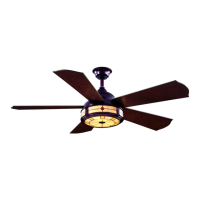
HAMPTON BAY Trieste - User Manual

HAMPTON BAY Trieste
15 pages
Print Icon
To Next Page IconTo Next Page
Loading...

Questions and Answers

  • J
    Jason ReyesAug 1, 2025
    What to do if my HAMPTON BAY Trieste Fan will not start?
    • M
      Mrs. Tiffany HawkinsAug 1, 2025
      If your HAMPTON BAY Fan won't start, begin by checking the main and branch circuit fuses or breakers. Also, inspect the line wire connections to the fan and the switch wire connections within the switch housing to ensure they are secure. Finally, verify the batteries in the transmitter, ensuring the red LED illuminates. Confirm you are within 10-20 feet of the fan and that the dip switch settings match on both the transmitter and receiver.
  • E
    Edward MccoyAug 13, 2025
    Why is my HAMPTON BAY Trieste so noisy?
    • J
      Jessica StevensAug 13, 2025
      If your HAMPTON BAY Fan sounds noisy, ensure all motor housing screws are snug and the screws attaching the fan blade bracket to the motor hub are tight. Check that wire nut connections aren't rattling against each other or the switch housing's interior wall. Allow a 24-hour “breaking in” period, as most new fan noises disappear then. For Ceiling Fan light kits, confirm the glassware screws are tight and the bulb is secure. Ensure the canopy is slightly away from the ceiling and that the electrical box is secure, with rubber isolator pads between the mounting bracket and the box.

Summary

Safety Rules

Unpacking Your Fan

Installing Your Fan

Tools Required

List of tools necessary for fan installation, including screwdrivers, wrenches, and ladders.

Mounting Options

Guidance on securely mounting the electrical box and support structure for fan installation.

Hanging the Fan

Standard Ceiling Mounting

Detailed steps for mounting the fan to the ceiling using the downrod assembly.

Installing Fan to the Electrical Box

Making the Electrical Connections

Instructions for connecting the fan's wiring to the household electrical supply.

Finishing the Fan Installation

Attaching the Fan Blades

Blade Balancing

Procedure to correct fan wobble by ensuring blades are level and properly secured.

Installing the Light Kit; Glass Bowl

Operating Your Fan

Operating Your Remote Control

Transmitter Operation

Notes on using the remote control, including code combinations for interference prevention.

Setting the Code

Instructions for setting the transmitter and receiver codes to match for proper fan operation.

Operating the Fan

Details on using remote control buttons for fan speed and light control.

Care of Your Fan

Troubleshooting

Specifications

Warranty Information

HAMPTON BAY Trieste Specifications

General IconGeneral
BrandHAMPTON BAY
ModelTrieste
CategoryFan
LanguageEnglish

Related product manuals