Operation
24
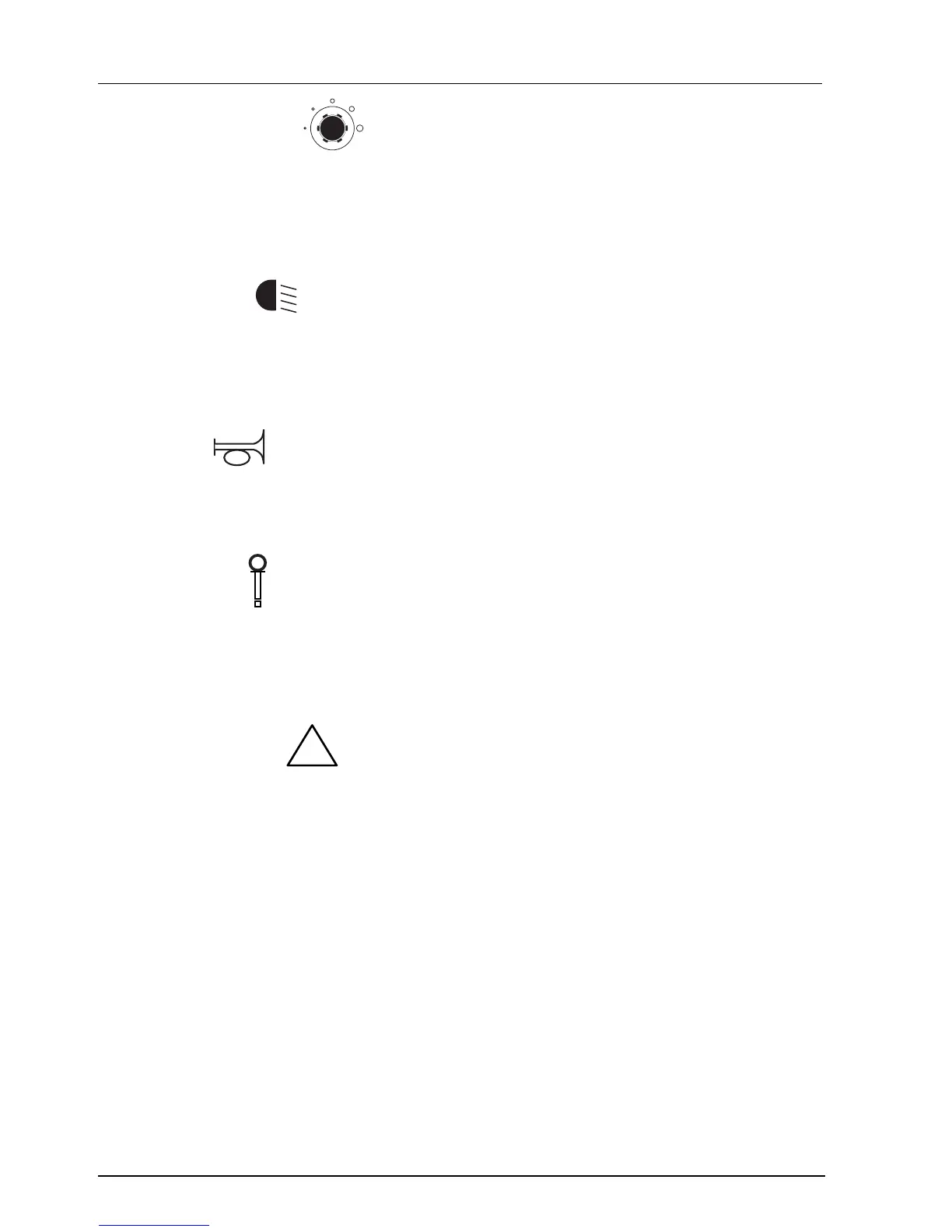
C. Speed control
With this knob, the desired maximum speed is set. Turning clockwise will increase
the speed (the maximum has been set by the manufacturer to 15 km/h).
Turning counterclockwise will reduce the maximum speed.
Select the position of this button beforehand, in accordance with the driving
conditions, such as driving in cramped spaces or in a room with many people.
D. Lighting
Pressing this switch will turn on the lighting:
The switch has the following positions:
0: lighting is off
1: lighting is on.
E. Horn
The horn buttons are used to give a warning signal in dangerous situations.
The horn will sound for as long as you keep the button pressed.
F. Contact
To switch on the scooter, the contact plug has to be inserted into the contact.
All of the Winner’s functions, with the exception of the alarm lights and the lighting,
only operate if the contact plug has been inserted into the contact.
The alarm lights and the lighting will always work, even if the contact plug has not
been put into the contact.
G. Alarm lights
Pressing this switch will turn on the alarm lights.
You should use the alarm lights if you fear you will not be seen by other traffic, or if
you are stopped because of a malfunction.
Pressing this switch a second time will switch off the alarm lights again.


 To Next Page