EasyManua.ls Logo

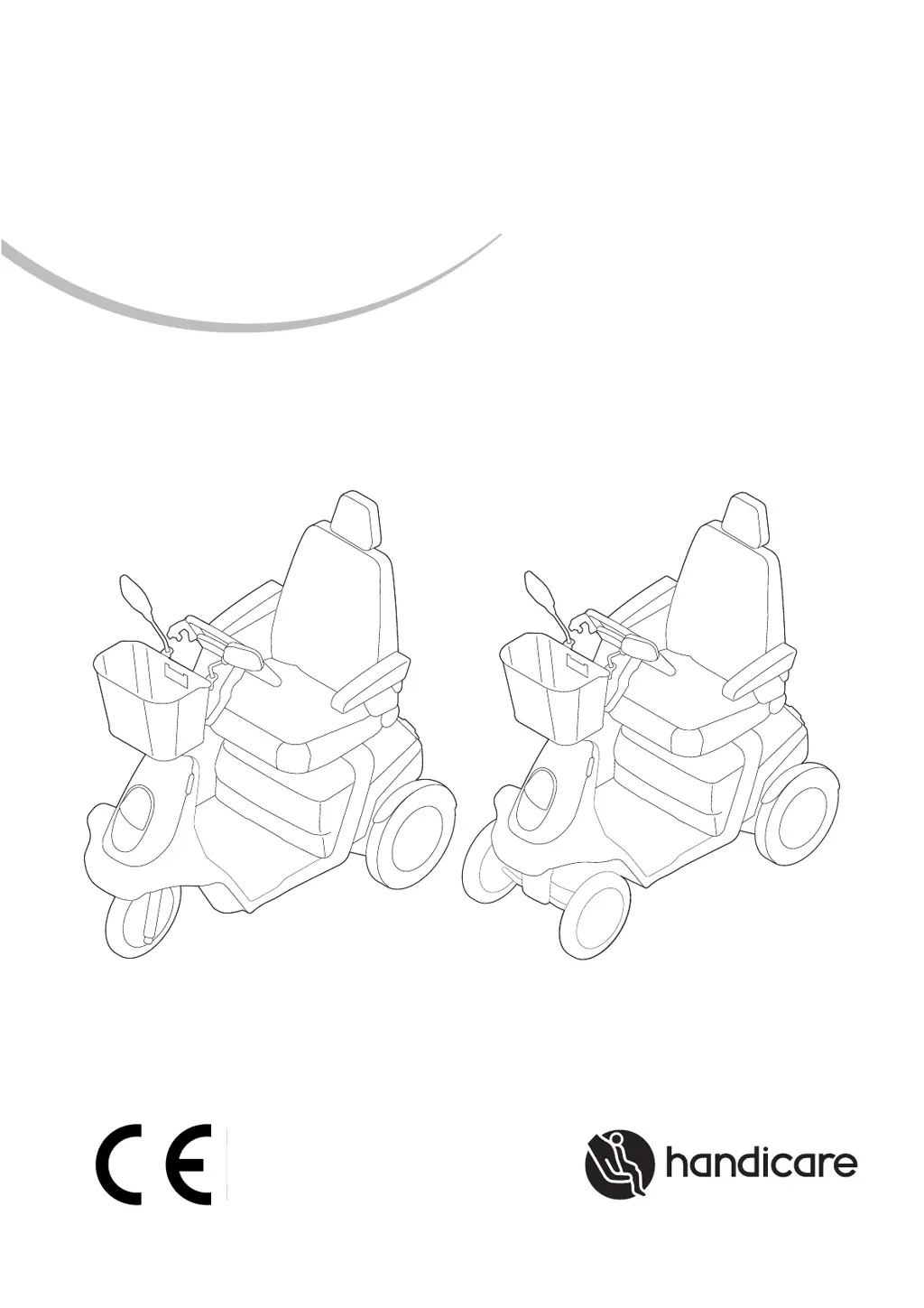
Handicare TROPHY 20 - User Manual

Handicare TROPHY 20
44 pages
Print Icon
To Next Page IconTo Next Page
Loading...
TROPHY 20
USER MANUAL
9006140B

Other manuals for Handicare TROPHY 20

Questions and Answers

  • A
    Antonio GonzalezSep 9, 2025
    What does it mean when seven LEDs are lit on Handicare Scooter?
    • G
      Gregory DennisSep 9, 2025
      If seven LEDs of the LED bar are lit on your Handicare Scooter, it could be due to the throttle being held in during start-up or a speed potentiometer fault. Try restarting the scooter without pressing the throttle. If the problem persists, check or replace the speed potentiometer.
  • J
    jacob03Aug 23, 2025
    What to do if Handicare TROPHY 20 Scooter has a poor connection to the motor?
    • K
      Kelli BrownAug 23, 2025
      If your Handicare Scooter has a bad connection to the motor, check all connections between the controller and the motor.
  • T
    Tina MurphyAug 25, 2025
    What to do if Handicare TROPHY 20 neutral handle is in neutral position?
    • A
      Aaron GilbertAug 25, 2025
      If your Handicare Scooter's neutral handle is in the neutral position, put it in the drive position. If the brake is malfunctioning, check the connections between the brake and the controller. If necessary, replace the brake.
  • S
    Susan MoralesAug 26, 2025
    What to do if Handicare TROPHY 20 Scooter throttle was held in during start up?
    • R
      Rachel ClarkAug 26, 2025
      If the throttle was held in during start up or a speed potentiometer fault occurred, restart the Handicare scooter without pressing the throttle. Check or replace the speed potentiometer.
  • F
    franklinallenAug 27, 2025
    How to fix Handicare Scooter controller malfunctioning?
    • M
      Michael NguyenAug 27, 2025
      If the controller in your Handicare Scooter is malfunctioning, the suggested solution is to replace it.
  • T
    Tina WatkinsAug 29, 2025
    What to do if Handicare TROPHY 20 Scooter controller security found a problem?
    • M
      Mary DavisAug 29, 2025
      If the Controller security on your Handicare Scooter has identified a problem, switch off the scooter. Check all connectors and the condition of the batteries. If the LED bar continues flashing after switching the scooter back on, consult the manufacturer.
  • D
    Dr. Abigail EllisonSep 17, 2025
    What does it mean when eight LEDs are lit on Handicare TROPHY 20?
    • A
      alexis14Sep 18, 2025
      If eight LEDs of the LED bar are lit on your Handicare Scooter, it indicates that the controller is malfunctioning. To resolve this, the controller needs to be replaced.
  • D
    dawn22Sep 18, 2025
    What to do if the Handicare Scooter controller security finds a problem?
    • K
      Katherine SweeneySep 19, 2025
      If the controller security on your Handicare Scooter identifies a problem, try these steps: First, switch off the scooter and inspect all connectors. Then, examine the condition of the batteries. If the LED bar continues to flash after restarting the scooter, it is recommended to consult the manufacturer. Also, ensure the neutral handle is in the drive position. Check the connections between the brake and the controller, and consider replacing the brake if necessary. Check the connections between the batteries and the controller and inspect the batteries themselves.
  • T
    Teresa LittleSep 8, 2025
    Why is the first red LED lit on my Handicare TROPHY 20?
    • K
      Kim ArnoldSep 8, 2025
      If the first red LED of the LED bar on your Handicare Scooter is lit continuously, it usually means that the batteries need charging or there is a poor connection. Check all connections between the controllers and the batteries. If the connections are fine, try recharging the batteries.
  • C
    Catherine LopezSep 4, 2025
    Why is my Handicare TROPHY 20 driving so slowly?
    • A
      Amber JonesSep 4, 2025
      If your Handicare Scooter is driving very slowly, it could be due to several reasons: * The battery voltage might be too low. Check the battery voltage as indicated on the ‘Battery indicator’. Recharge the batteries for eight hours and verify that the battery charger is functioning correctly. * The speed selector switch might be in the slow position. Turn the speed regulator knob to the right to increase the speed. * The motor might have overheated. Remove the ignition key and allow the scooter to cool down.

Summary

1 Introduction

User Manual Overview

Guidance on using and maintaining the scooter safely.

2 Safety

Temperature and Environmental Safety

Warnings about heat exposure and electromagnetic interference.

Scooter Markings and General Regulations

Details on product markings and essential safety rules.

3 General Description

Key Components and User Information

Description of main parts, user guidance, and intended use.

Adjustment Options

Information on user and dealer adjustable settings for comfort.

4 Scooter Settings

Seat and Steering Column Adjustments

Instructions for adjusting seat height, depth, backrest, armrest, and steering column.

Suspension and Lock Adjustments

Adjusting rear suspension and basket combination lock.

5 Use of the Scooter

Preparation, Controls, and Basic Operation

Covers charging, checks, getting in/out, controls, and initial driving.

Advanced Driving and Navigation

Details on braking, corners, slopes, and obstacle handling.

Parking, Pushing, and Storage

Procedures for parking, pushing, freewheel mode, dismantling, and storage.

6 Maintenance

Maintenance Schedule and Battery Care

Table of maintenance tasks and battery maintenance guidelines.

Tyre Care and Scooter Cleaning

Guidance on tyre pressure, cleaning, and battery terminal care.

Used Scooters and Environmental Impact

Information on scooter lifespan and environmentally friendly disposal.

7 Troubleshooting

Troubleshooting Table

Common problems, their possible causes, and recommended actions.

8 Technical Specifications

CE Declaration and Approvals

Compliance with Medical Devices Directive and relevant standards.

Trophy 20 Product Specifications

Detailed technical data for the Trophy 20 model.

9 Warranty

Warranty Provisions

Terms and conditions defining the product warranty coverage.

Liability Provisions

Handicare's liability regarding loss, injury, or damage.

10 Maintenance and Inspection Record

Annual Inspection and Service Records

Checklists and logs for annual inspections and repairs.

11 Authorised Service and Technical Support

Handicare Contact and Dealer Information

Contact details for Handicare and finding local dealers.

Handicare TROPHY 20 Specifications

General IconGeneral
Overall Length127 cm
Overall Width64 cm
Overall Height112 cm
Turning Radius155 cm
Ground Clearance10 cm
Charging Time8 hours

Related product manuals