55
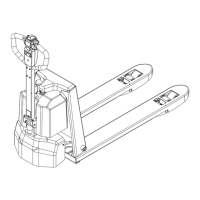
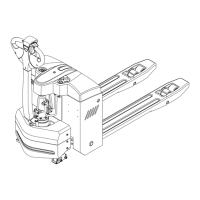
1.4.2 Control1.4.2 Control
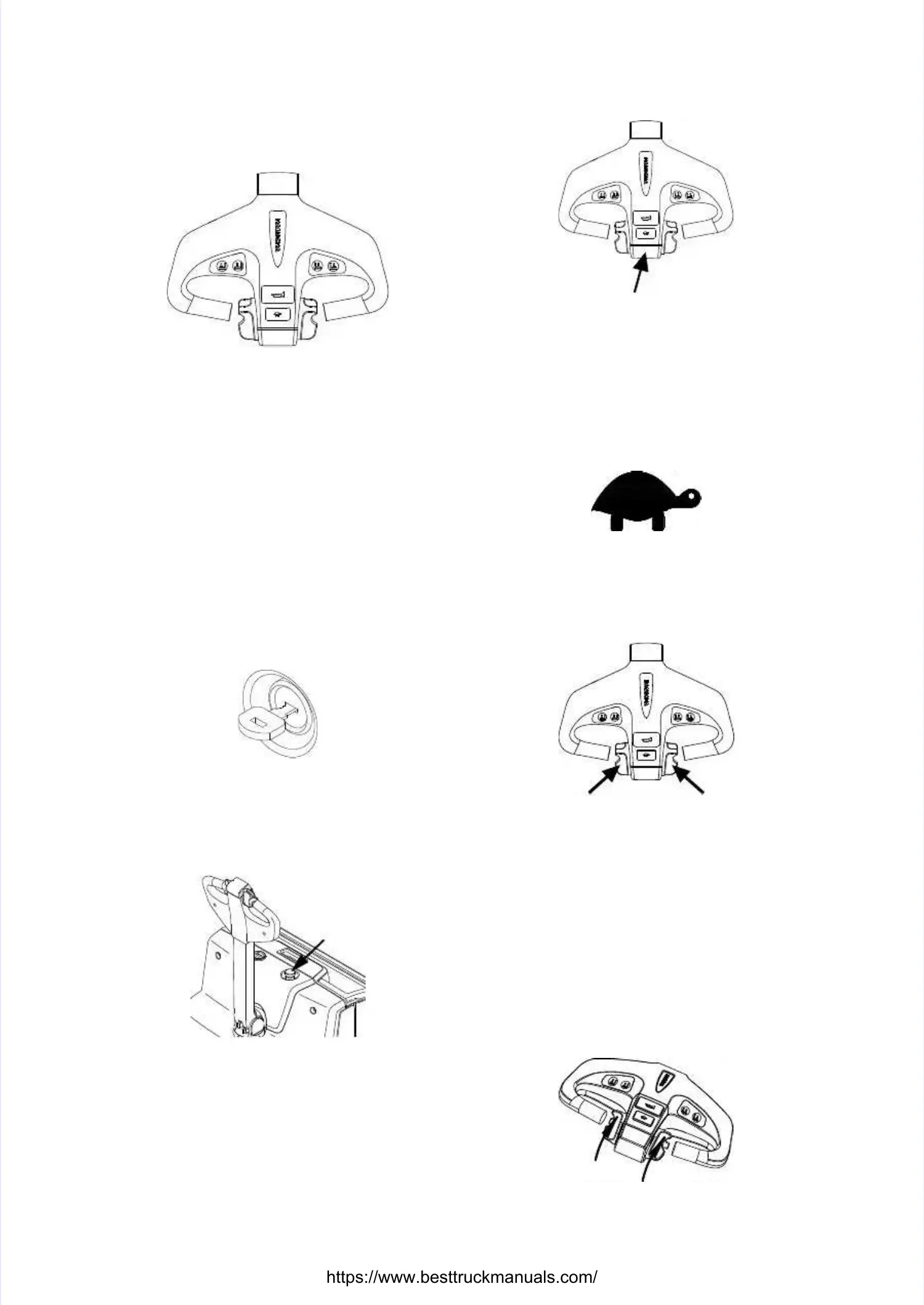
Control handle[1]Control handle[1]
Control truck steering and braking.Control truck steering and braking.
When turn the control handle right and left, itWhen turn the control handle right and left, it
can realize the truck right and left turncan realize the truck right and left turn。。TheThe
max turning angle of this handle is max turning angle of this handle is about 175°.about 175°.
When press the handle to horizontal positionWhen press the handle to horizontal position
or push up to vertical position, it can realizeor push up to vertical position, it can realize
the truck brake. These two positions are setthe truck brake. These two positions are set
by brake inching switch. Normal is open circuit,by brake inching switch. Normal is open circuit,
working status is closed, brake inching switchworking status is closed, brake inching switch
at horizontal or vertical position at horizontal or vertical position is normal.is normal.
Key switch [3]Key switch [3]
Turn on the key switch, and the power is on. TurnTurn on the key switch, and the power is on. Turn
off the switch, and the power is off. Turn off theoff the switch, and the power is off. Turn off the
key switch before charging.key switch before charging.
Emergency stop switch [12]Emergency stop switch [12]
Press this switch, power is off. Press it whenPress this switch, power is off. Press it when
emergency or no ise. If re-start needed, pullemergency or no ise. If re-start needed, pull
upward.upward.
Emergency reverse button [Emergency reverse button [16
16]]
This switch is at the head of control lever,This switch is at the head of control lever,
once touch this button, the truck movesonce touch this button, the truck moves
forward. It is used to protect people fromforward. It is used to protect people from
being clamped by the control handle.being clamped by the control handle.
This switch is This switch is also called belly switch.also called belly switch.
Low speed travel button [Low speed travel button [17
17]]
Press this button, the maximum speed of the
Press this button, the maximum speed of the
truck to reduce to 2.4 km/h.truck to reduce to 2.4 km/h. Release thisRelease this
button, the truck travels in button, the truck travels in normal speed.normal speed.
Direction and speed control button[Direction and speed control button[19
19]]
This button is at both sides of control leverThis button is at both sides of control lever
head, one linkage per left and right. It is tohead, one linkage per left and right. It is to
control travelling direction and travellingcontrol travelling direction and travelling
speed.speed.
Truck travels to the fork sideTruck travels to the fork side
––
Press this Press this control handle downwards.control handle downwards.
–– Turn this button from the side of body toTurn this button from the side of body to
outside gradually with thumb.outside gradually with thumb.
––
Truck travels to the fork side.Truck travels to the fork side.


 To Next Page