38
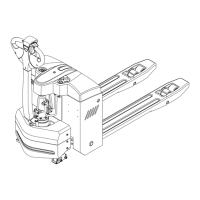
9.4 Remove or installing the drive wheel cover
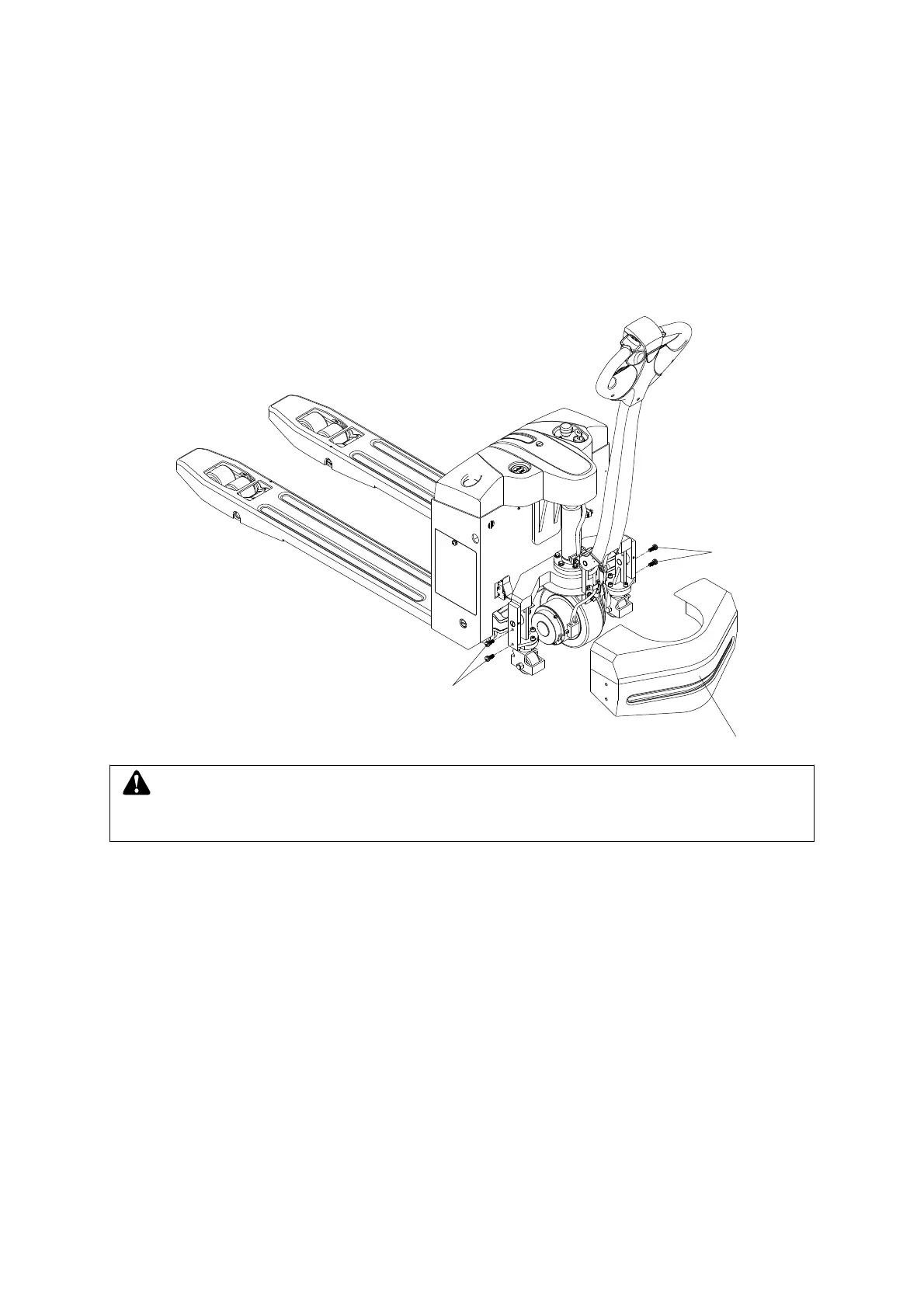
Remove the drive wheel cover
Procedure:
– Unscrew the drive wheel cover (4) of the four screws (40), remove the drive wheel cover.
The drive wheel cover is removed. Installation and removal process is reversed.
4
40
40
WARNING
Remove or installing the drive wheel cover, carefully clip hand!


 To Next Page