8
6.5.3 Remote On/Off Settings
Mode A:
With Remote Off, the cycle is stopped, the solenoid valves are
switched off.
With Remote On, the cycle continues at the same point.
Optimized for reciprocating compressors!
Dip switch 6 on OFF.
Mode B:
With Remote Off, the half-cycle is stopped at the end, and the
solenoid valves are switched off.
With Remote On, the cycle continues at the same point.
Optimized for the desiccant dryer!
Dip switch 6 on ON.
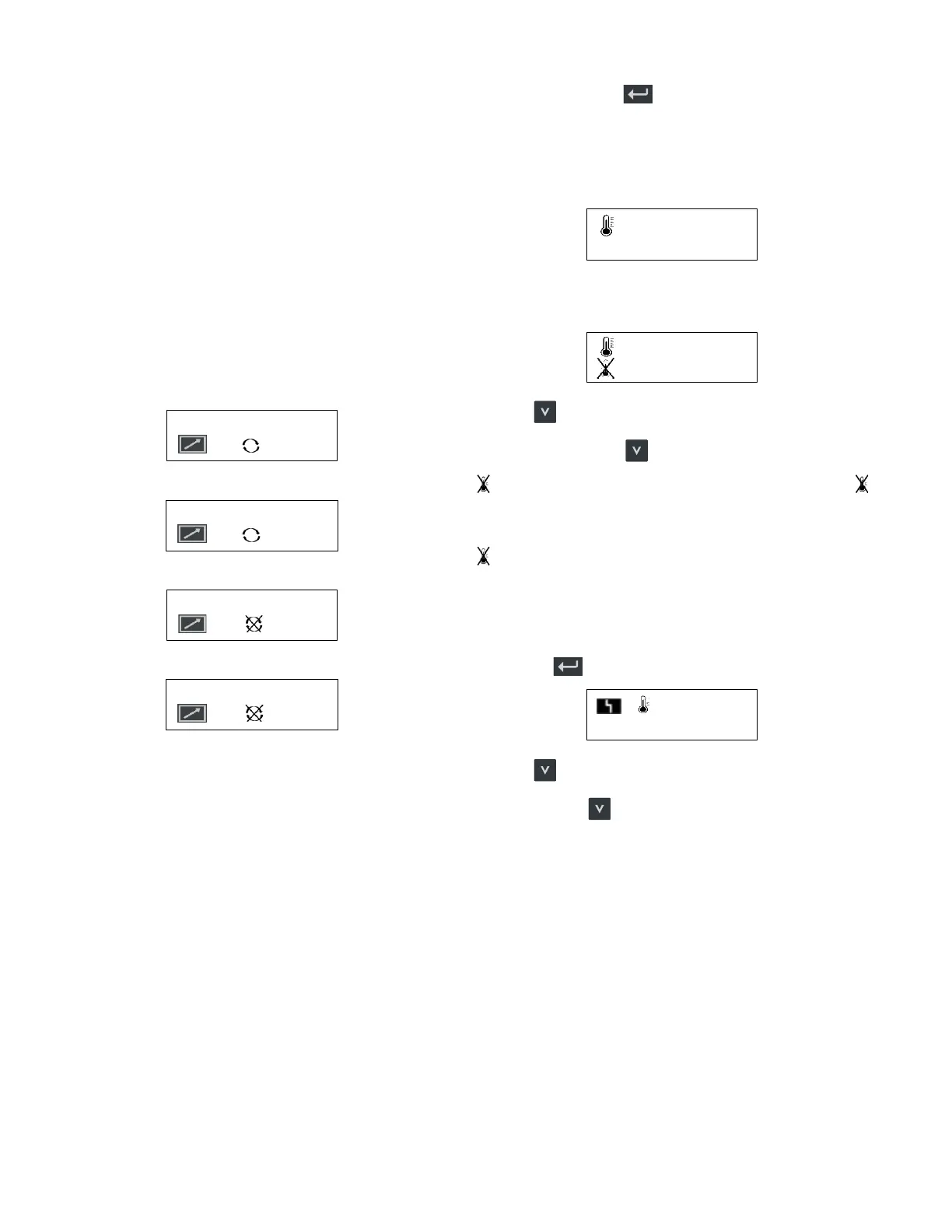
Remote On Mode A
A
Remote On Mode B
B
Remote Off Mode A
A
Remote Off Mode B
B
6.5.4 Setting Menu
Press and hold button for approximately 3 seconds.
Target pressure dewpoint
Now appears (Set pressure dewpoint):
PDP sensor installed and activated
-4 0 °F
or
PDP sensor disabled
Pressing
marks the number/symbol in the second line.
By further pressing the
button, the scrolling will continue:
; -80°C/-112°F; -79°C/-110°F; …; -21°C/-5.8°F; -20°C/-4°F;
Meanings:
PDP control switched off
e.g. -40°C/-40°F Target PDP is -40°/-40°F C
Pressure dewpoint alarm
(if PDP sensor installed and activated)
By pressing , you move to (pressure dewpoint alarm):
-4 °F
Pressing
marks the number in the second line.
Press the button
again to scroll through:
The setting range is between (target pressure dewpoint + 5°C/
41°F) and 0°C/32°F.
Example:
Target pressure dewpoint: -37°C/-34,6°F
Pressure dewpoint alarm setting range: -32°C/-25.6°F to 0°C/
32°F
The following options are available:
(-32°C/-25.6°F; -31°C/-23.8°F; …; -1°C/30.2°F; 0°C/32°F;
-32°C/-25.6°F)


 To Next Page
 Loading...