EasyManua.ls Logo

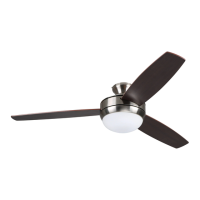
Harbor Breeze TALAMORE TAL60BNK8LR - User Manual

Harbor Breeze TALAMORE TAL60BNK8LR
19 pages
Print Icon
To Next Page IconTo Next Page
Loading...
ITEM #5190468
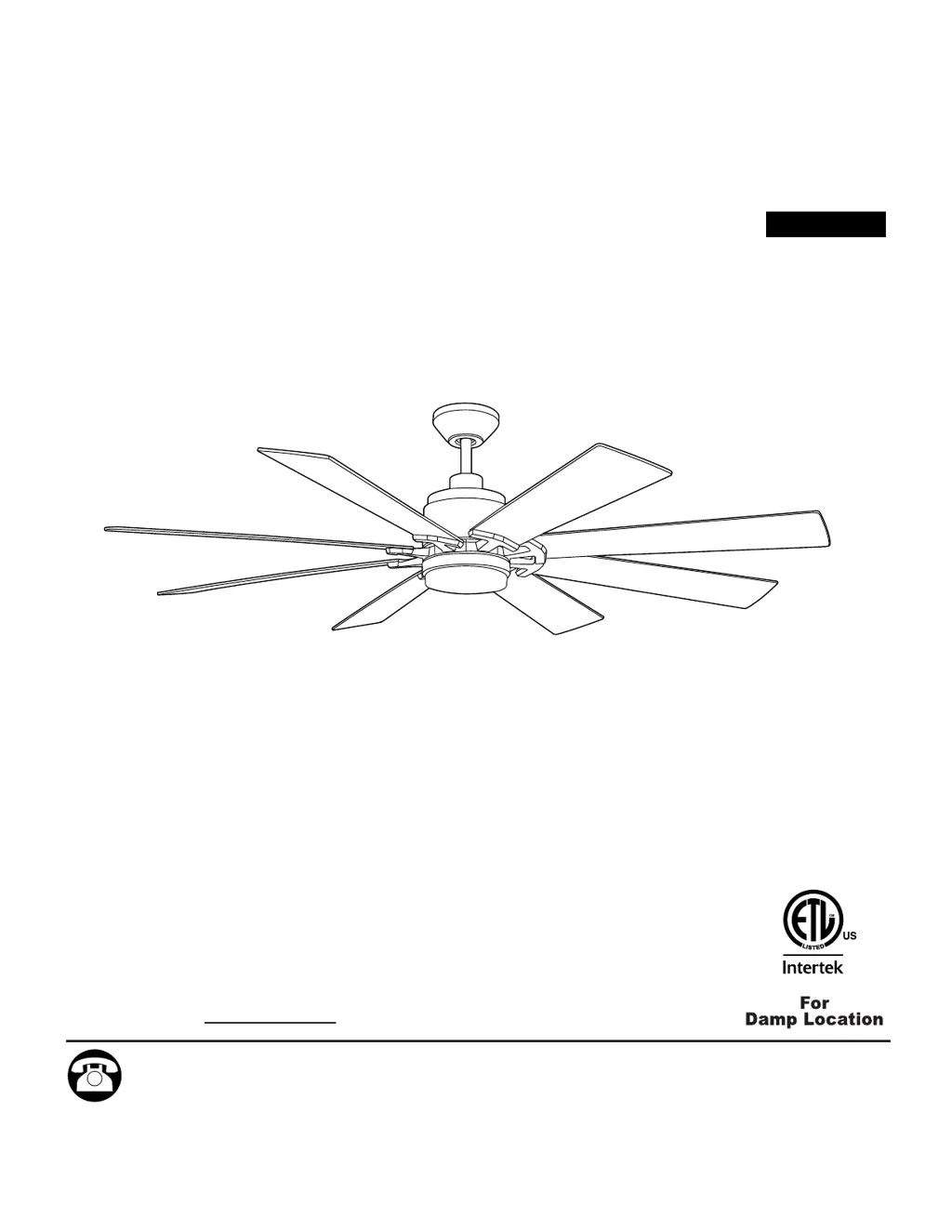
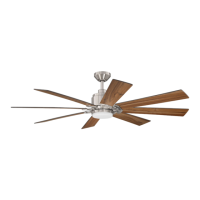
TALAMORE CEILING FAN
Español p. 20
MODEL #TAL60BNK8LR
ATTACH YOUR RECEIPT HERE
Purchase Date
1
4007498
Questions, problems, missing parts? Before returning to your retailer, call our customer
service department at 1-800-527-1292, 8:30 a.m. - 5 p.m., CST, Monday - Friday.

Questions and Answers

  • J
    John MitchellAug 11, 2025
    Why is my Harbor Breeze TALAMORE TAL60BNK8LR Fan wobbling excessively?
    • J
      Jennifer MooreAug 11, 2025
      Excessive wobbling in your Harbor Breeze Fan can occur due to several reasons. First, check and tighten all blade screws, as loose blades are a common cause. If that doesn't resolve the issue, try switching one blade with a blade from the opposite side to address potential imbalances. Also, ensure the fan is securely mounted by verifying the mounting bracket. Confirm that the set screw on the motor housing yoke and the hanging ball are properly tightened. Finally, consider whether the fan is too close to a vaulted ceiling, which might require a longer downrod or relocation.
  • J
    janechangAug 18, 2025
    How to fix a noisy Harbor Breeze Fan?
    • J
      Jennifer RandallAug 18, 2025
      A noisy Harbor Breeze Fan can be caused by several factors. Start by tightening all blade screws, as loose blades often cause noise. If the noise persists, inspect the blades for cracks and replace any damaged ones. If your fan is new, allow it a 'break in' period of a few days, especially when running it at medium and high speeds, as this can often resolve the issue.
  • M
    Monique JonesAug 27, 2025
    What to do if my Harbor Breeze TALAMORE TAL60BNK8LR Fan does not move?
    • K
      Kelly WestAug 27, 2025
      If your Harbor Breeze Fan isn't moving, start by checking if the power is on or if a fuse is blown; if so, turn the power on or check the fuse. If the power supply isn't the issue, turn the power off, loosen the canopy, and check all wire connections for faults. Also, the learning code process between the fan and remote control transmitter may not have been successful or activated, so turn off the power and repeat the instructions in Step 3 on page 17.
  • S
    Shannon CastilloSep 2, 2025
    What to do if my Harbor Breeze TALAMORE TAL60BNK8LR operates but the light fails?
    • J
      jody64Sep 2, 2025
      If your Harbor Breeze Fan operates but the light fails, first ensure that the wall switch to the fan is on. If it is, check the wires in the canopy to make sure they are wired properly according to the instructions on page 11. Also, verify that the molex connections in the LED light kit are connected properly according to the instructions on page 14.

Summary

Safety Information

FCC Compliance Notice

Details compliance with FCC rules for the remote control and LED light kit.

Read and Save These Instructions

Crucial instructions and warnings to ensure safe installation of the fan.

Critical Safety Warnings

DANGER and WARNING Statements

Key safety warnings regarding electrical shock, fire, and installation hazards.

CAUTIONary Advice

Important installation and component handling cautions.

Package and Hardware Contents

Package Contents Overview

Lists all parts included in the fan package.

Hardware Contents

Details all necessary hardware and fasteners for assembly.

Installation Procedures

Preparation and Initial Steps

Steps to take before starting installation and initial mounting.

Mounting Methods

Instructions for downrod-style and closemount-style fan mounting.

Wiring Connections

Step-by-step guide for connecting the fan's electrical wiring.

Final Assembly and Mounting

Completing the fan assembly and securing it to the ceiling.

Operation and Maintenance

Remote Control Operation

How to use the remote control transmitter and its functions.

Care and Maintenance Guide

Instructions for cleaning and maintaining the ceiling fan.

Troubleshooting and Warranty

Troubleshooting Common Issues

Solutions for common problems like fan not moving or noisy operation.

Replacement Parts and Warranty

Information on obtaining replacement parts and warranty details.

Harbor Breeze TALAMORE TAL60BNK8LR Specifications

General IconGeneral
BrandHarbor Breeze
ModelTALAMORE TAL60BNK8LR
TypeCeiling Fan
Blade Span60 inches
Number of Blades8
Motor TypeAC Motor
Reversible MotorYes
Light Kit IncludedYes
Light TypeLED
Control TypeRemote Control
Remote Control IncludedYes
FinishBrushed Nickel
Indoor/OutdoorIndoor
Mounting OptionsDownrod
Motor Speed3 speeds

Related product manuals