EasyManua.ls Logo

Harbor Breeze Teolo - User Manual

Harbor Breeze Teolo
34 pages
Print Icon
To Next Page IconTo Next Page
Loading...
EspaƱol p. 19
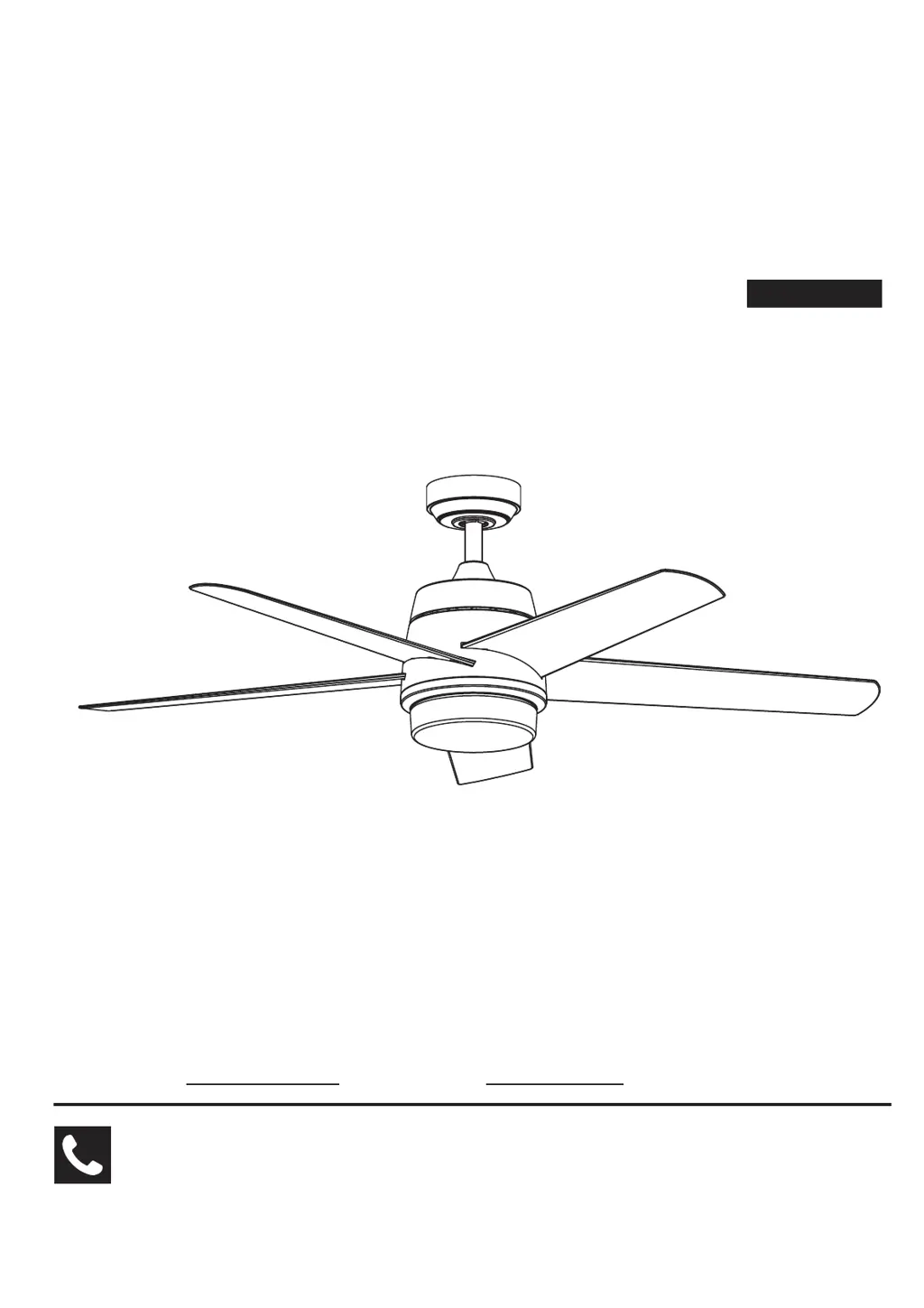
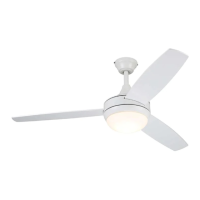
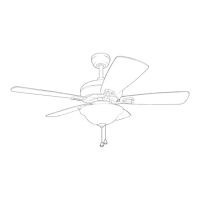
CEILING FAN
Serial Number
Purchase Date Net Weight 21.23 lbs (9.63 kg)
Questions, problems, missing parts? Before returning to your retailer, call our customer
service department.
READ AND SAVE THESE INSTRUCTIONS

Questions and Answers

  • T
    Terry HowellAug 5, 2025
    What to do if my Harbor Breeze Fan will not start?
    • S
      shawnjacksonAug 6, 2025
      If your Harbor Breeze Fan won't start, there are several potential causes: * A blown fuse or circuit breaker: Check both the main and branch circuit fuses or circuit breakers. * Loose power line connections: Inspect the line wire connections to the fan and switch wire connections in the switch housings. Remember to turn off the main power before checking! * Reversing switch in neutral: Ensure the reversing switch is completely to one side. * Dead remote battery: Replace the battery in the remote control with a new one.
  • W
    willisnicholasAug 14, 2025
    Why is my Harbor Breeze Teolo so noisy?
    • J
      Jennifer DiazAug 14, 2025
      If your Harbor Breeze Fan sounds noisy, consider these potential issues: 1. Blades not attached: Ensure the blades are properly attached to the fan. 2. Loose screws in the motor housing: Check and tighten (but do not overtighten) all screws in the motor housing. 3. Loose screws securing blade holders: Make sure the screws attaching the fan blade holders to the motor flywheel are tight. 4. Rattling wire connectors: Confirm that wire connectors in the switch housing are not rattling against each other or the housing's interior wall. Ensure the main power is off before checking! 5. Motor noise from speed control: If you're using a solid-state variable speed control, it may be causing the noise. Consider an alternative control method, as solid-state controls are not recommended.
  • J
    Jeffrey HowardAug 20, 2025
    How to fix a wobbly Harbor Breeze Fan?
    • M
      Michael RobinsonAug 20, 2025
      If your Harbor Breeze Fan wobbles excessively, here are a few things to check: * Loose setscrews: Tighten both setscrews securely in the downrod support and also tighten the setscrew in the downrod/hanger ball assembly. * Loose blade holder screws: Check that the screws securing the fan blade holders to the blades are tight. * Insecure mounting: Tighten the hanger bracket screws to the outlet box, and ensure the outlet box is securely fastened. * Unbalanced blades: Use the balance kit provided to balance the blades.
  • K
    Kyle ReynoldsAug 28, 2025
    How to improve air movement from my Harbor Breeze Teolo?
    • W
      Willie MorrisAug 28, 2025
      If your Harbor Breeze Fan isn't moving enough air, consider using a longer downrod. You can purchase a longer downrod from our website (not included).

Summary

Important Safety Instructions

Additional Safety Instructions

LIMITED LIFETIME WARRANTY

Tools Needed for Assembly

Unpacking Instructions

Energy Efficient Use of Ceiling Fans

Choosing the Appropriate Mounting Location

Guidance on selecting the best place to install the fan for optimal performance and airflow.

Turn Off When Not in the Room

Advice on turning off the fan when the room is unoccupied to save energy.

Using the Ceiling Fan Year Round

Tips for using the fan in both summer (cooling) and winter (heating circulation) seasons.

Electrical and Structural Requirements

Low-profile use (Figure 1)

Details on mounting the outlet box using a shallow, pancake-style box screwed directly to a joist.

Deep-profile use (Figure 2)

Details on mounting the outlet box using a deeper box attached to blocking between joists.

Brace use (Figure 3)

Explanation of using a brace with a deep box to span between joists for mounting.

How to Assemble Your Ceiling Fan

How to Hang Your Ceiling Fan

How to Wire Your Ceiling Fan

How to Install Your Canopy Housing

How to Assemble Your Ceiling Fan Blades

How to Assemble Your Light Kit

How to Operate Your Ceiling Fan

How to Install Your Remote Control

Maintenance

How to Clean Your Ceiling Fan Blades

Troubleshooting

Parts List

Exploded-View Illustration

Harbor Breeze Teolo Specifications

General IconGeneral
BrandHarbor Breeze
ModelTeolo
TypeCeiling Fan
Blade Span52 inches
Number of Blades5
Motor Speeds3
Reversible MotorYes
Light Kit IncludedYes
Bulb TypeLED
ControlPull Chain
FinishBrushed Nickel
Blade Pitch12 degrees
WarrantyLimited Lifetime
MotorAC
Mounting OptionsDownrod
Mounting TypeDownrod
Room SizeLarge Room
Blade MaterialWood

Related product manuals