EasyManua.ls Logo

Harbor Breeze TG44BNK3D1RC - User Manual

Harbor Breeze TG44BNK3D1RC
19 pages
Print Icon
To Next Page IconTo Next Page
Loading...
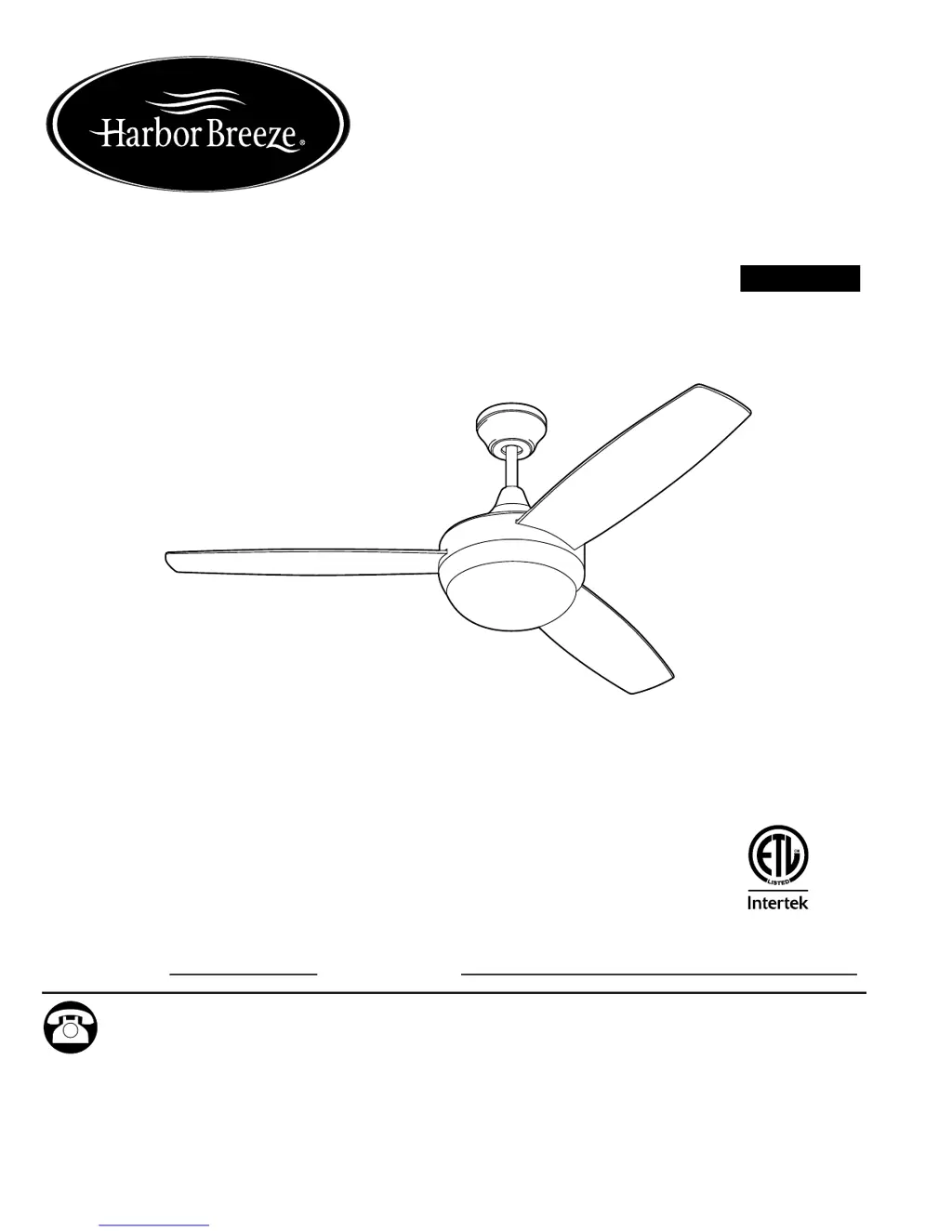
ITEM #0803772
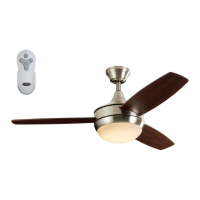
BEACH CREEK
LED CEILING FAN
Español p. 20
MODEL #TG44BNK3D1RC
ATTACH YOUR RECEIPT HERE
Serial Number
Purchase Date
Questions, problems, missing parts? Before returning to your retailer, call our customer
service department at 1-800-643-0067, 8 a.m. - 6 p.m., EST, Monday - Thursday, 8 a.m. - 5 p.m.,
EST, Friday.
1
Harbor Breeze® is a registered trademark
of LF, LLC. All Rights Reserved.
EB1682
4007498

Questions and Answers

  • J
    Juan SandovalAug 2, 2025
    Why is my Harbor Breeze TG44BNK3D1RC wobbling so much?
    • J
      Jenna LopezAug 3, 2025
      If your Harbor Breeze fan is wobbling excessively, there might be several reasons. First, ensure all blade screws are tightened securely. If that doesn't solve the issue, try switching one blade with a blade from the opposite side, or use a balancing kit. Also, turn off the power and check if the mounting bracket is secure. If the fan is too close to a vaulted ceiling, consider using a longer downrod or moving the fan. Finally, make sure the set screws on the motor housing yoke are properly tightened.
  • M
    Mr. Christopher ThompsonAug 10, 2025
    What to do if my Harbor Breeze Fan does not move?
    • M
      Miguel TorresAug 11, 2025
      If your Harbor Breeze fan is not moving, first, make sure the reverse switch is fully engaged by pushing it firmly either left or right. Check that the power is on and the fuse is in working condition. Then, turn the power off, loosen the canopy, and check all wire connections. Finally, the learning code process between the fan and remote control transmitter may not have been successful or learning code was not activated, so turn off the power and repeat the instructions in Step 2 on page 16.
  • J
    Jose CastanedaAug 17, 2025
    What to do if my Harbor Breeze TG44BNK3D1RC Fan works but the light doesn't?
    • G
      George FlemingAug 17, 2025
      If your Harbor Breeze fan operates but the light fails, check the wires in the canopy and re-wire according to instructions on pages 12 and 13, if necessary. Also, ensure that the wall switch to the fan is turned on.
  • D
    Donald BoydAug 26, 2025
    How to fix a noisy Harbor Breeze TG44BNK3D1RC?
    • V
      Vanessa HensonAug 26, 2025
      If your Harbor Breeze fan is operating noisily, start by tightening all blade screws. If the noise persists, check for any cracked blades and replace them if necessary. A full range dimmer switch can also cause noise, so replace it with an approved speed control device. If the fan is new, allow it a "break in" period of a few days, especially when running it at medium and high speeds.

Summary

Safety Information

Warnings and Cautions

Critical warnings and cautions regarding electrical shock, fire, and personal injury.

Initial Installation

Assemble Motor and Blades

Attach blades to the motor housing and reassemble top/yoke plates.

Downrod-Style Fan Mounting

Install and Secure Downrod

Insert downrod through canopy/yoke, align holes, re-install pin/clip, and tighten screws.

Closemount-Style Fan Mounting

Attach Canopy to Motor

Remove alternate screws from motor, pull wires through canopy, and attach canopy to motor.

Wiring

Make Remote Control Wiring Connections

Connect fan, receiver, and supply wires according to the diagram for remote control operation.

Final Installation

Operating Instructions

Fan Speed and Light Control

Learn how to control fan speed (high, medium, low) and light (on/off, dimming).

Troubleshooting

Harbor Breeze TG44BNK3D1RC Specifications

General IconGeneral
BrandHarbor Breeze
Model NumberTG44BNK3D1RC
TypeCeiling Fan
Blade Span44 inches
Number of Blades5
Motor TypeAC Motor
Reversible MotorYes
Light Kit IncludedYes
Control TypeRemote Control
Mounting TypeFlush Mount
FinishBrushed Nickel
Motor Speed3 Speeds
Mounting OptionsDownrod

Related product manuals