EZ-Guide® Plus
Nudge
Use nudge to move the guidance line back to the correct path to:
• correct for GPS position drift when returning to the field for guidance, for example after pausing or turning the unit off a
on
• correct for GPS satellite constellation changes while driving in the field.
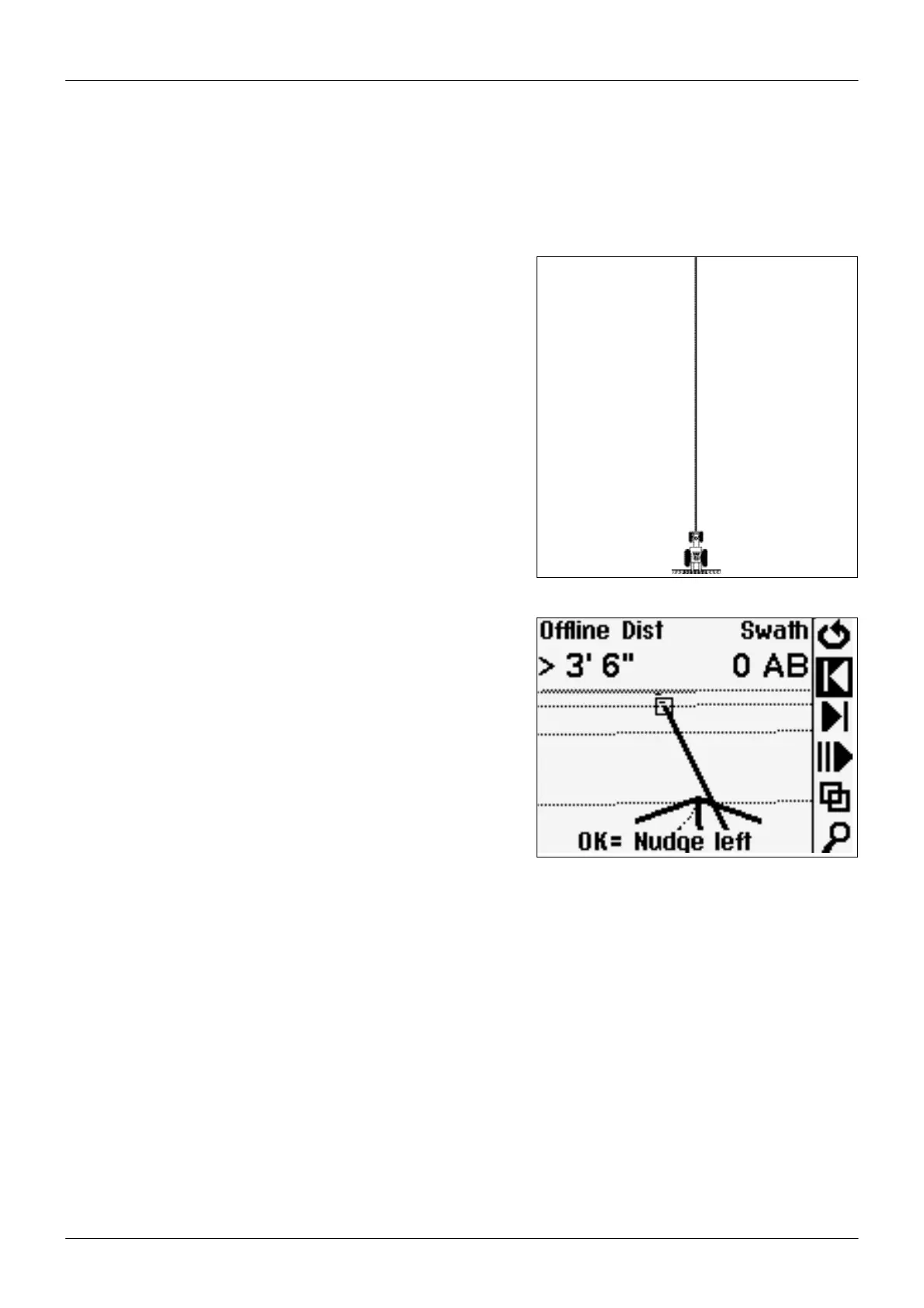
On the ground –
Vehicle on line with current swath/row.
On screen –
Vehicle offline. Nudge left to correct..
Nudge is always applied to the guidance line relative to the vehicle heading.
o nudge, select 1 or 3. Each nudge moves the guidance line 3 inches. For example, if you press 3 twice, the total nudge
distance is 6 inches to the right.
o display the total accumulated nudge perpendicular to the current vehicle heading, use Lightbar / Status Text.
Configure Nudge to appear on a map view or Status screen.
o reset the nudge distance to 0, select Guidance / Reset Nudge.
17



 To Next Page