EZ-Guide® Plus
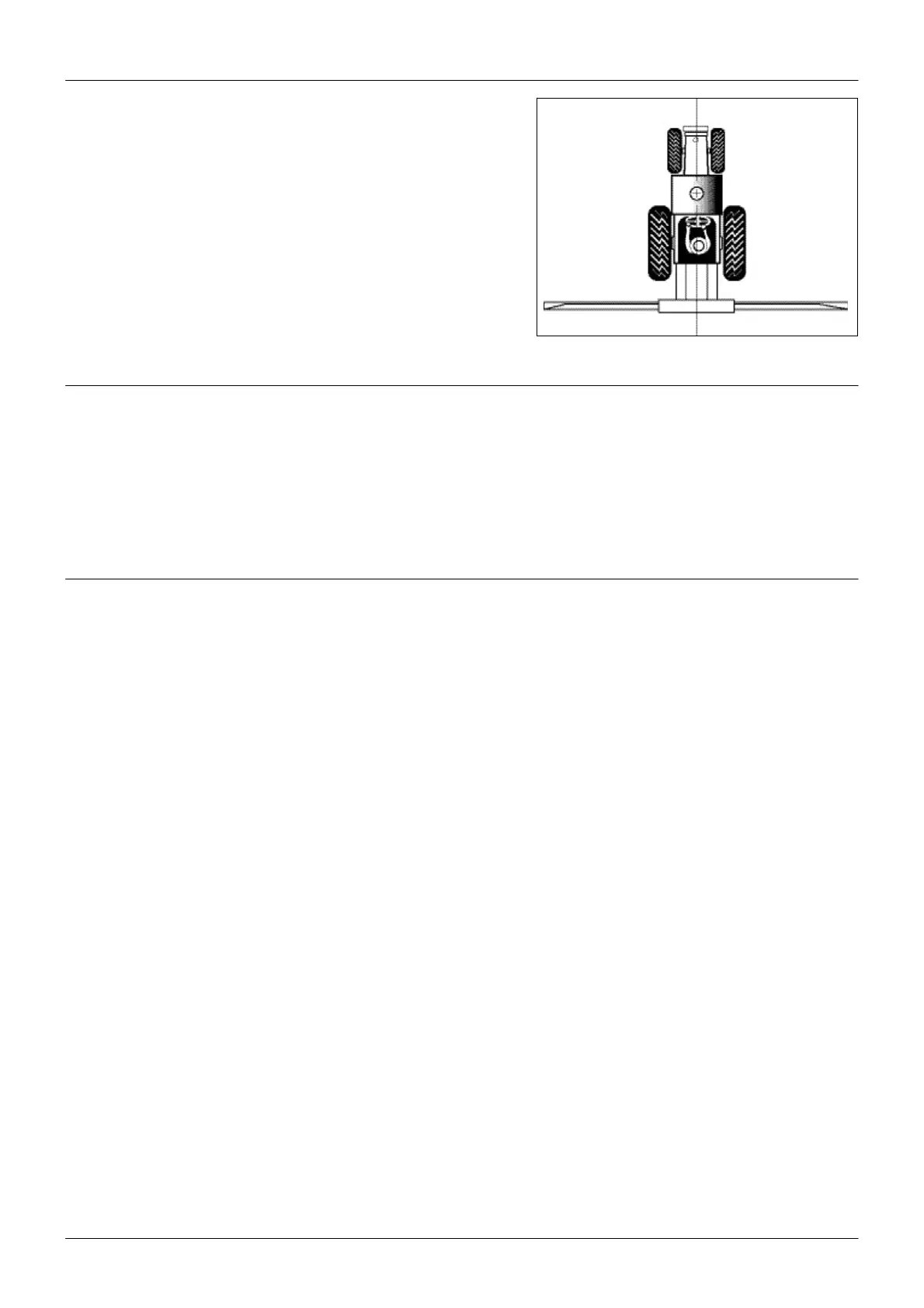
Setting the antenna offset
By default, the antenna is assumed to be at the implement position.
If the antenna is not mounted at the implement position, to ensure
correct guidance, set an antenna offset using Lightbar / Antenna
Offset.
1. Antenna offset ahead of implement
2. Vehicle centreline
3. Implement
Caution — The antenna must be mounted on the vehicle centerli-
ne. Otherwise, offline guidance will not be correct.
Coverage Area
Coverage area is calculated whenever the spray switch is connected and on. For information on connecting a spray
switch, see Connecting other devices.
By default, Coverage Area is configured for display on the Status screen. To display Coverage Area on a map view instead,
use Lightbar / Status Text.
o save the coverage area value, you must Pause before turning the system off. Otherwise the value will be lost when you
restart the system.
Status text
Status text Definition
Swath number Swath number of the closest swath.
Offline distance Distance offline from the closest swath.
Speed Current speed.
Heading Current heading.
Field area Area of the field calculated half a swath width outside the path driven. A value is displayed
only for Headland patterns.
Satellites Number of GPS satellites used.
HDOP Horizontal Dilution of Precision. This is a measure of accuracy based on the geometry of the
satellites in the sky. An HDOP of 2 or less is good.
Height Current antenna height above mean sea level (MSL).
GPS status Current GPS status.
Coverage area Area applied while spray switch was on. Calculated as distance x swath width. To save the
coverage area value when turning off the system, pause guidance before disconnecting
power.
Nudge Displays accumulated nudge perpendicular to the direction of travel.
None No status text displayed.
11



 To Next Page