EZ-Guide® Plus
Getting Started
his section describes how to
et started with the EZ-Guide Plus li
htbar
uidance s
stem. For in
ormation on usin
ui-
Parts o
the EZ-Guide Plus Lightbar
he following picture shows the main hardware features of the EZ-
Guide Plus lightbar.
1. Integrated GPS receiver (optional) High-performance
Integrated WAAS/EGNOS/MSAS receiver
• EVEREST™ multipath rejection technology
2. Buttons Three buttons to operate the lightbar:
• OK Action selected icon, accept changes
• A Select icon, increase configuration value
• V Select icon, decrease configuration value
3. Guidance LEDs Provide offline guidance to the closest swath
4. LCD display
• Monochrome
• Anti-glare screen
• Multi-level backlight
5. Data port
• GPS output
• External GPS input
• External correction input
• GPS diagnostics and configuration
• Pulse output and switch input (requires external interface cable)
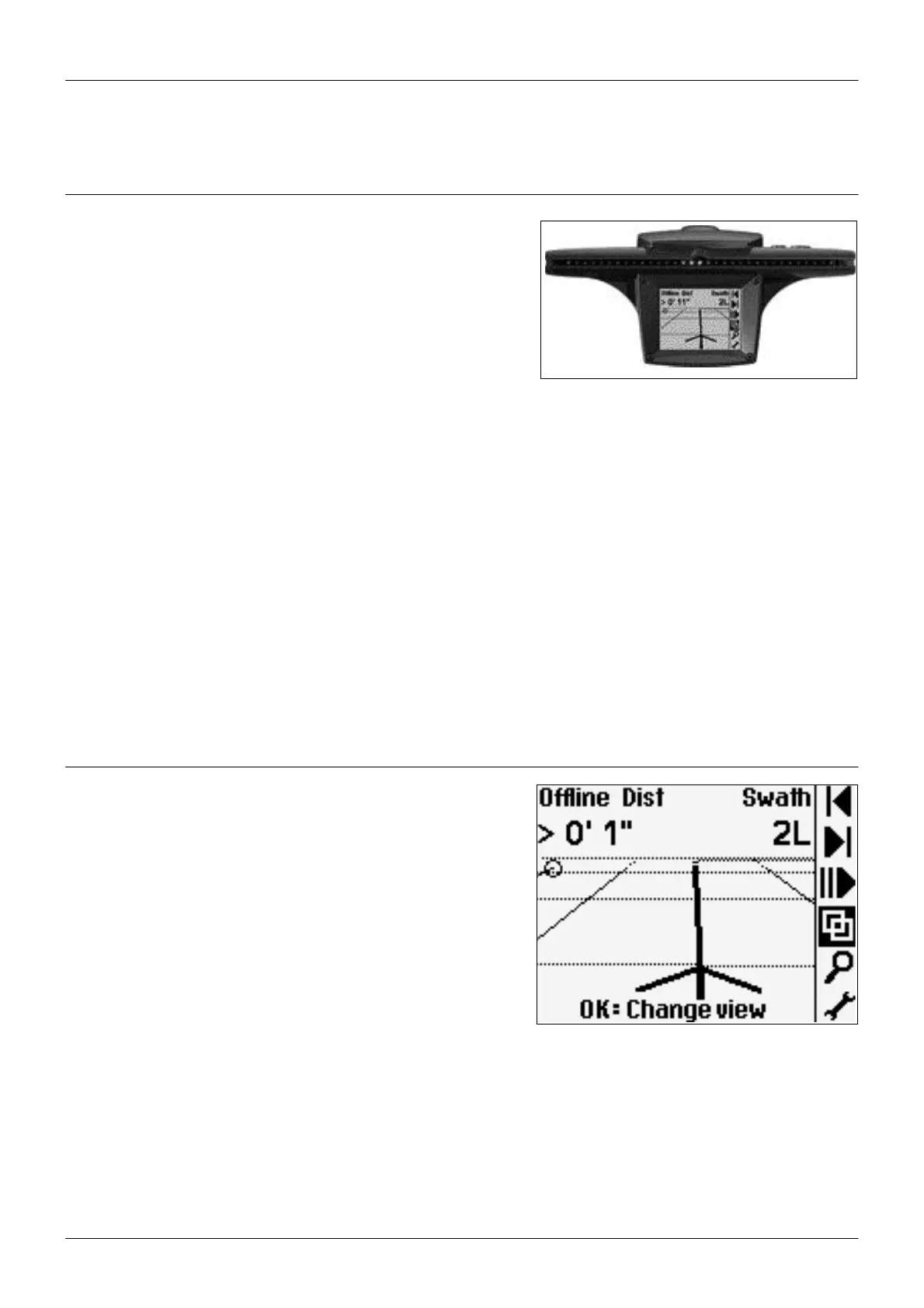
Using the Lightbar
Main screen items
he following picture shows the items on the main map screen.
1. Status text (top)
2. Action icon bar (side)
3. Tips (bottom)
6



 To Next Page