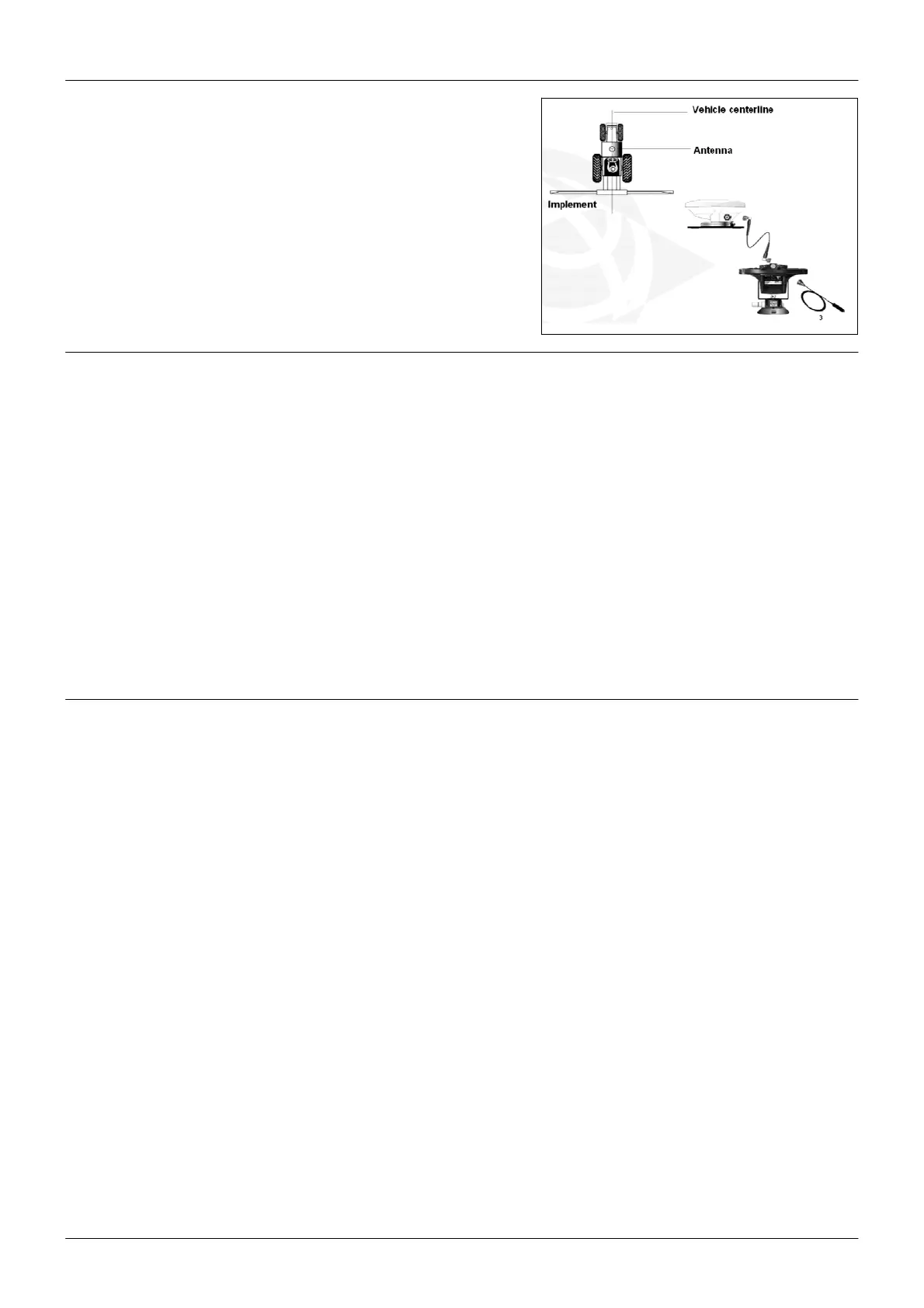
EZ-Guide® Plus
EZ-Guide Plus installation
West o
EU Settings (ESTB Area)
FW Version 2.0x & 3.xx
From Default settings
1) Select the Language
2) Select the Units
3) Lk ahead Default is 1s
1s 0 to 10 km/h
2s 11 to 15
3s 16 and more
4) Keep antenna offset set to default 0 cm default is 0 cm
Ez-Guide Plus
East of EU Settings
FW Version 2.0x & 3.xx From Default settings
1) Select the Language
2) Select the Units
3) Turn Corrections to OFF
4) Set Low accuracy warning to No Warning
5) Lk ahead Default is 1s
1s 0 to 10 km/h
2s 11 to 15
3s 16 and more
6) Keep antenna offset set to default 0 cm
7



 To Next Page