EZ-Guide® Plus
Using GPS
You can purchase the AgGPS EZ-Guide Plus lightbar with or without the integrated GPS option.
Integrated GPS
If you have a lightbar with integrated GPS, the GPS receiver is powered on as soon as the lightbar is powered on. To recei-
ve GPS satellite signals, connect the antenna to the antenna cable connector on the back of the lightbar.
Corrections
o improve GPS accuracy, the integrated GPS receiver uses correction messages from a Wide Area Augmentation System
( WAAS) satellite, European Geostationary Navigation Overlay System (EGNOS) satellite, or Multifunctional Transport
Satellitebased Augmentation System (MSAS) satellite. By default, Corrections is set to Auto, so the receiver will automati-
cally use WAAS, EGNOS, or MSAS corrections according to your location. To disable all corrections, use GPS / Corrections an
change this setting to Off.
o manually enable or disable individual WAAS, EGNOS, or MSAS satellites:
1. From the GPS menu, select Corrections.
2. Select Custom.
3. Highlight the Exit command and press D to display Edit WAAS, Edit EGNOS, or Edit MSAS. Press o.
4. In the configuration screen that appears, turn on or off any satellites. To return to the Corrections screen, press o.
Note — MSAS is still in an early development phase and will only work in Japan.
External correction input
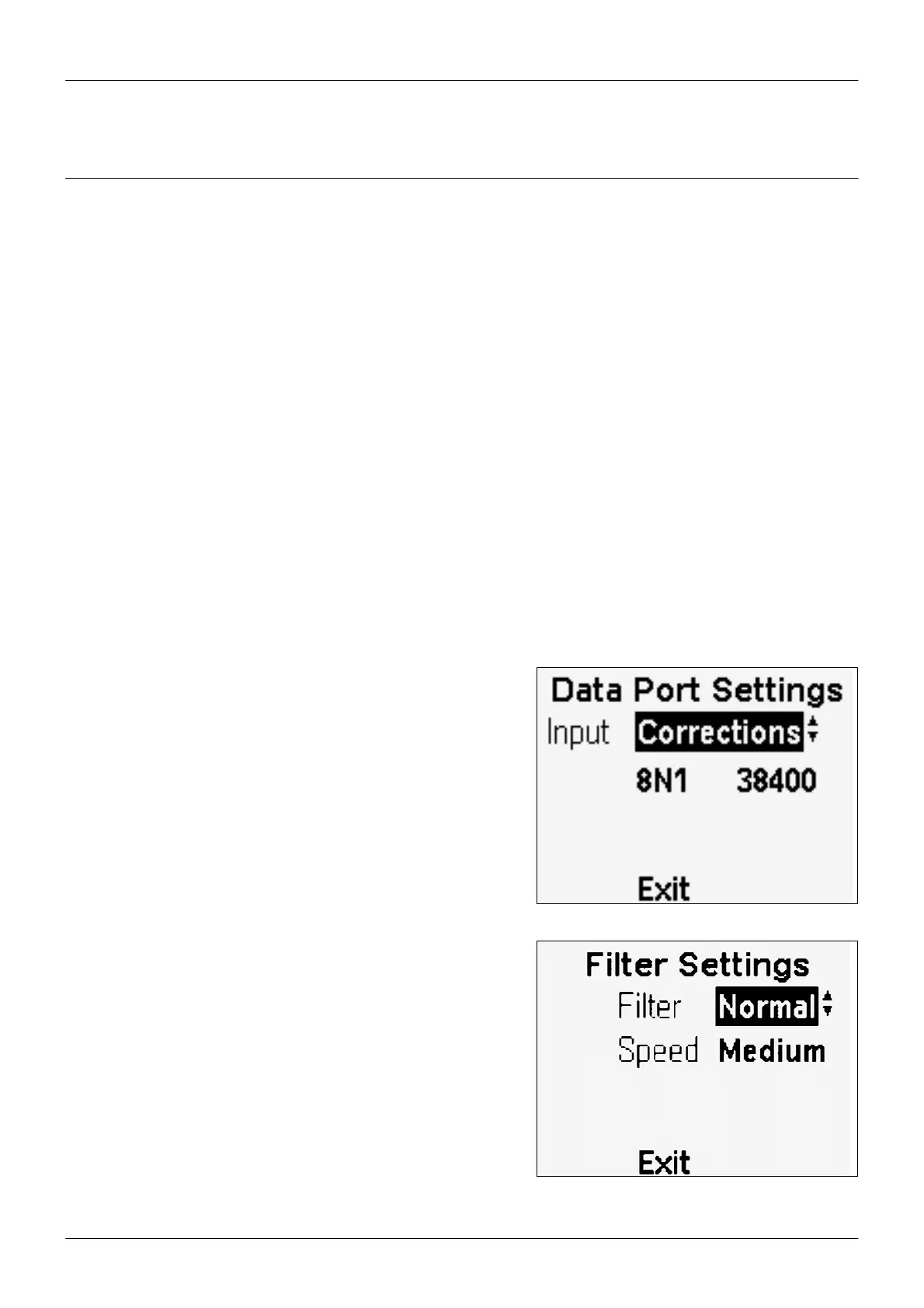
If you are using the integrated GPS receiver, you can use external
RTCM corrections instead of WAAS, EGNOS, or MSAS corrections. To
configure the integrated GPS receiver to use external RTCM correc-
tions, set the Input option in Lightbar / Data Port Settings to
Corrections. Confirm that the port settings match the receiver out-
put settings.
Filter
o improve accuracy at slow speeds, select GPS /Filter and set Speed
Slow.
o prevent overshoot in tight corners at high speeds,change the
Speed setting to Fast.
21



 To Next Page