EasyManua.ls Logo

Harman Kardon OMNI 10+ - User Manual

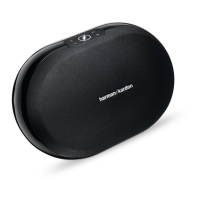
Harman Kardon OMNI 10+
32 pages
Print Icon
To Next Page IconTo Next Page
Loading...
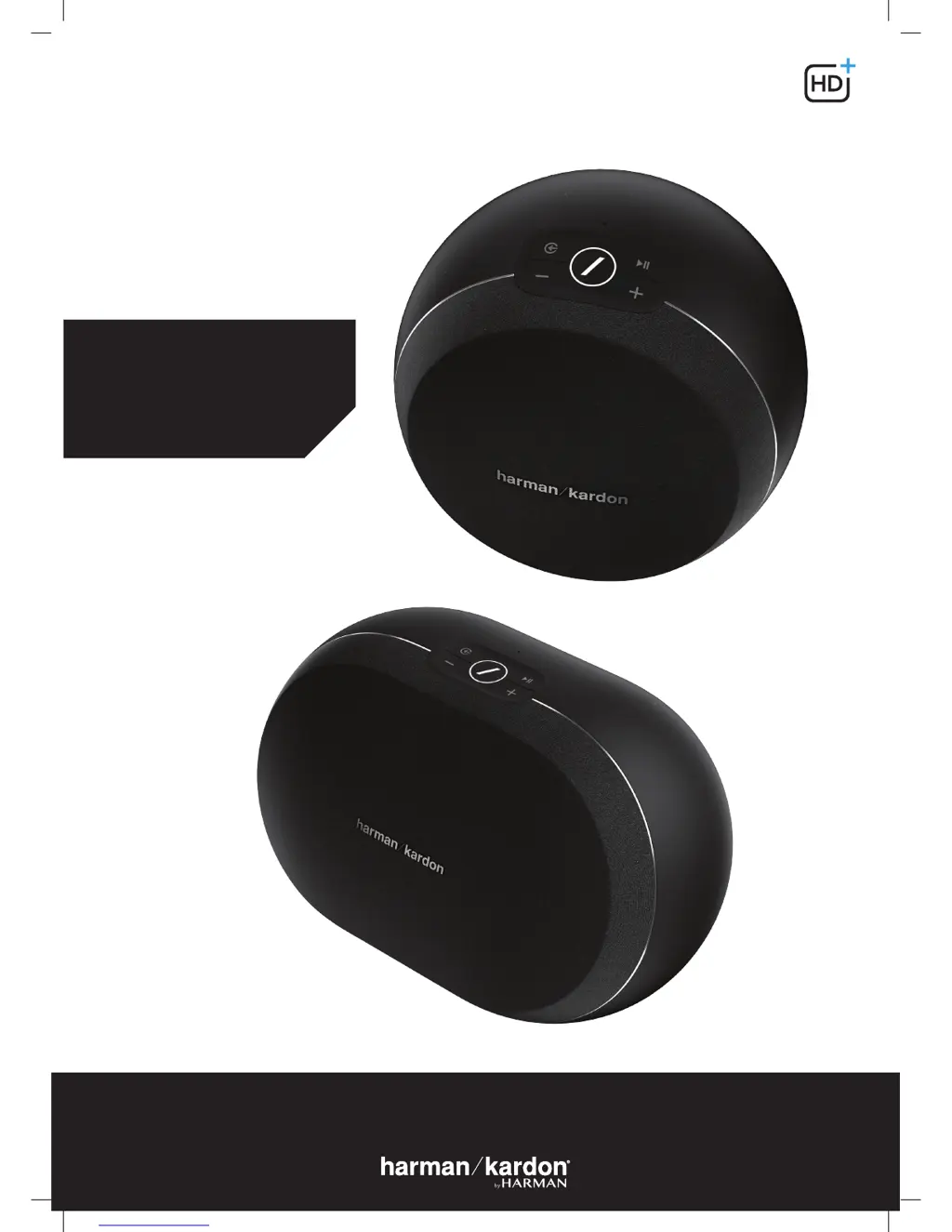
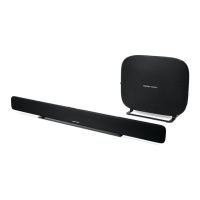
OMNI 10+
OMNI 20+
OWNER’S MANUAL
EN/
WIRELESS AUDIO SYSTEM

Questions and Answers

  • L
    Laura JarvisJul 28, 2025
    What to do if my Harman Kardon Speakers do not appear in the Controller app?
    • P
      Pamela PowellJul 28, 2025
      If your Harman Kardon speaker doesn't appear in the Controller app, ensure it's connected to your Wi-Fi network and within range. Also, verify that both your phone/tablet and the speaker are connected to the same network.
  • E
    eugenesmithAug 6, 2025
    Why I am having problems with Harman Kardon Speaker connection using a Wi-Fi extender?
    • F
      frankcarpenterAug 6, 2025
      If you are using a Wi-Fi extender and experiencing connection problems with your Harman Kardon speaker, ensure your Wi-Fi extender supports 802.11n/ac 5GHz and only use that frequency. It's recommended to connect most speakers to the main Wi-Fi network, and only add speakers to a Wi-Fi extender if absolutely necessary.
  • R
    ryanharrisonAug 15, 2025
    Why AUX-in or Bluetooth source is not working in a Harman Kardon stereo pair?
    • F
      frank00Aug 15, 2025
      To get AUX-in or Bluetooth source working in a stereo pair with your Harman Kardon speakers, connect the AUX-in cable or pair Bluetooth with the Master speaker in the room. The Slave speaker is passive and will activate once the Master speaker starts playing.

Summary

Safety Instructions

Verify Line Voltage Before Use

Check voltage compatibility before connecting the speaker to prevent hazards and damage.

Do Not Use Extension Cords

Use only the provided power cord and avoid running cords under rugs or carpets for safety.

Handle the AC Power Cord Gently

Pull the plug, not the cord, when disconnecting. Disconnect during long periods of non-use.

Buttons and Connectors

Speaker Setup

Connecting Your Speaker to Wi-Fi

Guides initial connection to your home Wi-Fi network using the Controller app.

Connecting Your Speaker to Bluetooth

Outlines the process for pairing the speaker with Bluetooth-enabled devices.

Connecting AUX-In Devices

Describes how to connect analog audio sources using an AUX cable.

Controlling Your Speaker

Playing Music From Wi-Fi

Upgrading

Troubleshooting

Common Problems and Solutions

Provides solutions for issues like no power, connectivity problems, and audio output.

Technical Specifications

Harman Kardon OMNI 10+ Specifications

General IconGeneral
TweeterYes
Speaker type1-way
Woofer diameter90 mm
Tweeter diameter19 mm
Number of speakers1
Audio output channels1.0 channels
DC input voltage19 V
Power source typeDC
Power consumption (standby)3 W
Frequency range2.4 - 2.48 GHz
Connectivity technologyWired
RMS rated power50 W
Signal-to-Noise Ratio (SNR)80 dB
Input current3 A
Product typeStereo portable speaker
Product colorWhite
Product designOther
Volume controlDigital
Recommended usageUniversal
Weight and Dimensions IconWeight and Dimensions
Depth159 mm
Width181 mm
Height166 mm
Weight1333 g

Related product manuals