Vehicle Harness
Lift Harness
Connect power
to the lift
Vehicle Harness
Lift Harness
Connect power
to the lift
16
Section 2 : inStaller
Preparation
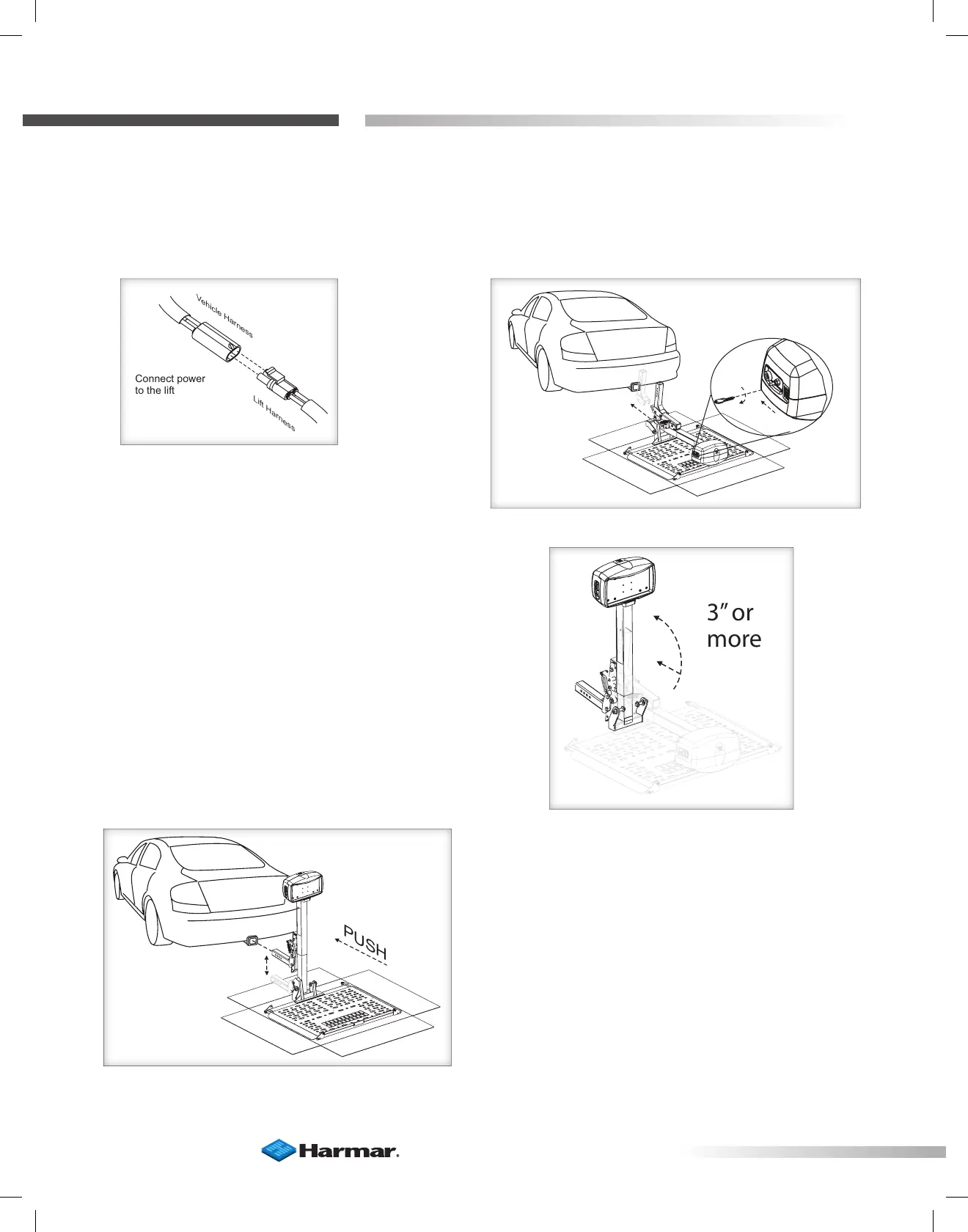
4. Connect power to the lift. [Figure 16-1] Insert and turn key.
Press ‘DOWN’ to extend the lift. [Figure 16-2]
5. When extended 3” or more ip up to
vertical. [Figure 16-3]
Figure 16-1
Figure 16-3
Figure 16-2
Figure 16-4
6. Align the hitch adapter, using the
power of the lift. The lift will slide on the
cardboard box. [Figure 16-4]









 To Next Page