.
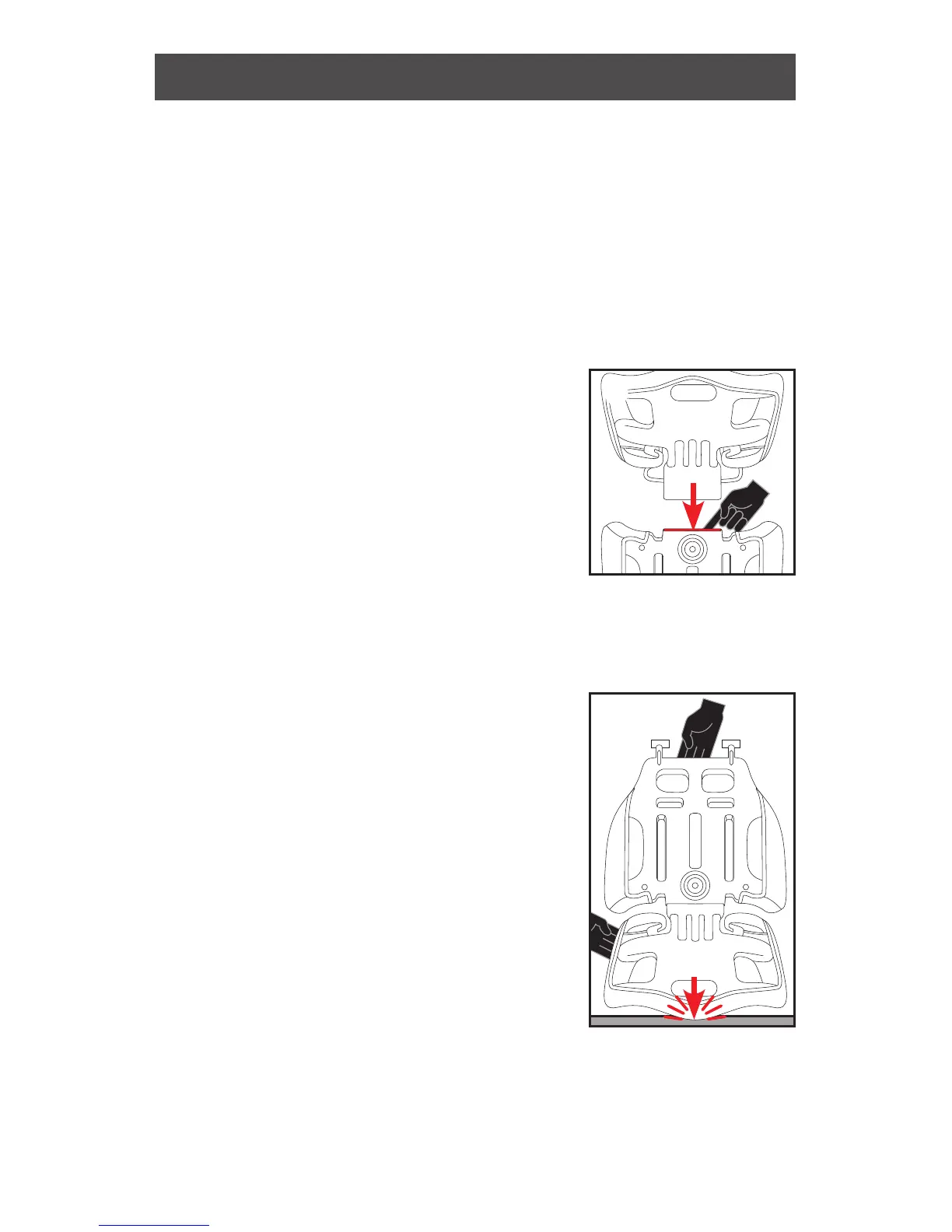
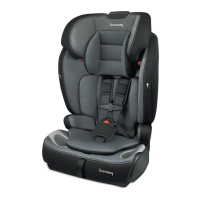
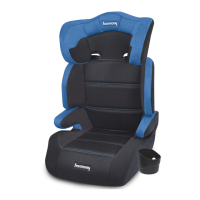
1. Idenfy both the headrest and backrest. Ensure that
the headrest and the backrest side impact
supports face you (both face the same direcon).
2. Push the Headrest Height Adjuster. While holding
the buon pressed in, insert
the rectangular extension of the
headrest into the opening at the
top of the backrest as far as it will
go ❶.
3. While holding the Headrest Height
Adjuster pressed in, push down
hard unl the headrest is fully
inserted. Press buon to lower the headrest to the
desired posion.
: If you have diculty inserng headrest, try
rocking headrest side to side
as you push down to insert
one side, then the other.
: If you are sll having problems
inserng the headrest, follow
steps #1-2 above, then turn
the enre unit upside-down
and, with the Headrest
Height Adjuster pressed in,
force headrest into backrest
by pressing down against the
oor. Turn unit upright and check if headrest is
properly inserted in backrest ❷.
❷
❶
15





 To Next Page