21
English
GB
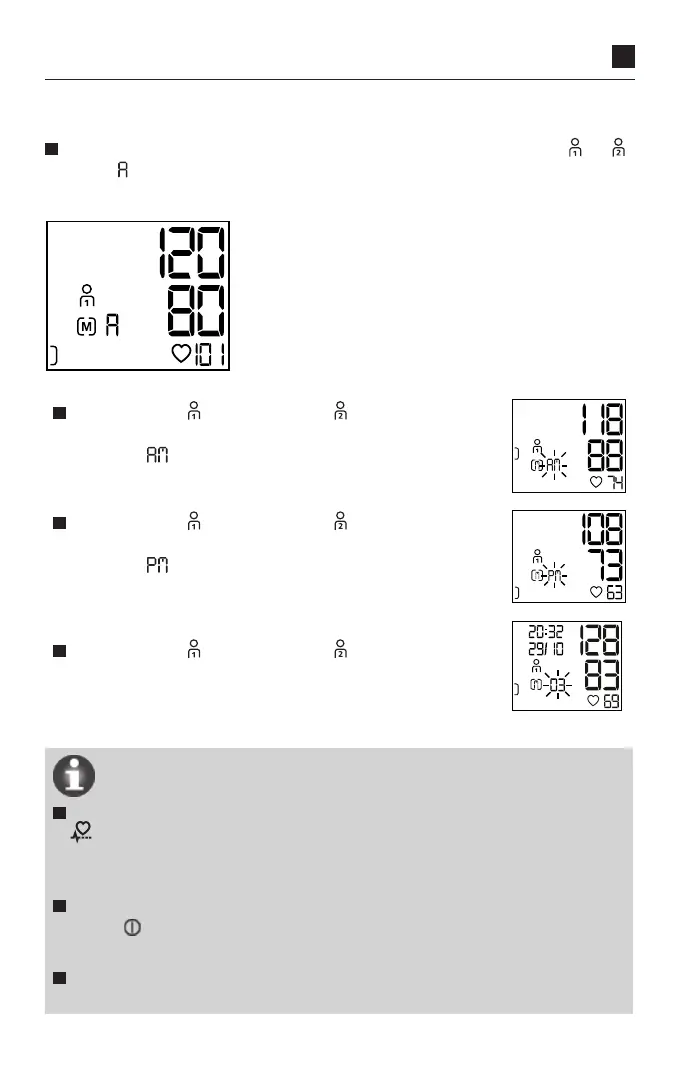
Average values
After selecting the particular user memory, the corresponding symbol or
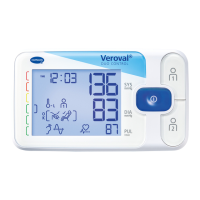
and an appear on the display. The average value of all the data stored for
the particular user memory is displayed (see Fig. 1).
Fig.1
By pressing the button again (or button if you are in
user memory 2), the average values for all morning meas-
urements ‘ ’ (5.00 am to 9.00 am) taken on the last 7
days appear.
By pressing the button again (or button if you are in
user memory 2) the average values for all evening meas-
urements ‘ ’(6.00 pm to 8.00 pm) taken on the last 7
days appear.
Individual measured values
By pressing the button again (or button, if you are
in user memory 2), all memory values can be retrieved one
after the other, starting with the most recent measured
value.
If an irregular heartbeat was detected during measurement, that information
is also stored and displayed when the measured value is retrieved from
the monitor’s memory along with the systolic and diastolic blood pressure
readings, pulse rate, time, date and year.
You can cancel the memory recall at any time by pressing the START/STOP
button . Otherwise, the monitor will switch off automatically after a few
seconds.
Even if the power supply is interrupted, e.g. when changing the batteries,
the stored values will still be available.



 To Next Page