20
English
GB
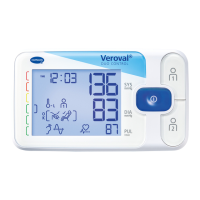
In addition to the measured values, the time, date, the associated user mem-
ory or as well as the associated memory numbers (e.g. [ ] ) appear.
The measured value is automatically stored in the displayed user memory. As
long as the result of the measurement is displayed, you can assign values to
the corresponding user memory by pressing the or button. If you do not
assign them, the measured value is automatically stored in the displayed user
memory. You can use the results indicator on the left of the display to classify
your measurement result (see table in Chapter 3 Blood pressure information).
To switch off the monitor, press the START/STOP button , otherwise the
monitor will automatically switch off after 1 minute.
If you wish to stop the measurement for any reason, simply press the
START/STOP button. The cuff inflation or measurement is interrupted
and the pressure is automatically released.
If this symbol is shown in the display, the unit has detected an irregular
heartbeat during the measurement. However, the measurement may also have
been disrupted by body movement or speaking. It is best to repeat the meas-
urement. If you see this symbol regularly when measuring your blood pressure,
we recommend that your doctor checks your heart rhythm.
6. Memory function
User memory
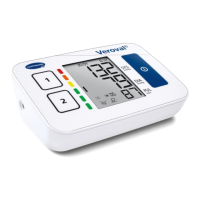
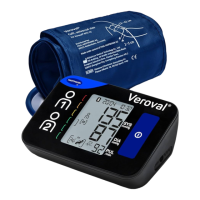
The Veroval
®
upper arm blood pressure monitor stores up to 100 measure-
ments in each user memory. The most recent measured value is always stored
together with the date and time in memory slot no. 1 and all older memory
values are moved down by one memory slot. Once all memory slots are occu-
pied, the oldest value is deleted.
Memory recall is activated by pressing the or button when the monitor
is switched off. For values saved in the first user memory, press the button,
for the second user memory press the button.



 To Next Page