EasyManua.ls Logo

Hayward AquaRite 100 - User Manual

Hayward AquaRite 100
60 pages
Print Icon
To Next Page IconTo Next Page
Loading...
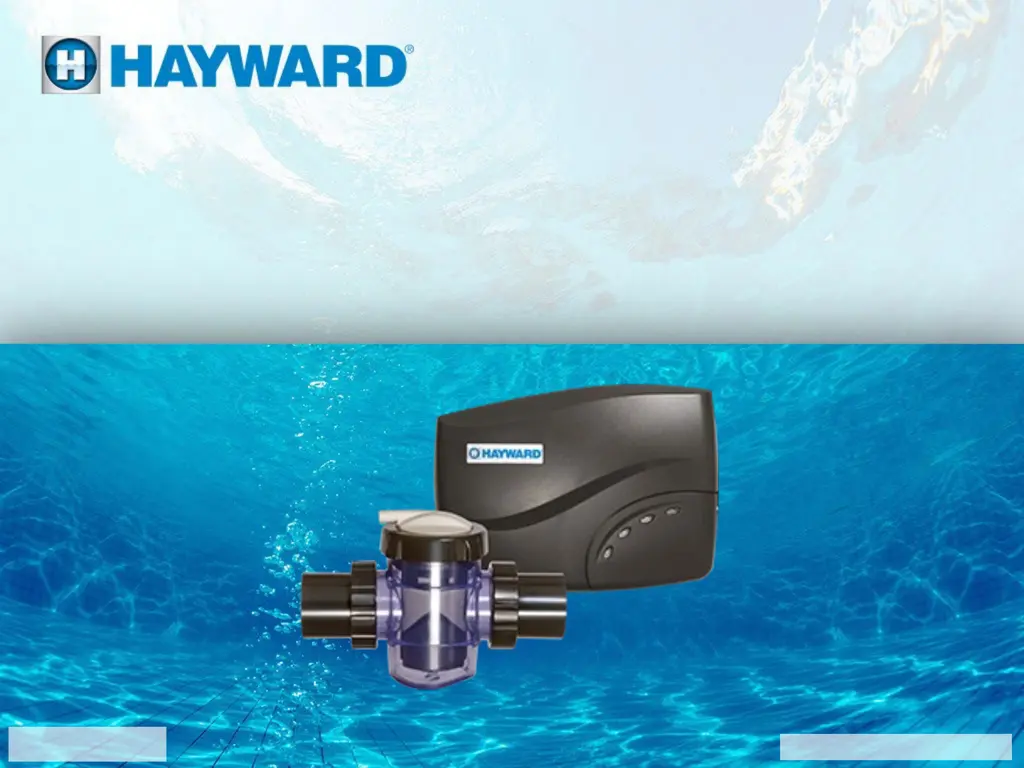
AquaRite 100®
Technical Training Guide
TSG-AQR100c
Copyright 2022 Hayward Holdings Inc.

Other manuals for Hayward AquaRite 100

Questions and Answers

  • J
    James MartinezAug 2, 2025
    What to do if low water flow is detected in my Hayward AquaRite 100 Water Pump?
    • A
      Amy ReedAug 2, 2025
      If you're experiencing low water flow with your Hayward Water Pump, first check the plumbing for any obstructions or flow-related issues. Also, make sure to verify that the filter is clean.
  • D
    David TurnerAug 6, 2025
    What to do if no water flow is detected in my Hayward AquaRite 100?
    • P
      Patrick AndradeAug 6, 2025
      If no water flow is detected in your Hayward Water Pump, first verify that the pump is turned on. If it is on, remove power for two minutes and then restore it.
  • T
    Tyler BakerAug 10, 2025
    How to turn on Hayward AquaRite 100?
    • V
      vgibsonAug 10, 2025
      If the power to your Hayward Water Pump is off, simply turn the power to the pump on.
  • F
    Felicia JohnsonAug 15, 2025
    What to do if AQR 100 of Hayward Water Pump is between generating cycles?
    • C
      christinachapmanAug 15, 2025
      If your Hayward Water Pump's AQR 100 is between generating cycles, you can either wait until the next generating cycle begins or cycle the power to the AquaRite 100.
  • D
    Dylan LambertAug 19, 2025
    What to do if there is no power to AQR100 Hayward Water Filtration Systems?
    • J
      jonescodySep 12, 2025
      If there is no power to your AQR100 Hayward Water Filtration System, turn the power to the pump “ON” and check the breaker.
  • P
    parkandrewAug 23, 2025
    What to do if there is no power to display in Hayward Water Filtration Systems?
    • G
      Gregory GonzalezAug 23, 2025
      If there is no power to the display of your Hayward Water Filtration System, test the voltage from the PCB to the display.
  • J
    John ShermanAug 27, 2025
    What to do if there is no power to PCB in Hayward Water Filtration Systems?
    • R
      Ryan WilliamsAug 28, 2025
      If there is no power to the PCB in your Hayward Water Filtration System, test the transformer.

Summary

Safety Precautions

High Voltage Electrocution Hazard

Details hazards related to high voltage and necessary precautions for safe operation.

System Overview

How the AquaRite 100 Works

Explains the fundamental operation of the AquaRite 100 salt chlorine generator.

Display Layout

Identifies and labels all components of the AquaRite 100 control panel display.

Display Function

Explains the purpose and meaning of each indicator and button on the control panel.

Main PCB Layout

Illustrates the main printed circuit board and labels its key electrical components.

Chemistry Requirements

Lists the optimal water chemistry parameters for pool sanitation.

How To Guides

Input Voltage Configuration

Guides on setting up the unit for 120 VAC or 240 VAC power supply.

Adjust Chlorine Output

Details how to set and adjust the daily chlorine production level.

Clean the Cell

Provides step-by-step instructions for cleaning the electrolytic cell.

Test and Replace Cell Cord

Outlines the procedure for testing and replacing the cell connection cord.

Troubleshooting

No LEDs On Display

Addresses issues where no indicator lights are visible on the control panel.

Display Ribbon Installation Error

Explains problems caused by an incorrectly installed display ribbon cable.

Inadequate Water Flow LED Error

Diagnoses and resolves issues indicated by the inadequate water flow LED.

MIN LED and Low Salt Error

Troubleshoots errors related to low salt levels indicated by the MIN LED.

LED #2 and High Salt Error

Diagnoses and resolves issues related to high salt levels indicated by LED #2.

LED #3 or #4 Errors

Covers troubleshooting for low input power (LED #3) and temperature sensor errors (LED #4).

Internal Error LEDs

Addresses internal errors indicated by specific LED combinations (LEDs #5,6,7,9).

LED #8 or MAX Errors

Troubleshoots issues related to low/no current to cell (LED #8) or temperature errors (MAX LED).

Blinking STANDING BY LED

Explains the cause and resolution for the blinking STANDING BY LED due to temperature extremes.

Additional Information

Salt Addition Chart

A chart detailing the amount of salt required for different pool sizes and levels.

Salt Dilution Formula

Explains how to calculate water dilution for reducing high salt levels.

Replacement Part Numbers

Lists part numbers for ordering replacement components.

Reading Serial Numbers

Explains how to interpret the product's serial number for warranty and manufacturing information.

Hayward AquaRite 100 Specifications

General IconGeneral
TypeSalt Chlorine Generator
Salt Level2700 - 3400 ppm
Cell TypeTurbo Cell
Voltage120/240V
Warranty3 years

Related product manuals