Only use spare parts supplied by Hayward
®
Brand
Page 11 on 22Xxxxxx xxxx
EN
English
PROGRAMMING QUICK CLEAN
The pump is equipped with a Quick Clean feature, which can be engaged to temporarily run at higher or lower speeds
ranging from 1500 to 3000 RPM. At the end of a Quick Clean cycle, the pump will automatically return to the appropriate
point in its programmed schedule.
To program Quick Clean: 3450<>-+StopStartEnterSettingCleanQuick41Display
1. Press Start/Stop to stop the pump.
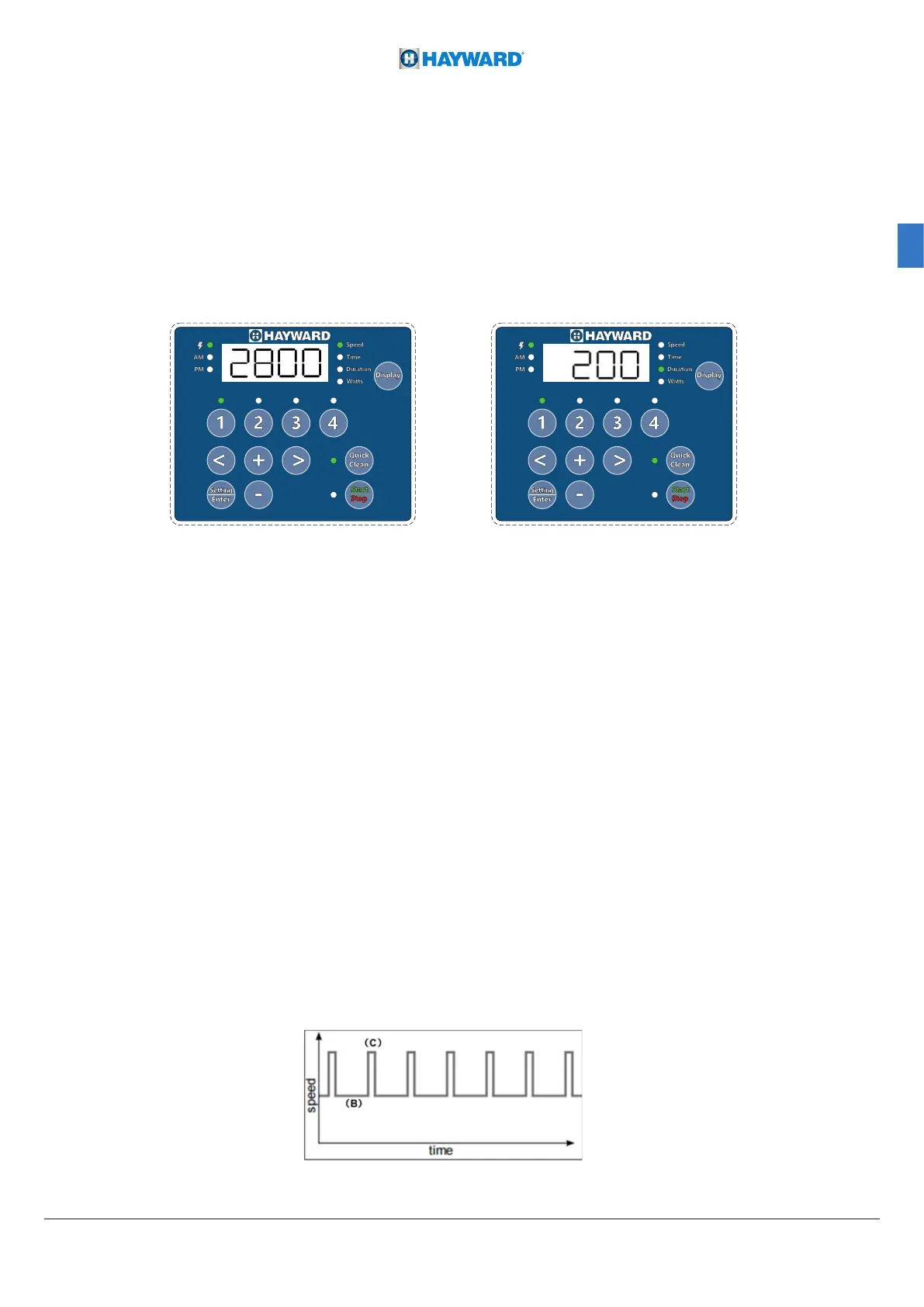
2. Press Quick Clean. The Quick Clean LED and “Speed” parameter LED will blink while editing. See Figure 14.
3. Use “+” and “-” to adjust the Quick Clean speed in RPM,use the “<” and “>” move the cursor.
Note: The speed adjustment is available in the individual, tens and hundreds.
4. Press Quick Clean. The Quick Clean duration will display. The “Duration” parameter LED will blink while editing. See
Figure 7.
5. Use “+” and “-” to adjust the Quick Clean duration in hours and minutes,use the “<” and “>” move the cursor.
Note: The duration adjustment Stepping is HH:M0(Hour: 10xMins)
Note:The duration can be adjusted from 10 minutes to 24 hours
Note: Quick Clean duration does not affect the start
FACTORY RESET
The drive can be reset to factory settings if necessary.A Factory Reset will erase all programmed settings and schedules,
except for the Clock Setting. Be sure that it is necessary before performing a Factory Reset, as the results are immediate.
To perform a factory Reset
1. If the pump is running, press the Start/Stop button to stop the pump.
2. Press and hold “1”, “2” for 3 seconds.
3. If factory reset is successfully , you will hear a 3-second prompt tone.
4. Reprogram the schedule and priming speed as described in the previous sections. The pump must be turned back
on with the Start/Stop button before it will run again. The pump will run the programmed schedule upon initial start-up.
Figure 6
Figure 7
SKIMMING
The Skimmer function allows the pump to skim just the water's surface, which is especially useful for preventing dirt from
accumulating and stagnating at the surface of the pool. The function is automatic: the pump will run at a higher speed(c)
for a while and according to a set cycle(b), both of which you can adjust. After running at a higher speed, the pump will
adjust to its normal rate - this is the case in both the Manual and Timer Mode.





 To Next Page