-------------------------------------------------
-------------------------
-
RM22A/RM22D
OPERATIONS MANUAL
HealthCare Information, LLC 25
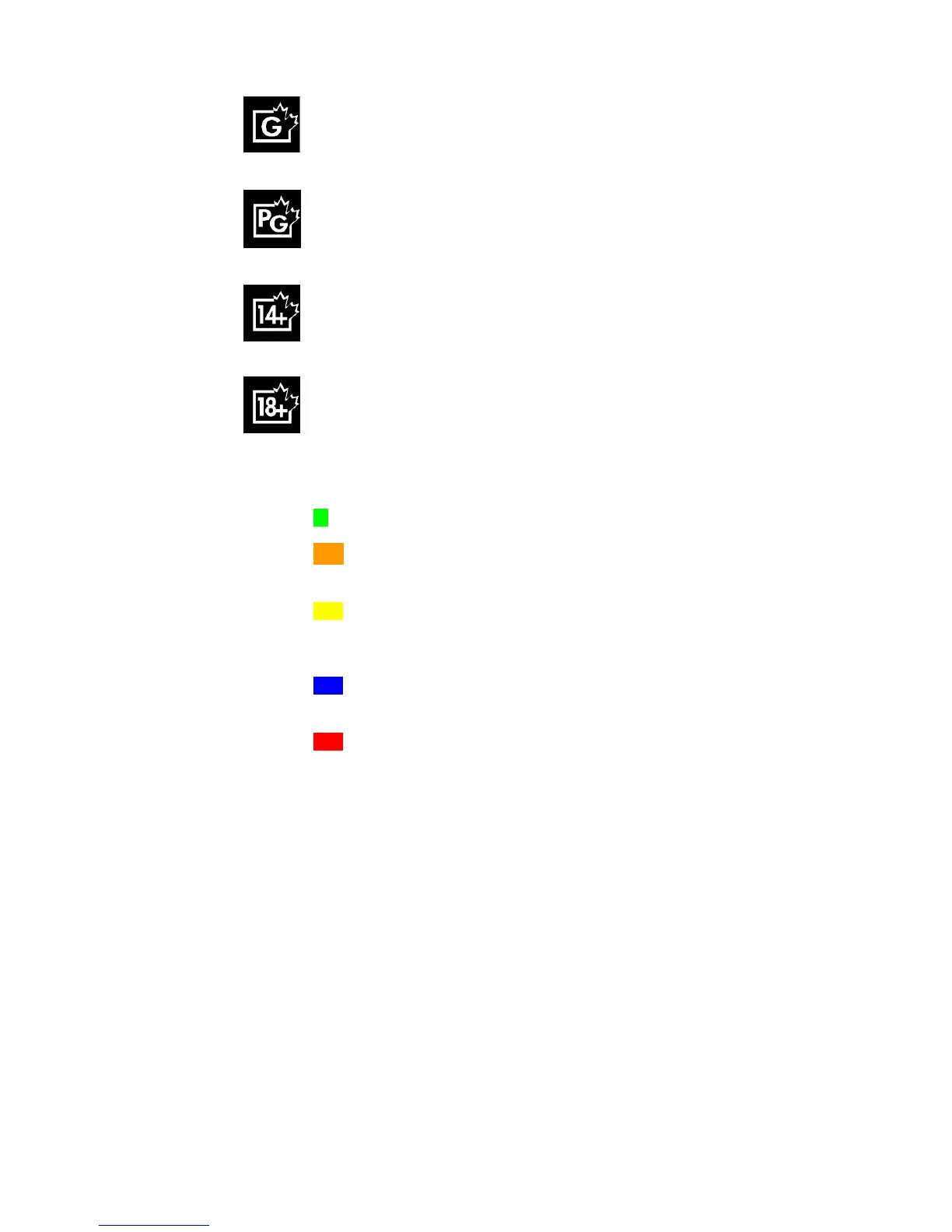
G
Content suitable for the entire family. Minimal violence, no profanity or
sexual content.
PG
Parental guidance suggested. Moderate violence, mild profanity, brief
nudity and sexual references allowed if important to the story line.
14+
Content intended for viewers over 14 years of age.
18+
Content intended fo
r viewers over the age of 18. May contain strong
violence, language and sexual activity.
Quebec Ratings
G
Content appropriate for all ages. Little or no violence or sexual content.
8+
Content appropriate for children over the age of 8. May cont
ain little
violence, some foul language and little or no sexual content.
13+
Content appropriate for teenagers over the age of 13. May contain
moderate violence, language and some sexual situations. Children under
the age of 13 should be accompanied by
an adult.
16+
Content appropriate for teenagers over the age of 16. May contain strong
violence, language and sexual content.
18+
Content for adults over the age of 18 only. May contain extreme violence,
graphic sexual content and pornography.
E
Ex
empt programming. No rating will appear on screen.
Setup
1.
Enter the setup menu. See page 16.
2.
Go to the LOCK MENU and select PARENTAL CONTROL. Press the right arrow button.
3.
Enter password.
Default password is “9999”.
4.
Select CHANGE PAS
SWORD if you wish to change the password.
Follow the on
-
screen
prompts to change
the password.
5.
Select RRT SETTING. Use the right arrow button to select the highest rating you wish to
allow. You can reset the RRT SETTING to factory default.
6.
Sel
ect TV R
A
TING. Press the right arrow button.



 To Next Page